TABLE OF CONTENTS
Overview
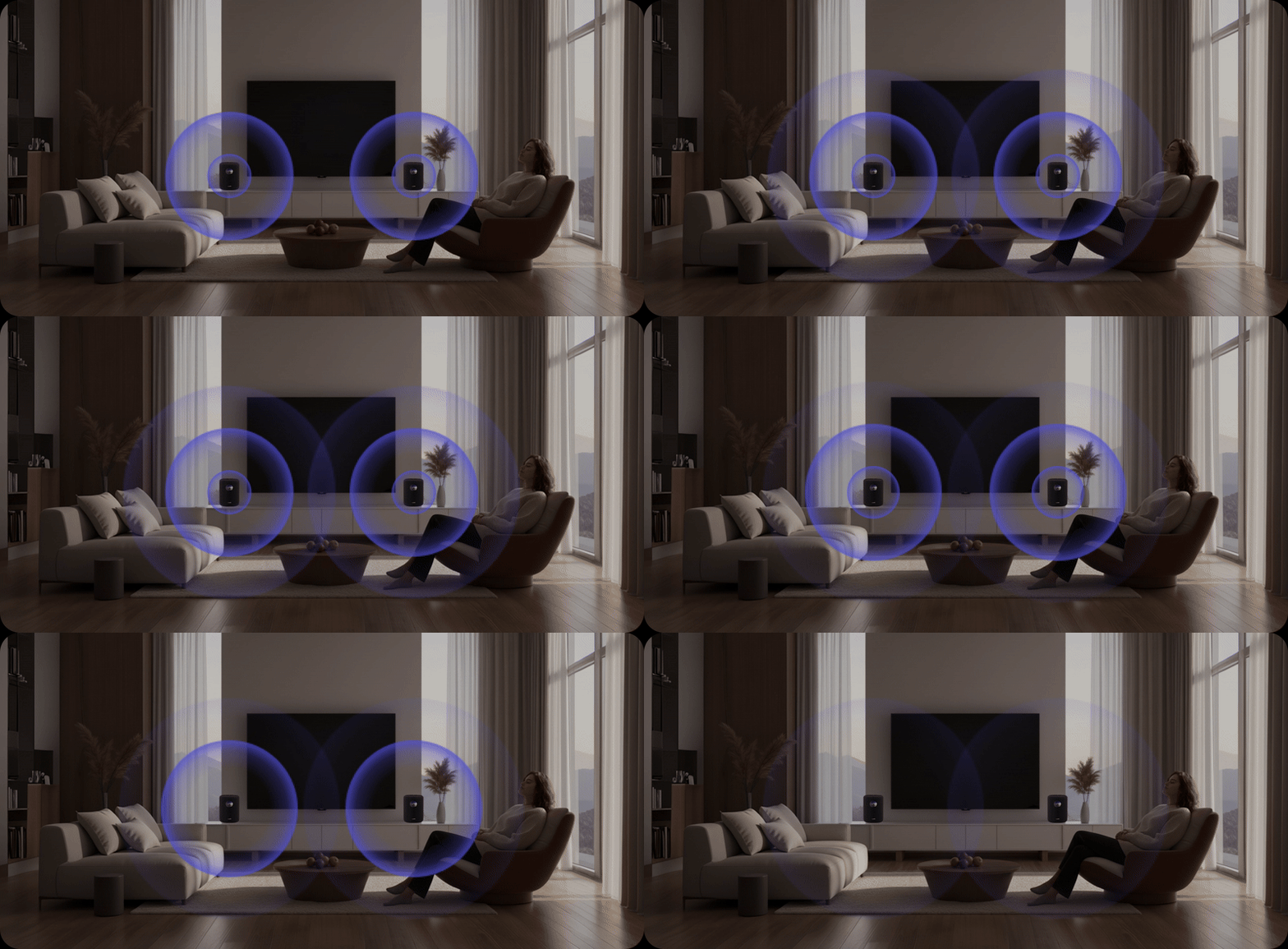
You can group two WiiM Sound/Sound Lite speakers as a stereo pair. The stereo pair provides the following benefits:
- Wider soundstage: Separate left and right channels create a wider, more immersive listening experience.
- Improved audio clarity: Each speaker handles a dedicated channel, providing clearer, more detailed sound than a single speaker playing mono audio.
- Higher volume and balanced output: Two speakers distribute the audio output for fuller, more balanced sound.
- Flexible placement: Position each speaker to suit your room layout and acoustics.
- Enhanced music playback: Stereo separation provides a more natural and engaging experience for music listening.
You can also use these two speakers in a broader WiiM home theater setup. For example, assign them as the Surround Left and Surround Right channels. For details, see Setting Up WiiM Sound/Sound Lite as Center and Surround Speakers in a WiiM 5.1 Surround Sound System.
Supported Configurations
You can choose any of the following configurations to set up a stereo pair:
2 × WiiM Sound
2 × WiiM Sound Lite
1 × WiiM Sound + 1 × WiiM Sound Lite
Create a Stereo Pair
Before You Begin
- Set up two WiiM speakers: Set up the two WiiM Sound/Sound Lite speakers and connect them to the same network. For detailed instructions, see How to Set Up Your WiiM Sound and How to Set Up Your WiiM Sound Lite.
- Position the WiiM speakers properly: Place the WiiM speakers at ear level and keep a proper distance for optimal sound quality. For instructions, see How to Position Two Speakers for a Stereo Pair.
Step-by-Step Instructions
- Open the WiiM Home app.
- Go to the Devices tab.
- Locate the speaker you want to use as the lead device, then tap its Device Settings icon
 .
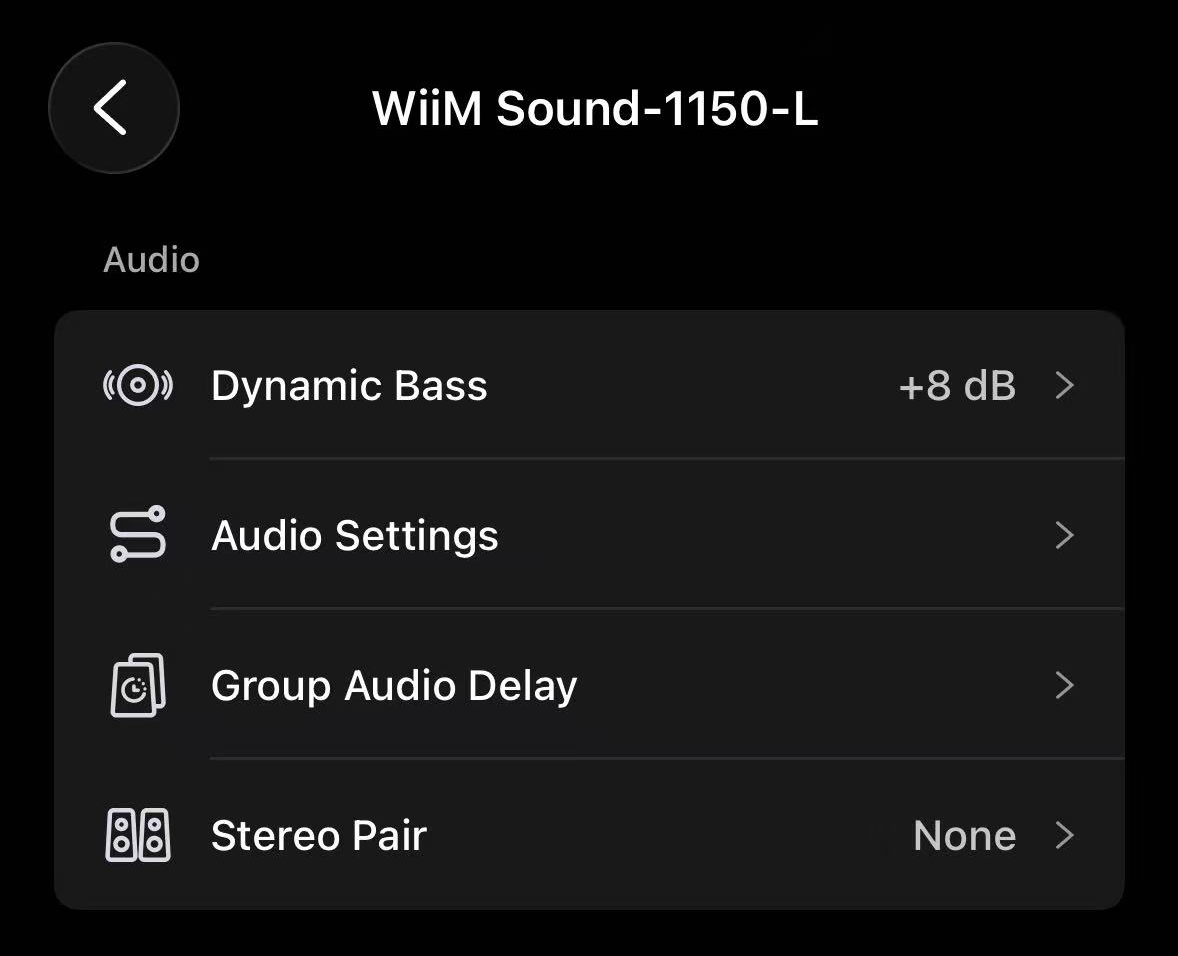
- Scroll down to the Audio section and select Stereo Pair.
- Select the other WiiM Sound/Sound Lite speaker to pair.Tip: Tap the
 icon to swap the L/R channels.
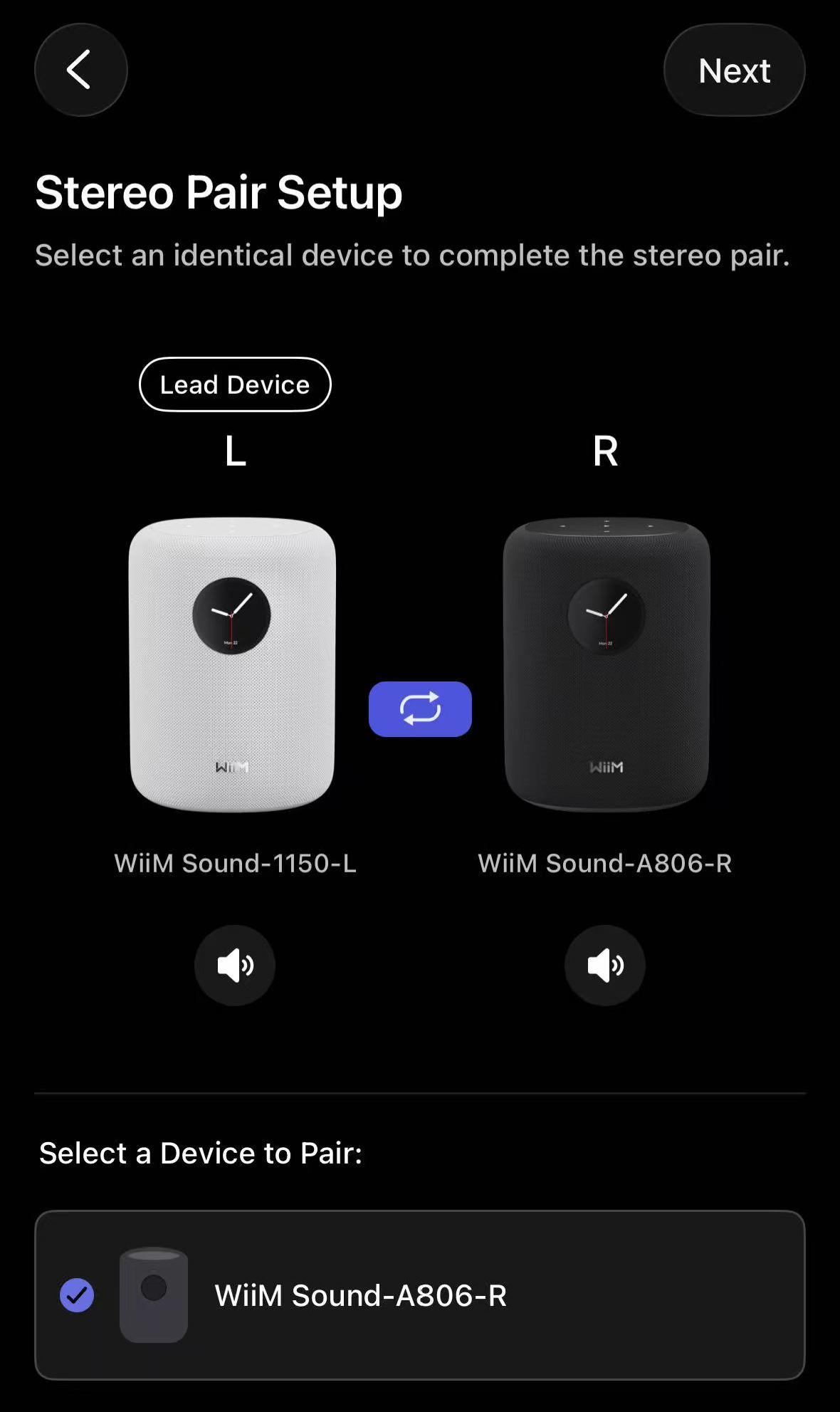
- Tap Next to proceed and complete the setup.
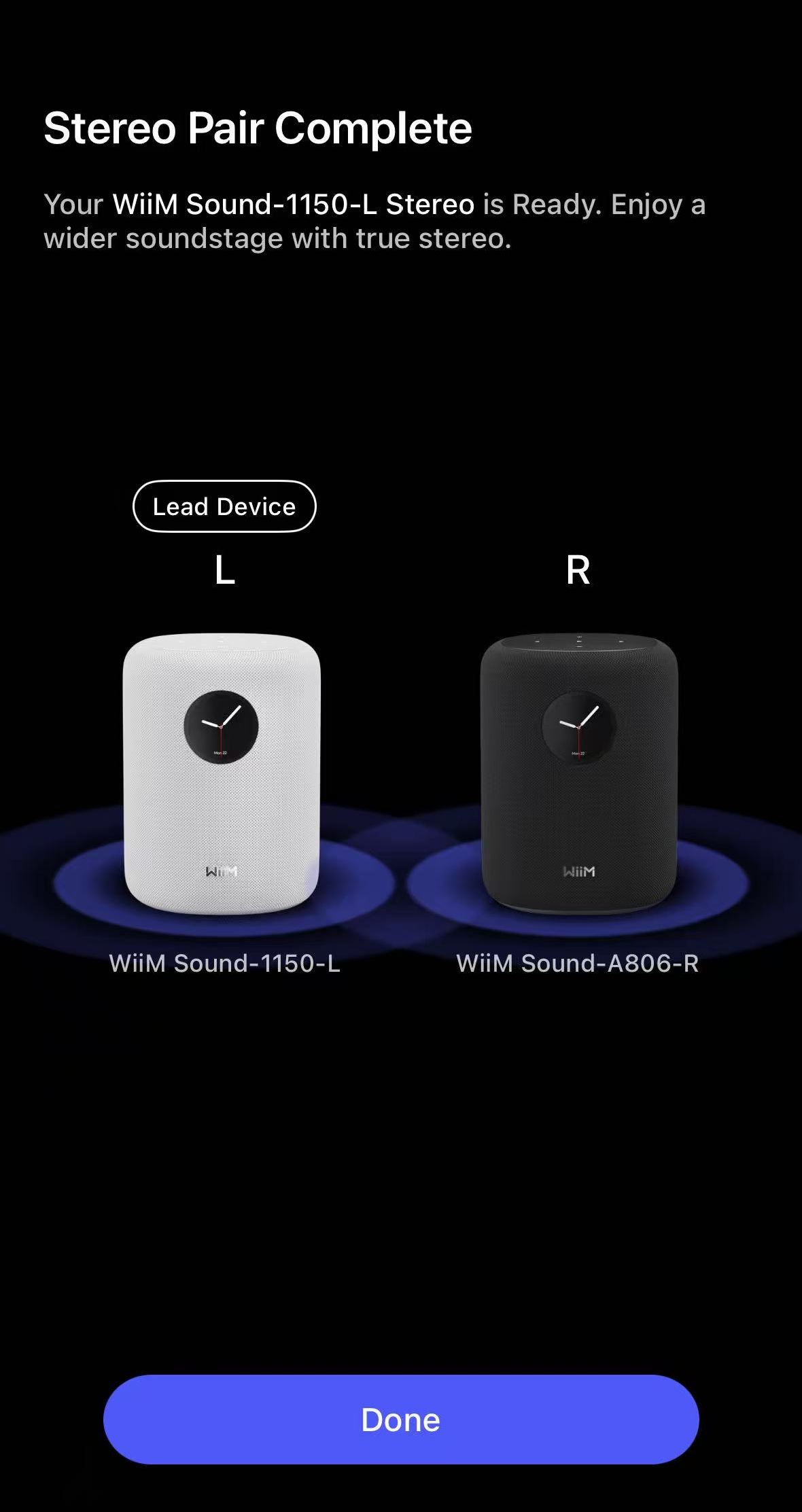
Manage the Stereo Pair
After setup, the stereo pair appears as a single device on the Devices tab. From here, you can manage the stereo pair.
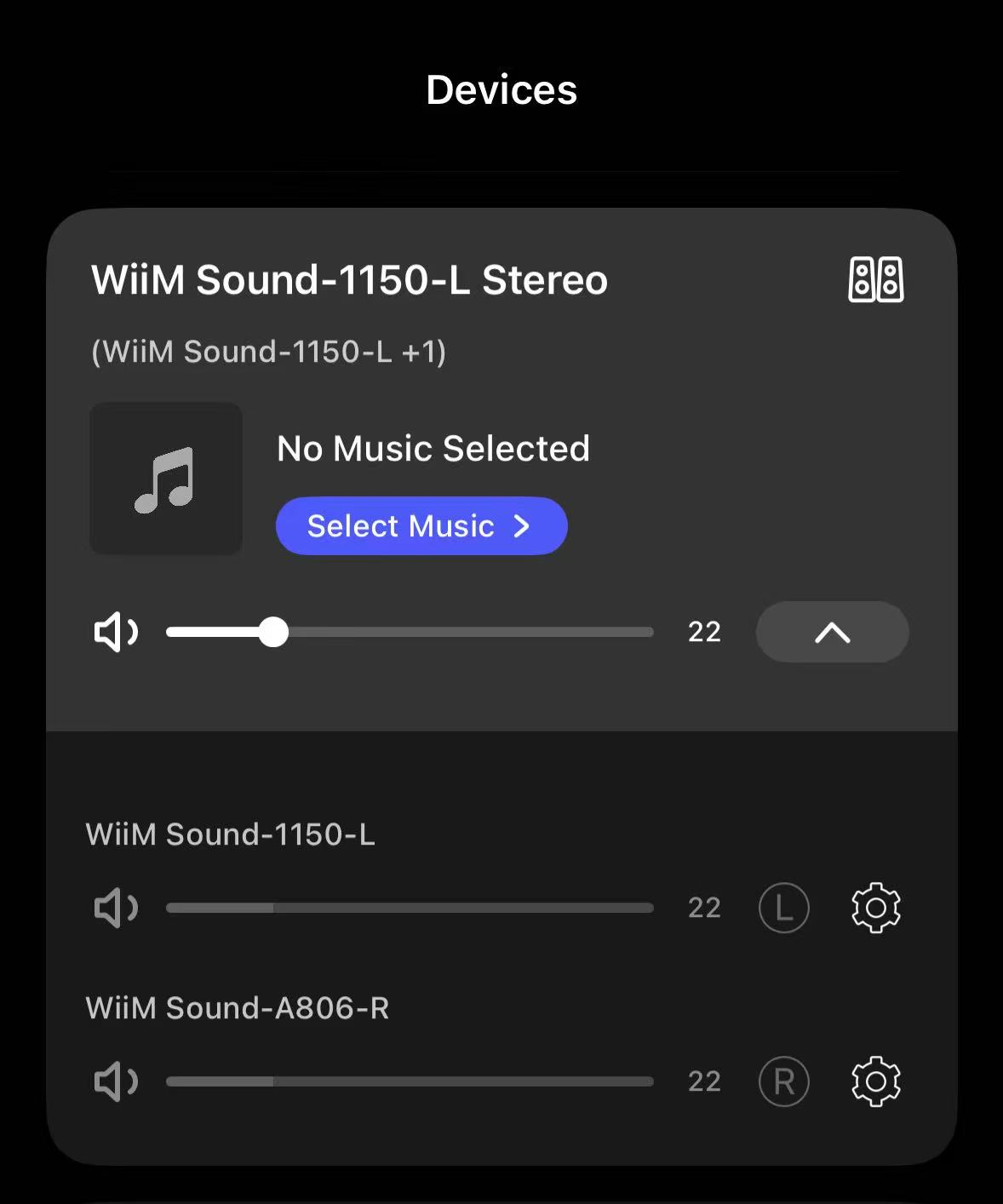
Adjust the Stereo Pair Volume
Use the volume slider to adjust the volume of both speakers together.
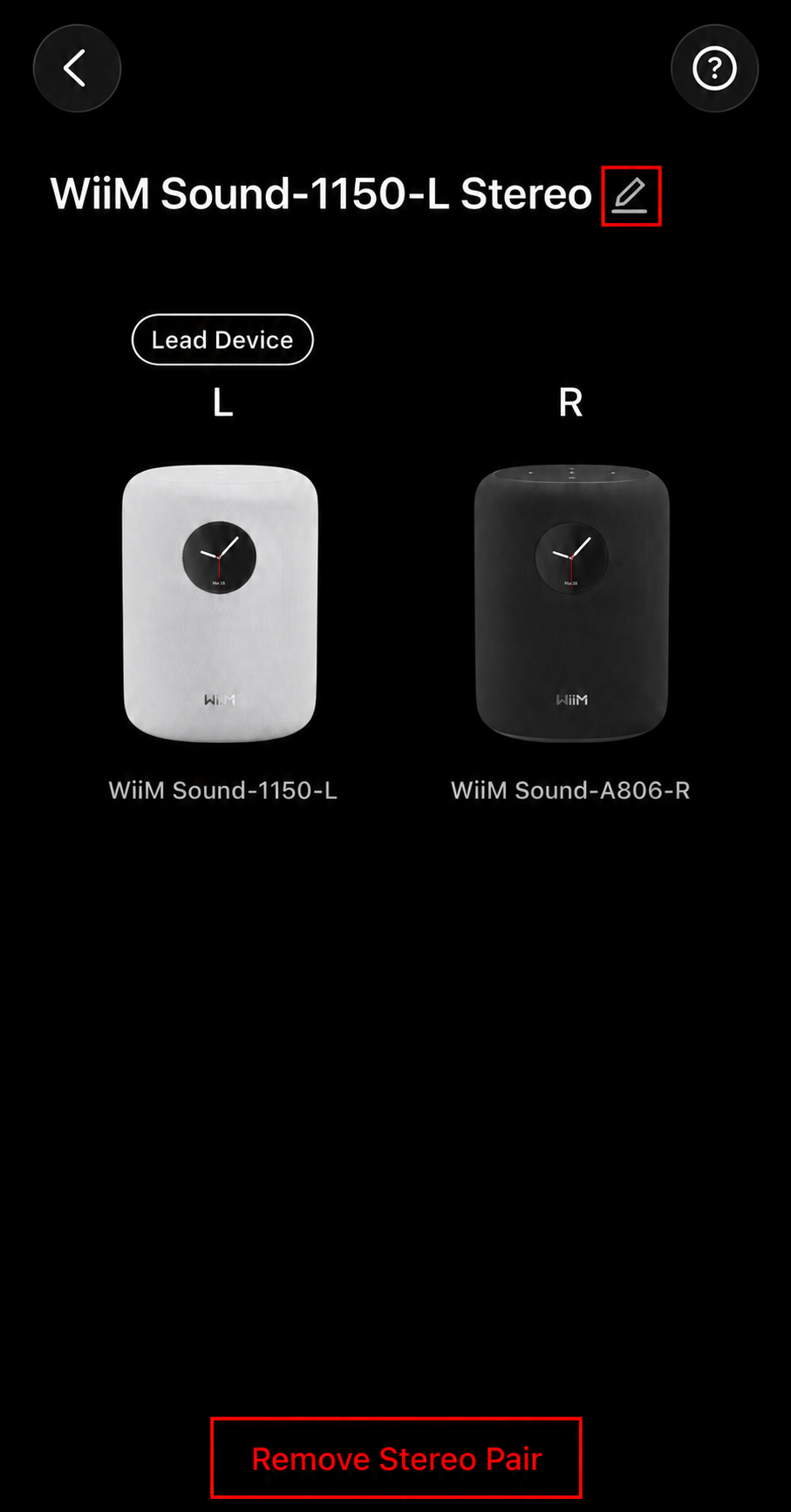
Rename or Remove the Stereo Pair
Tap the  icon in the upper-right corner to open Stereo Pair Settings. From here, you can rename or remove the stereo pair.