
TABLE OF CONTENTS
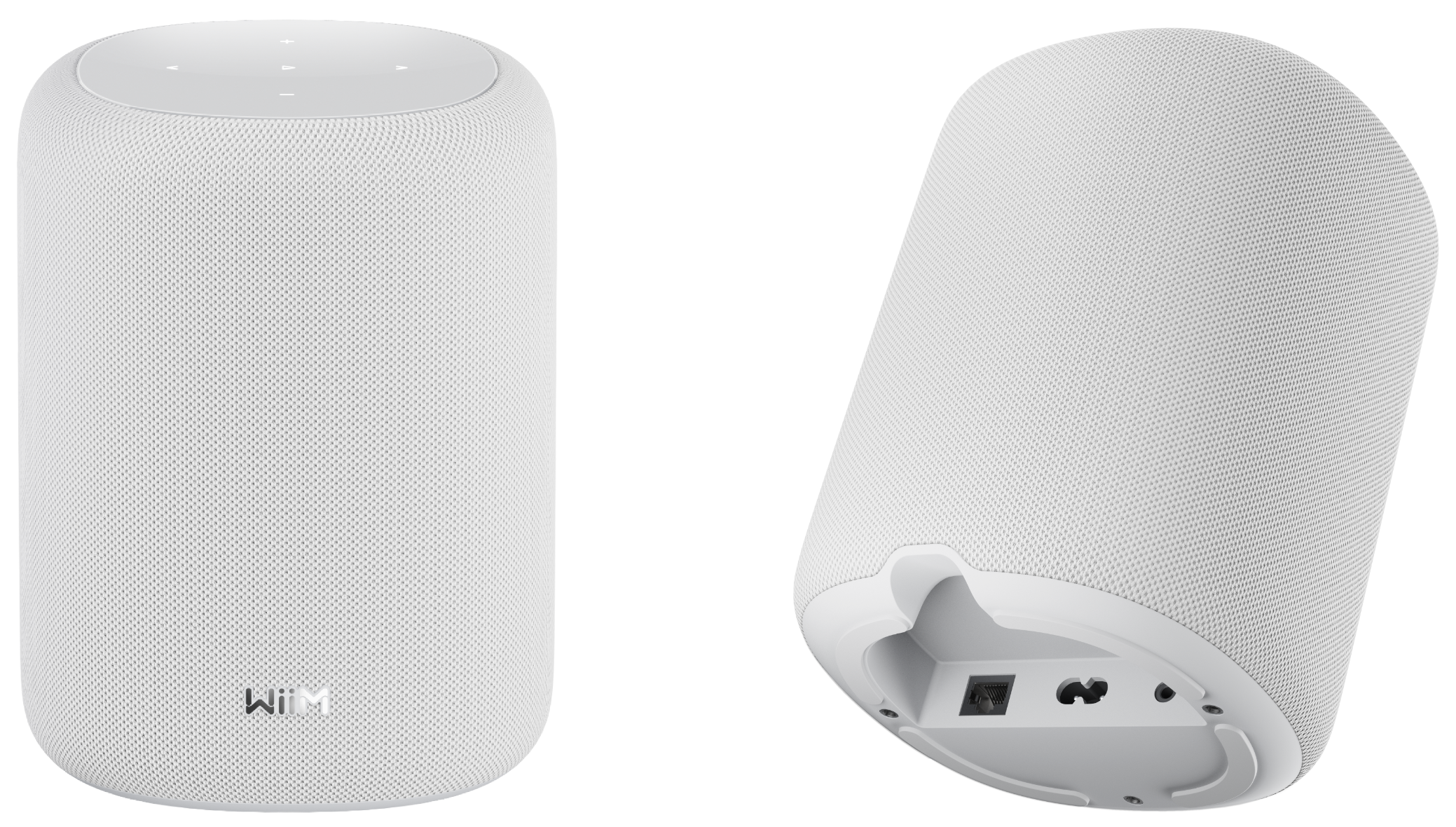
WiiM Sound Lite is a smart speaker with a 2.1 stereo system that delivers high-resolution audio up to 192kHz/24-bit. Seamlessly integrated with the WiiM Home app, major streaming services, and voice assistants like Alexa and Google Home, it provides an easy and immersive listening experience. It supports both wired and wireless connections for flexible use.
This tutorial will walk you through the step-by-step setup guide to get your WiiM Sound Lite up and running.
What You'll Need
To integrate the WiiM Sound Lite with your WiiM system, you'll need:
- A WiiM Sound Lite
- A smartphone or tablet
- Wi-Fi connection
- (Optional) Ethernet connection
- (Optional) A external audio source
Step-by-Step Setup Guide
1. Unbox the WiiM Sound Lite
Open the box, and you'll find the following items inside.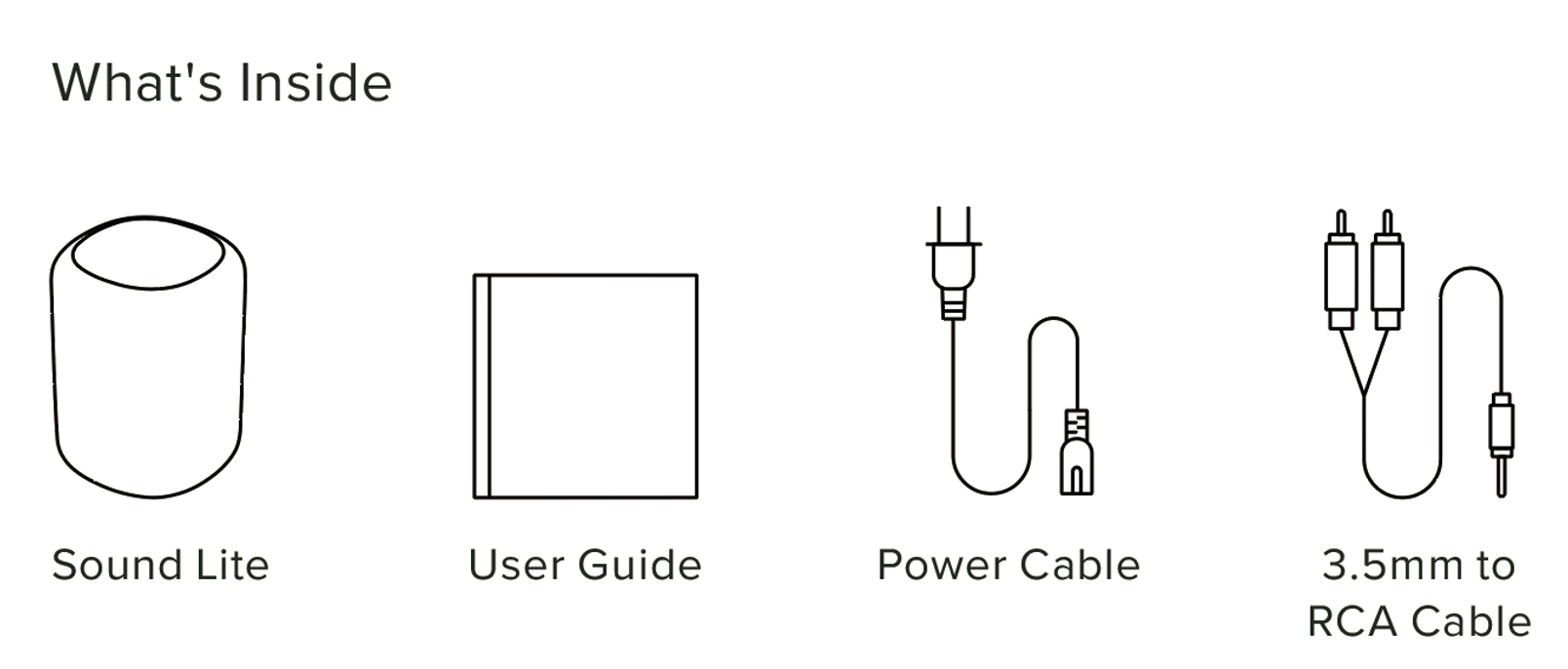
2. Power on the WiiM Sound Lite
Connect the WiiM Sound Lite to a power source using the provided power cable. The WiiM Sound Lite will automatically power on and enter Wi-Fi setup mode.
If the WiiM device does not enter setup mode automatically, press and hold the Play button on the device for 3 seconds to trigger it manually.
3. Download the WiiM Home App
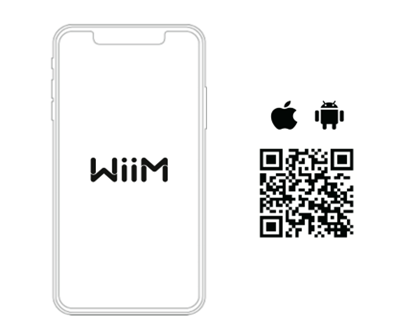
Use your smartphone or table to scan the following QR code to download the WiiM Home app. The app will be used to set up and configure the WiiM Sound Lite.
4. Set Up the WiiM Sound Lite through the WiiM Home App
Follow the video tutorial below to complete the setup:
Alternatively, follow the text instructions below to complete the setup:
- Open the WiiM Home app on your smartphone or tablet.
- When your device automatically appears in the app, tap Set Up to start the process.
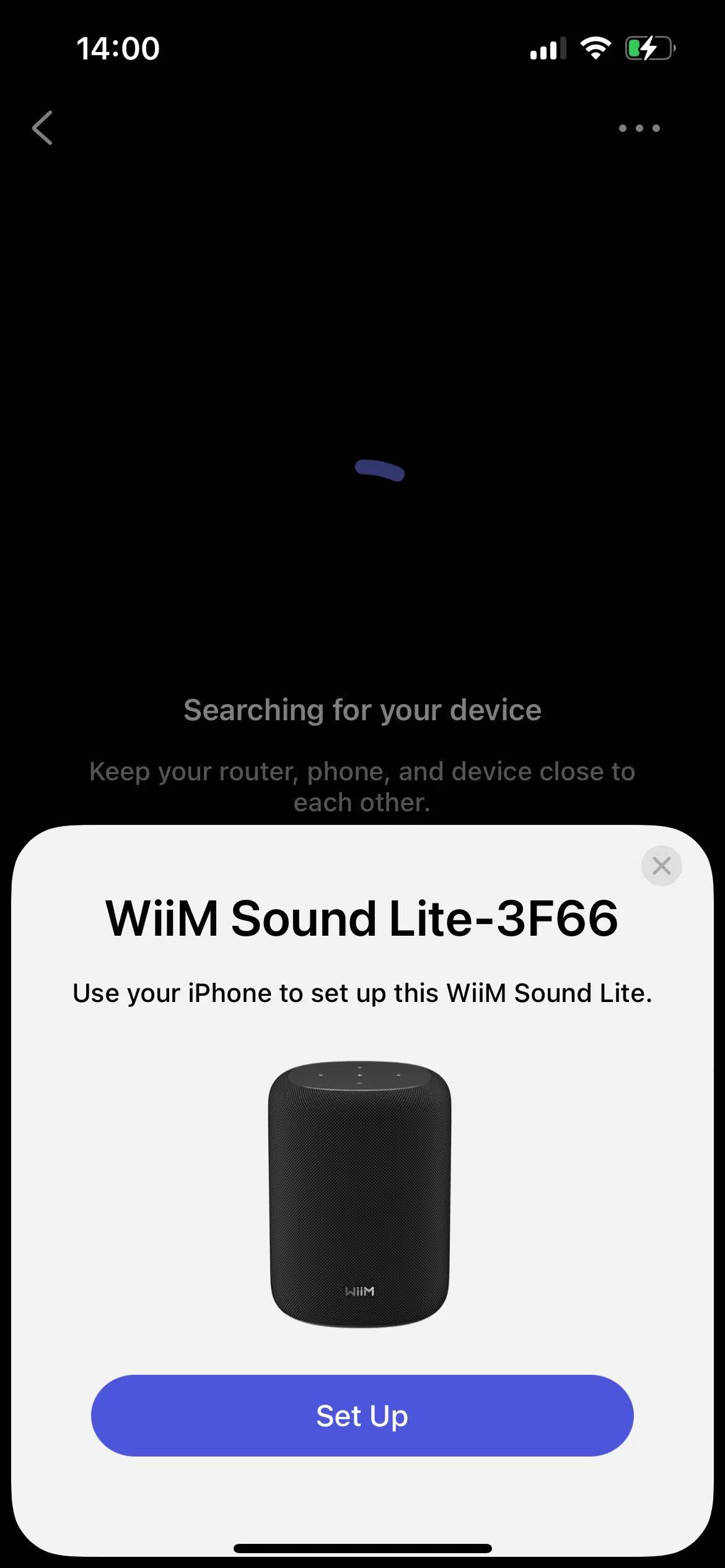
Troubleshooting: What if my WiiM device does not appear in the WiiM home app?
Go to the Devices tab and tap Add Device in the top-right corner to trigger the setup process.
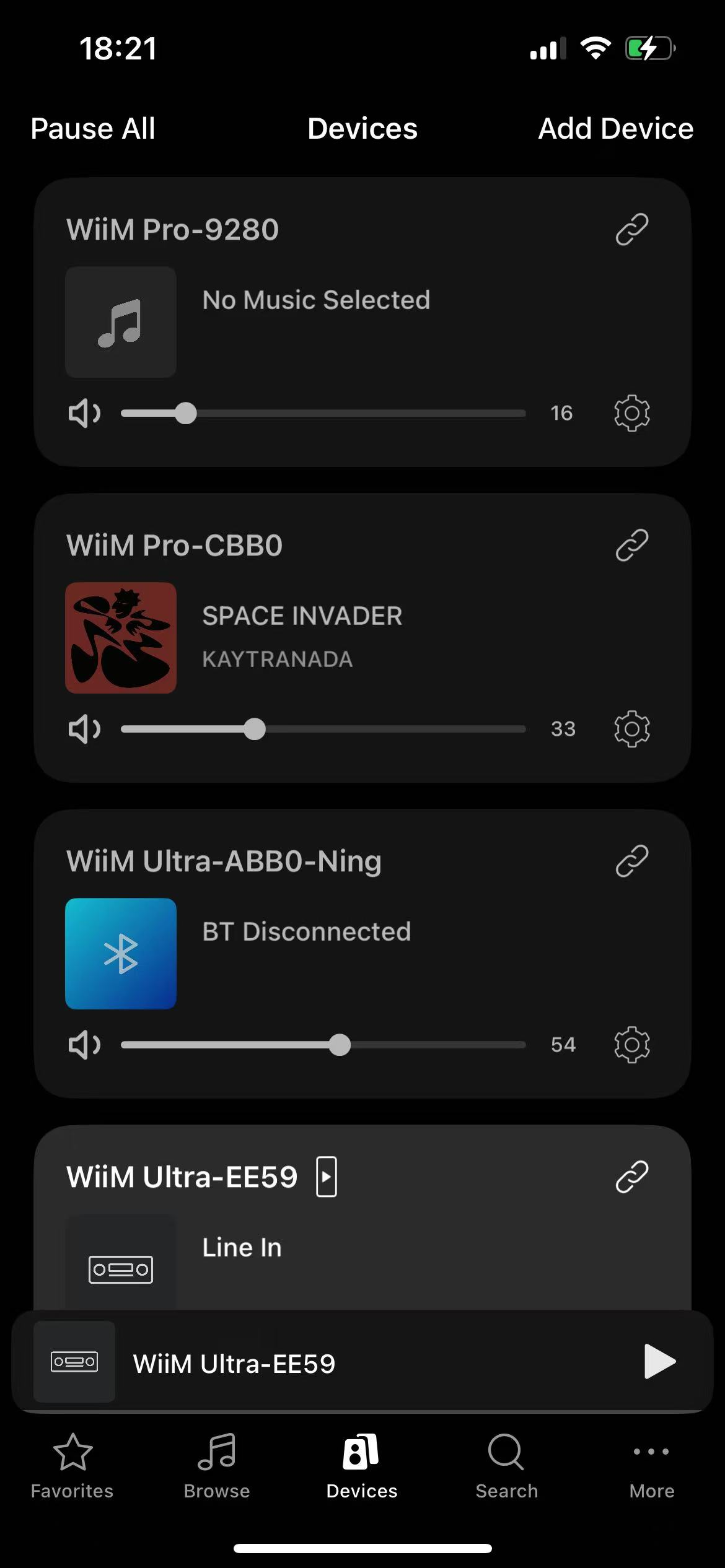
- Follow the on-screen instructions to complete the setup process.
During setup, you'll complete these main steps:
- Connect the WiiM Sound Lite to the Wi-Fi network.
- Check for firmware updates.
- Pair the WiiM Voice Remote (if any). For detailed instructions, see How to Set Up Your WiiM Voice Remote 2.
- Peform RoomFit™ correction. For detailed instructions, see How to Perform RoomFit™ to Calibrate Your WiiM Sound for Your Room.
5. Play Music and Enjoy Deep Bass
Now, stream your favorite music and radio stations through the WiiM Home app or your preferred apps over Wi-Fi or Bluetooth, and enjoy seamless, high-quality playback.
Alternatively, connect an external audio source (e.g., an amplified turntable, CD player, or MP3 player) to the WiiM Sound‘s AUX In port for local playback.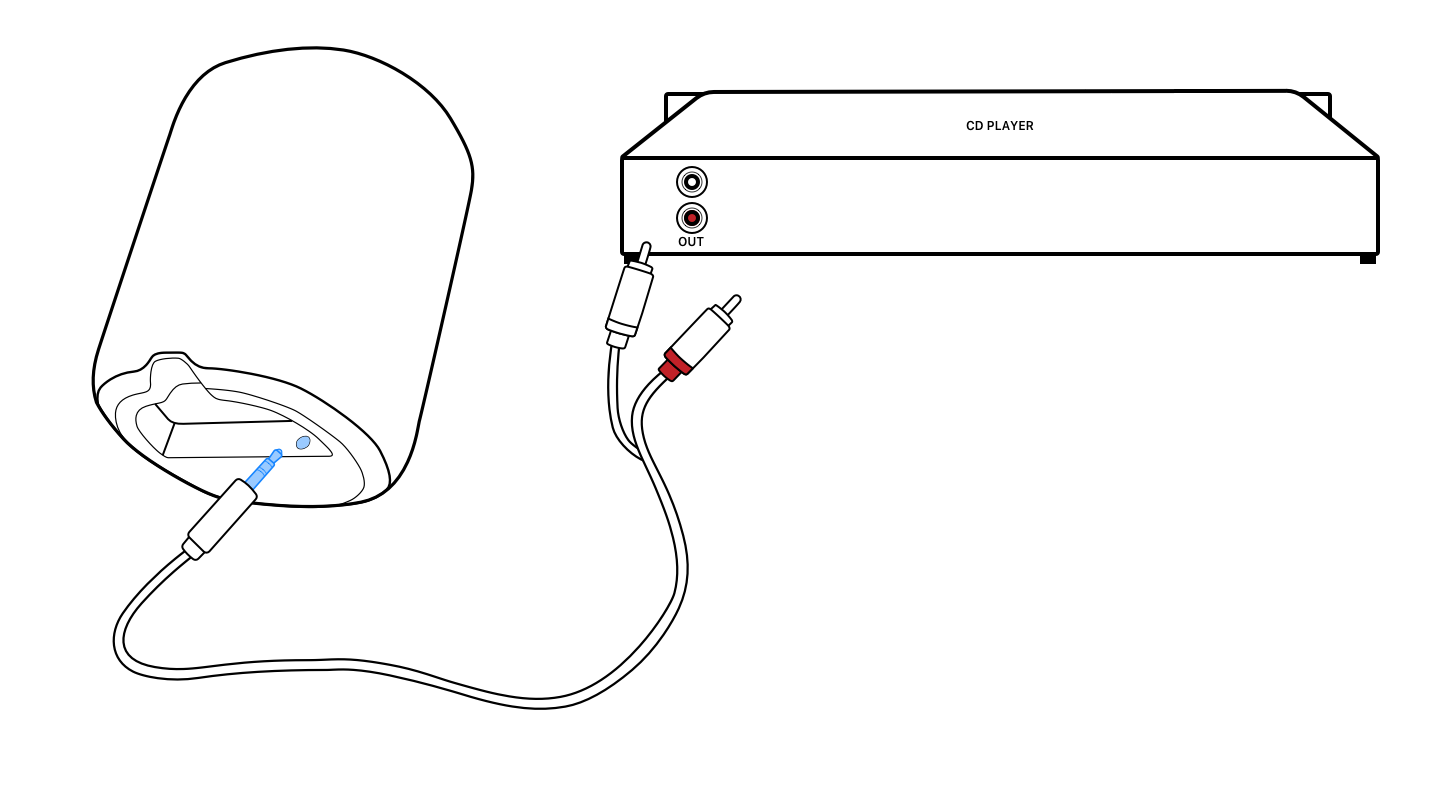
Tips and Troubleshooting
- Playback Issues: If you experience playback issues (e.g., network streaming dropouts), see General Troubleshooting Guide for WiiM Playback Issues for solutions.
- Wi-Fi Connection: Ensure your Wi-Fi signal is strong in the location where you set up the WiiM Sound Lite for a stable streaming experience.
- Ethernet Connection (Optional): For added stability, you can connect the WiiM Sound Lite to your network with an Ethernet cable instead of Wi-Fi.
- Device Not Connecting: If the WiiM Sound Lite is not connecting to your Wi-Fi, try restarting your router and the WiiM Sound. For details, see Troubleshooting: How to Resolve Wi-Fi Connection Issues During WiiM Setup.
- Device Not Found: If the WiiM device is not found in the WiiM Home app, see Troubleshooting: WiiM Device Not Found in WiiM Home App.