
TABLE OF CONTENTS
You can access and manage EQ settings through several interfaces, depending on your WiiM model and preference.
Method 1: From Now Playing
Tap the  icon at the bottom of the Now Playing screen to access EQ settings.

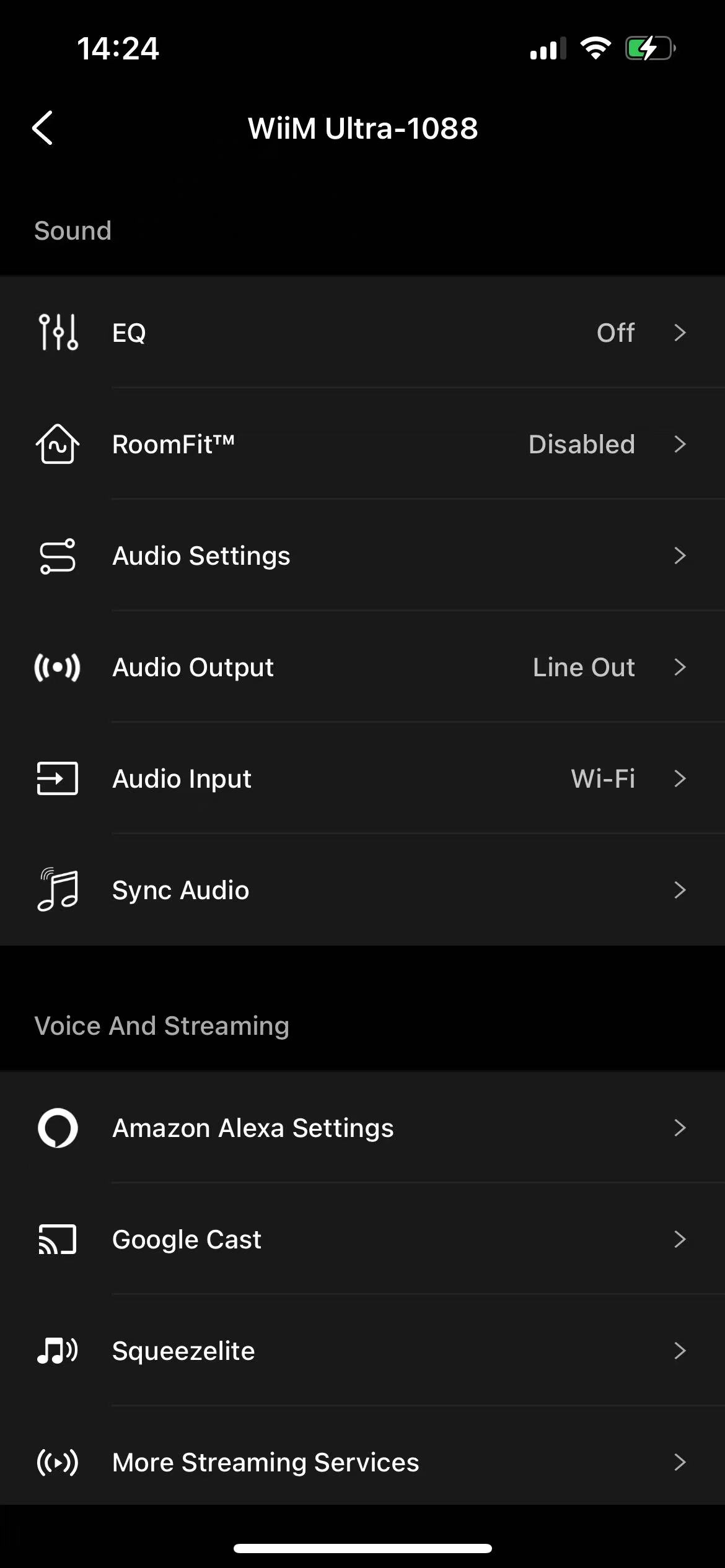
Method 2: From Device Settings
Nagivate to Device Settings > EQ to access EQ settings.
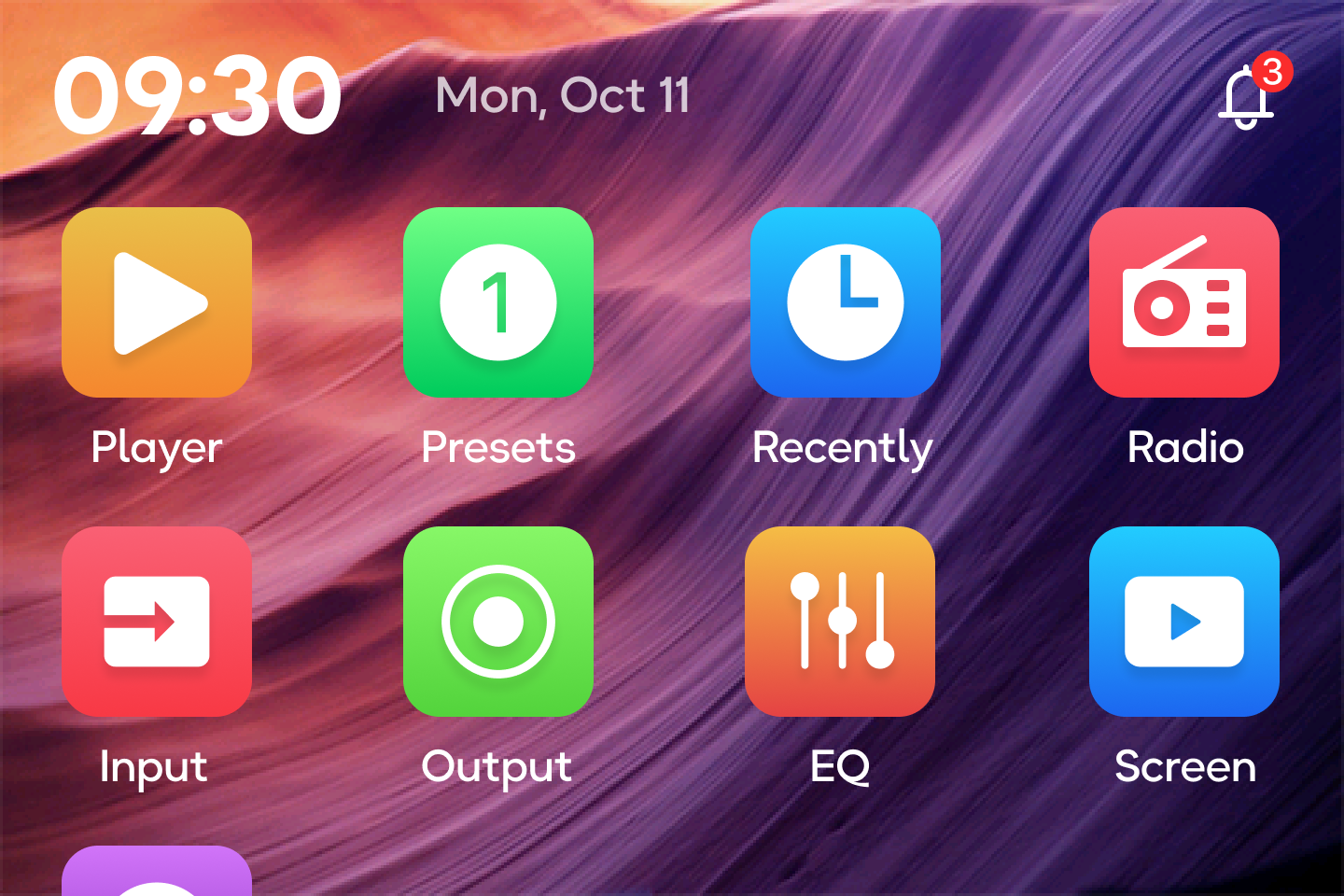
Method 3: From Built-In Screen
If your WiiM device has a built-in screen, EQ settings are accessible directly through the on-screen menu.
Tips
WiiM features 24 preset EQ modes alongside a 10-band Graphic EQ (GEQ) and Parametric EQ (PEQ) to help you fine-tune your audio. You can even assign unique EQ profiles to different input sources for a truly tailored experience.
Learn more: