
TABLE OF CONTENTS
Presto Music is integrated into the WiiM Home app. Browse classical and jazz recordings, explore your collection, and play music on your WiiM device directly from the app.
How to Access Presto Music
Before You Begin
- Update the WiiM Home app and your WiiM device's firmware to the latest available versions.
- Make sure your Presto Music account has an active streaming subscription.Note: Free accounts are limited to 30-second previews after signing in.
Step-by-Step Instructions
- Open the WiiM Home app.
- Tap Browse at the bottom of the app.
- Under Music Services, select Presto Music.
Tip: If Presto Music is not listed, tap Customize and select Presto Music.
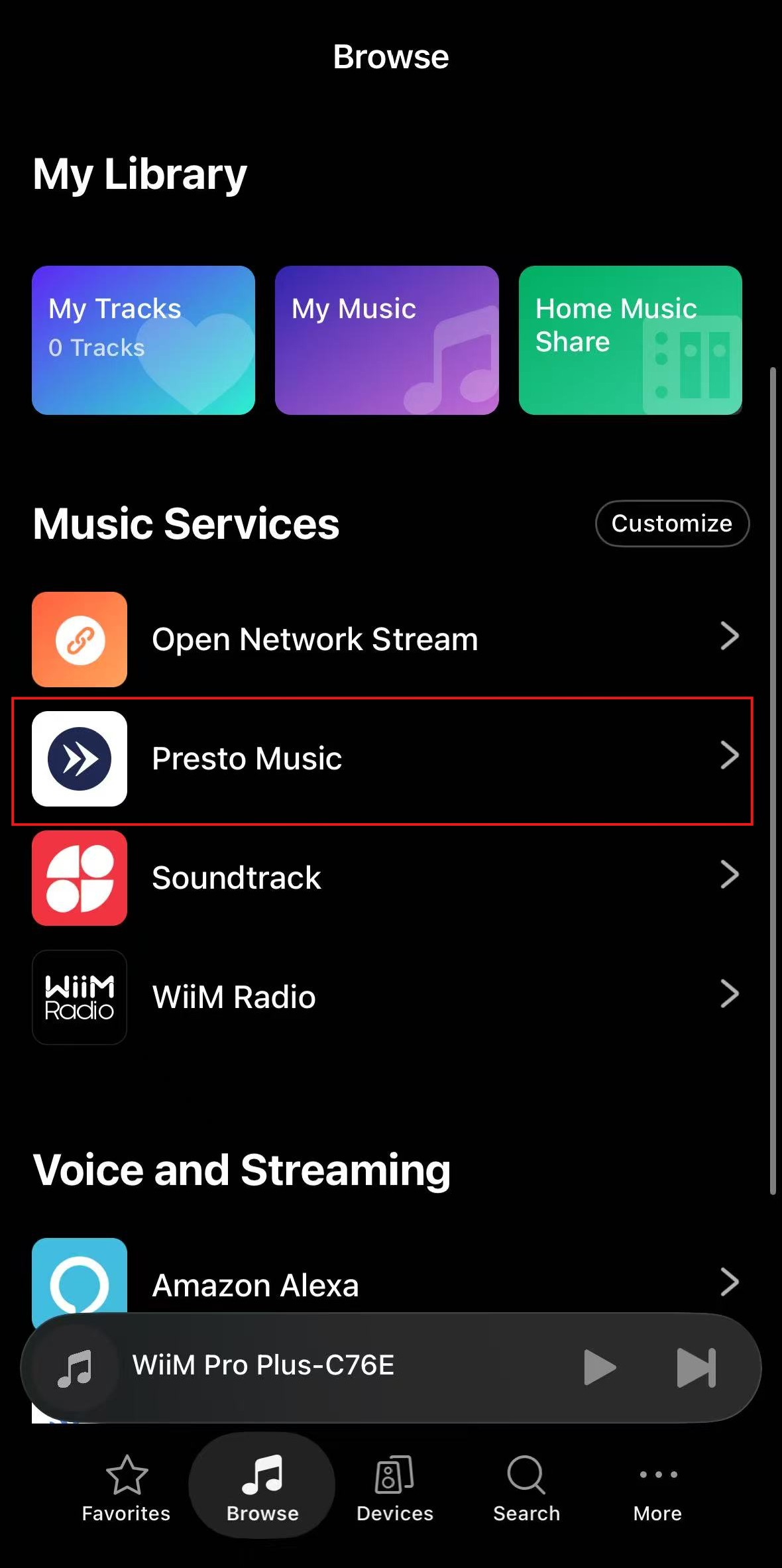
- Follow the on-screen instructions to sign in to your Presto Music account.
Once signed in, browse the available recordings and select music to play on your WiiM device.
Explore Presto Music
Explore the main features of Presto Music below.
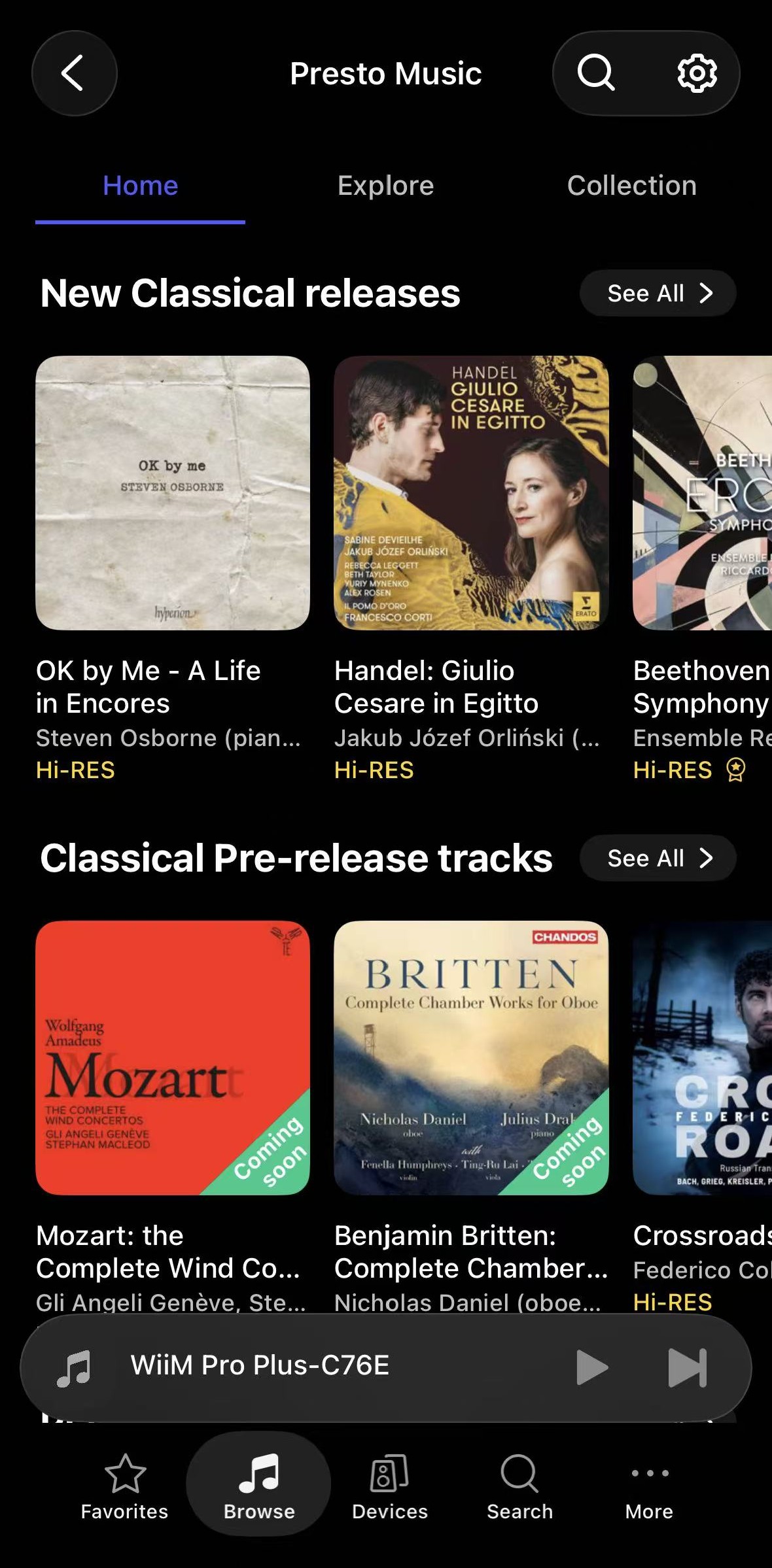
Home
Discover playlists and new recordings across classical and jazz.
Browse Playlists, New Classical releases, Classical Pre-release tracks, New Jazz Releases, and Jazz Pre-releases tracks.
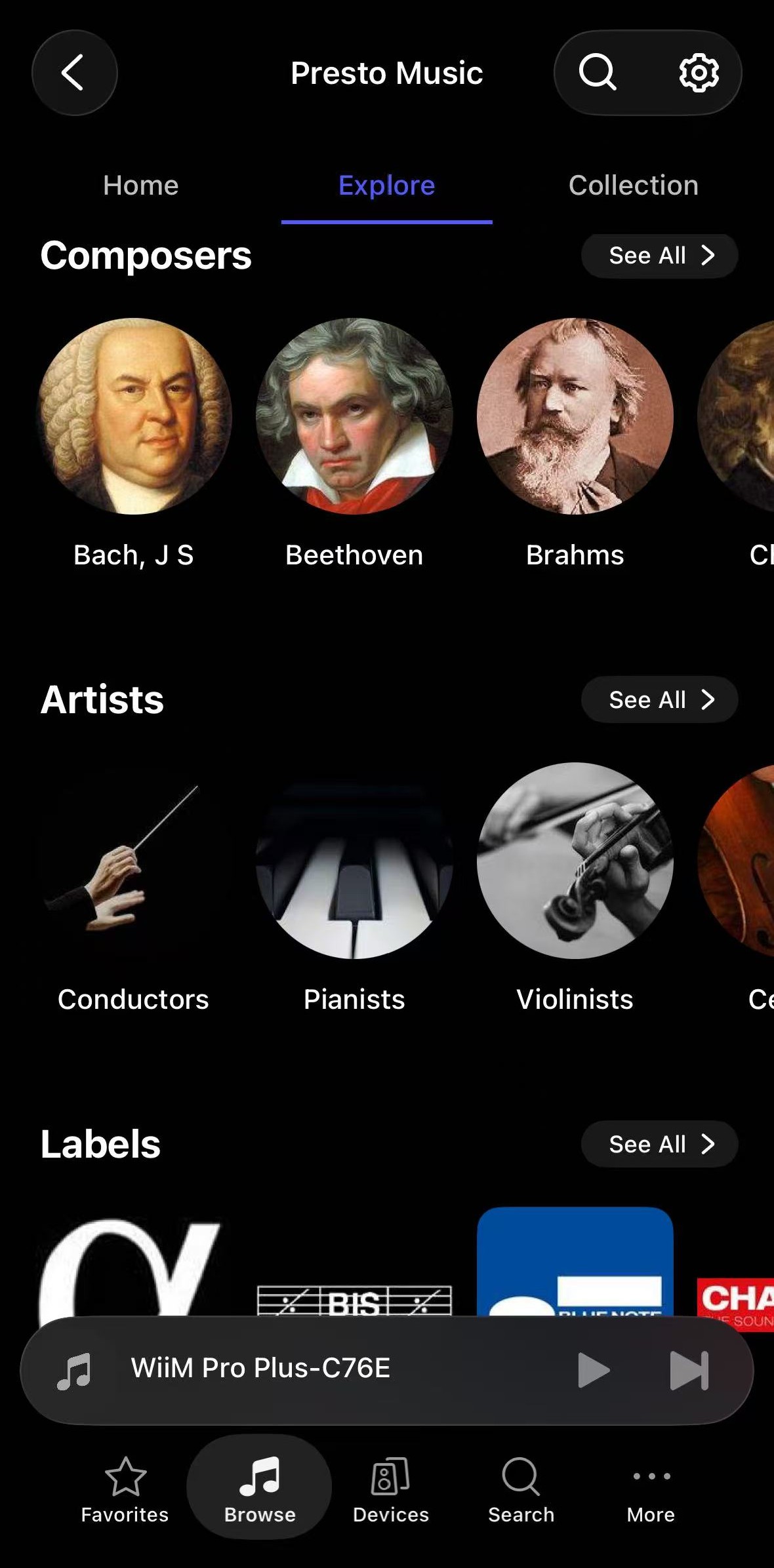
Explore
Browse music by Composers, Artists, Labels, Classical Genres, and Jazz Genres.
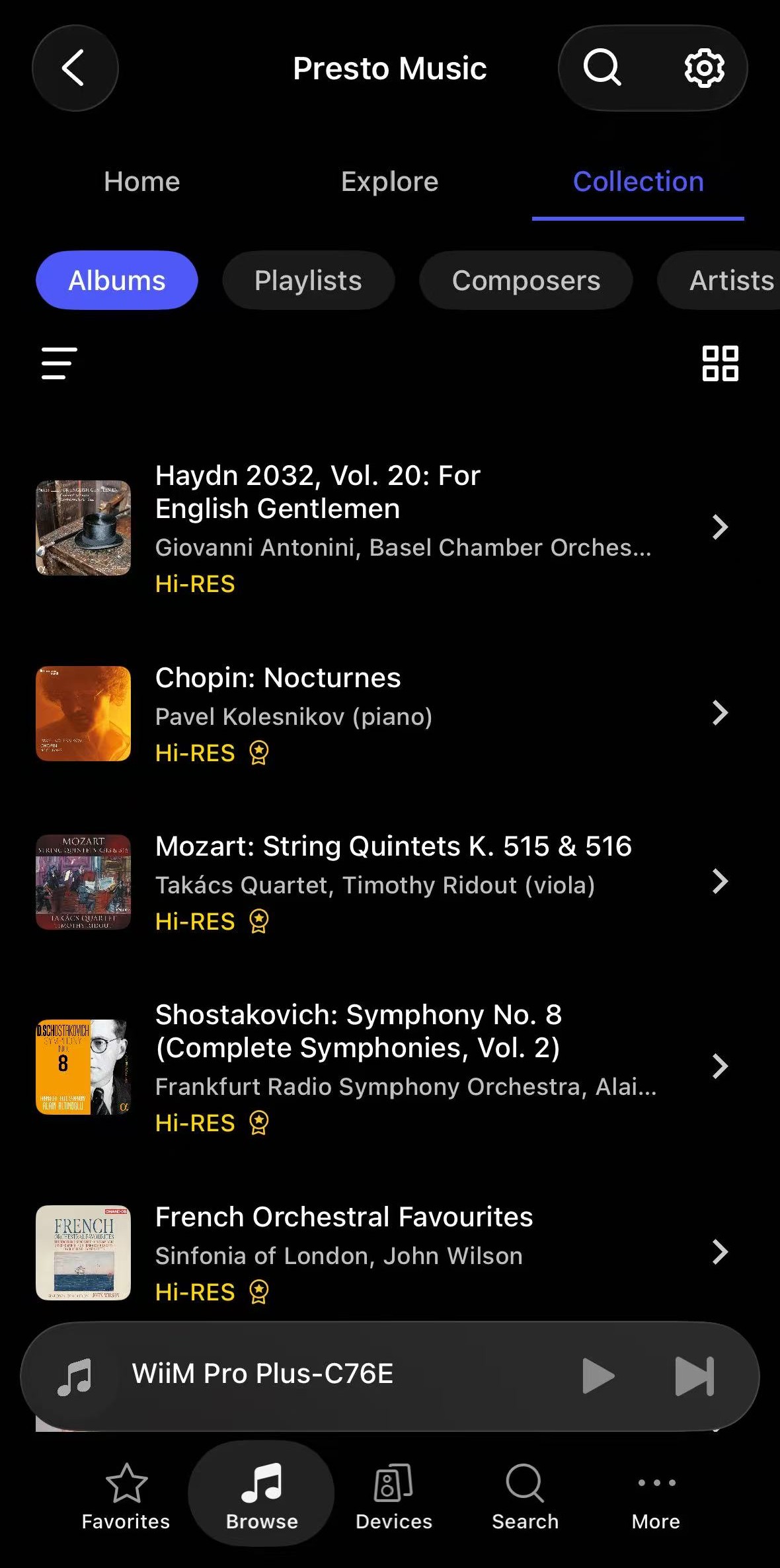
Collection
Access your collection using the Albums, Playlists, Composers, Artists, and Labels categories. Select an item to browse its contents.
Search
Tap the search icon  in the upper-right corner of the Presto Music page to find recordings you want to hear.
Settings
Tap the gear icon  in the upper-right corner of the Presto Music page to open the service's settings.
Tips
Use Presto Music with WiiM's system features for quick access and scheduled listening.
Preset
Save your favorite Presto Music albums or playlists as Presets. Start playback from the WiiM Home app, a WiiM Voice Remote, or the built-in screen on supported WiiM devices without browsing Presto Music again.
For details, see How to Use the Preset Feature on Your WiiM Device.
Music Alarm
Set a Music Alarm to play your favorite Presto Music at a scheduled time.
For details, see How to Schedule Music Playback Using the Alarm Feature.