TABLE OF CONTENTS
Overview
Your WiiM device can be used as a Plexamp player, allowing you to stream music directly from the Plexamp app to your WiiM device. You can also use Plexamp music with WiiM Presets and Alarms.
Stream Music to Your WiiM Device (Plexamp Player)
Step 1: Set Up Your WiiM Device as a Plexamp Player
- Open the WiiM Home app.
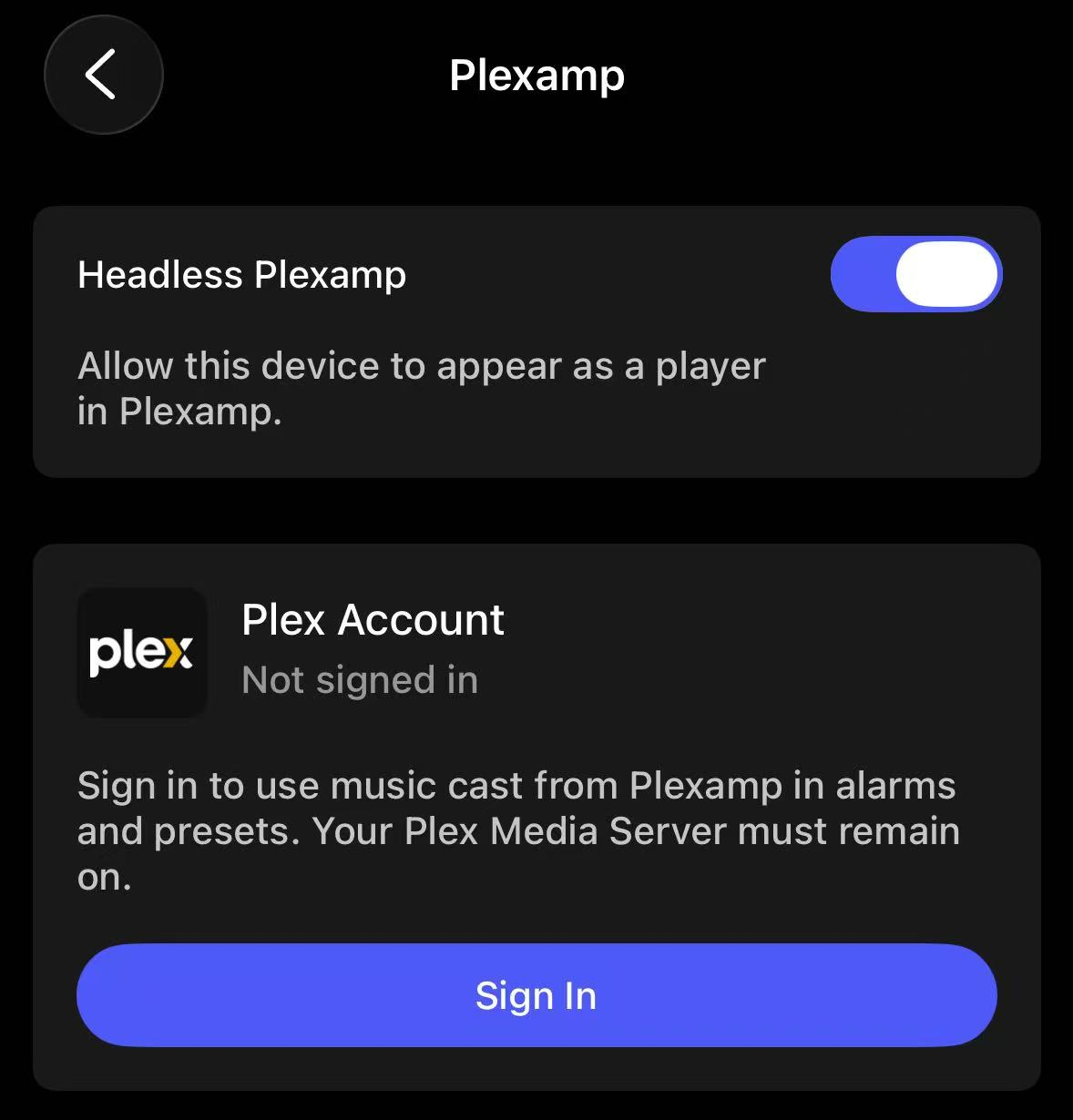
- Go to the Devices tab > Device Settings > More Streaming Services.
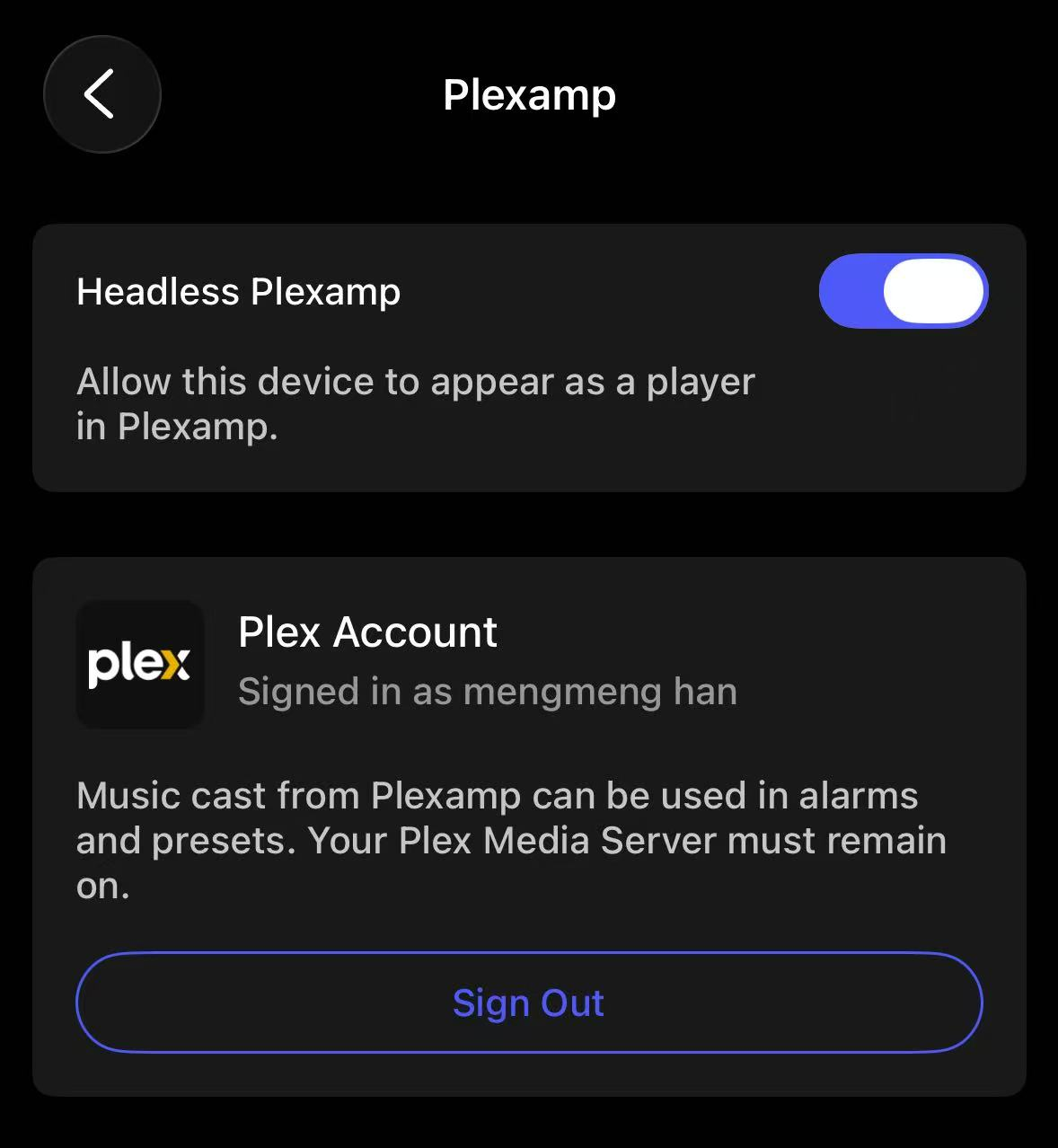
- Select Headless Plexamp, then enable it.
Step 2: Play Music on Your WiiM Device
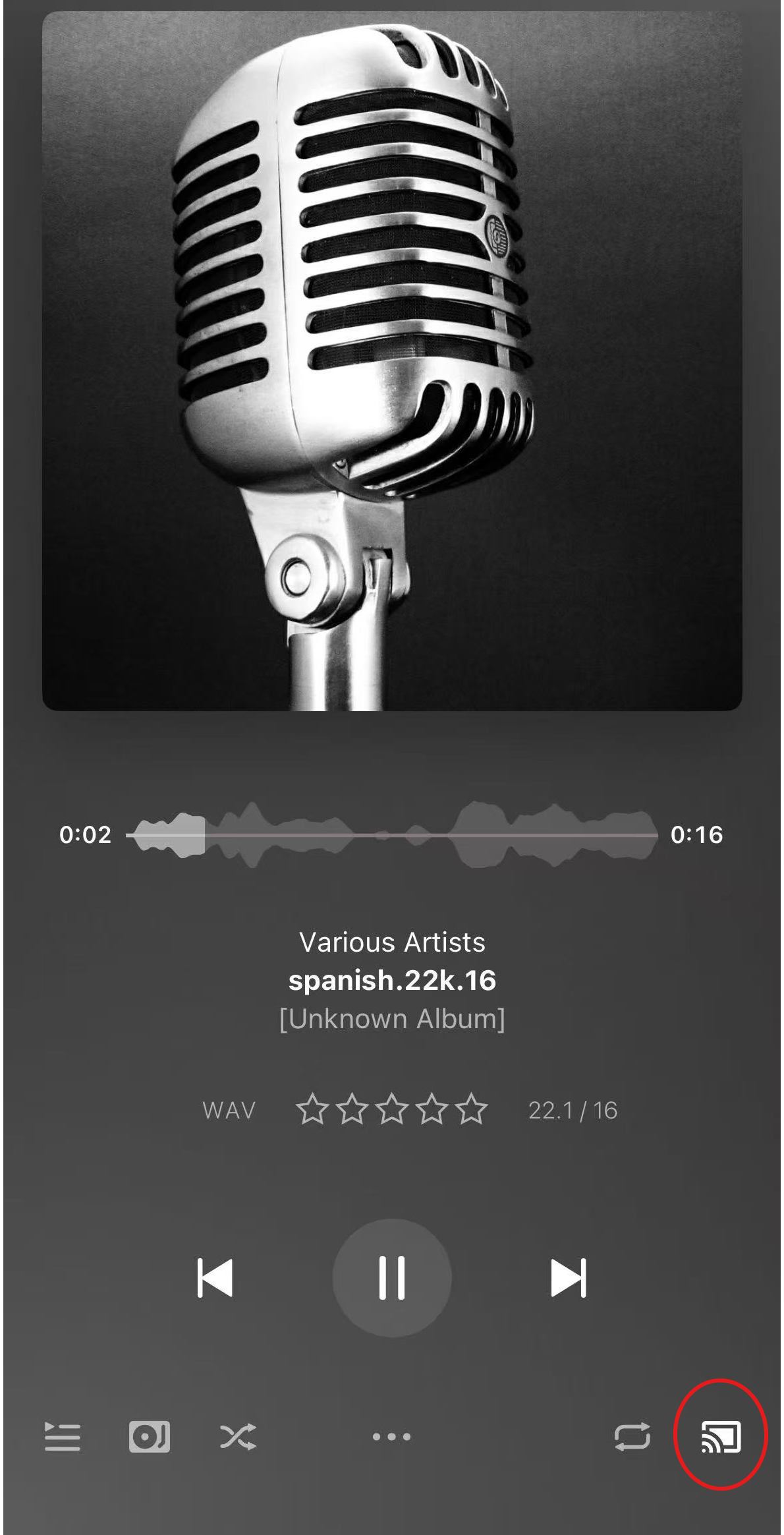
- Open the Plexamp app, and play music.
- Tap the Cast icon in the bottom-right corner to open the player list.
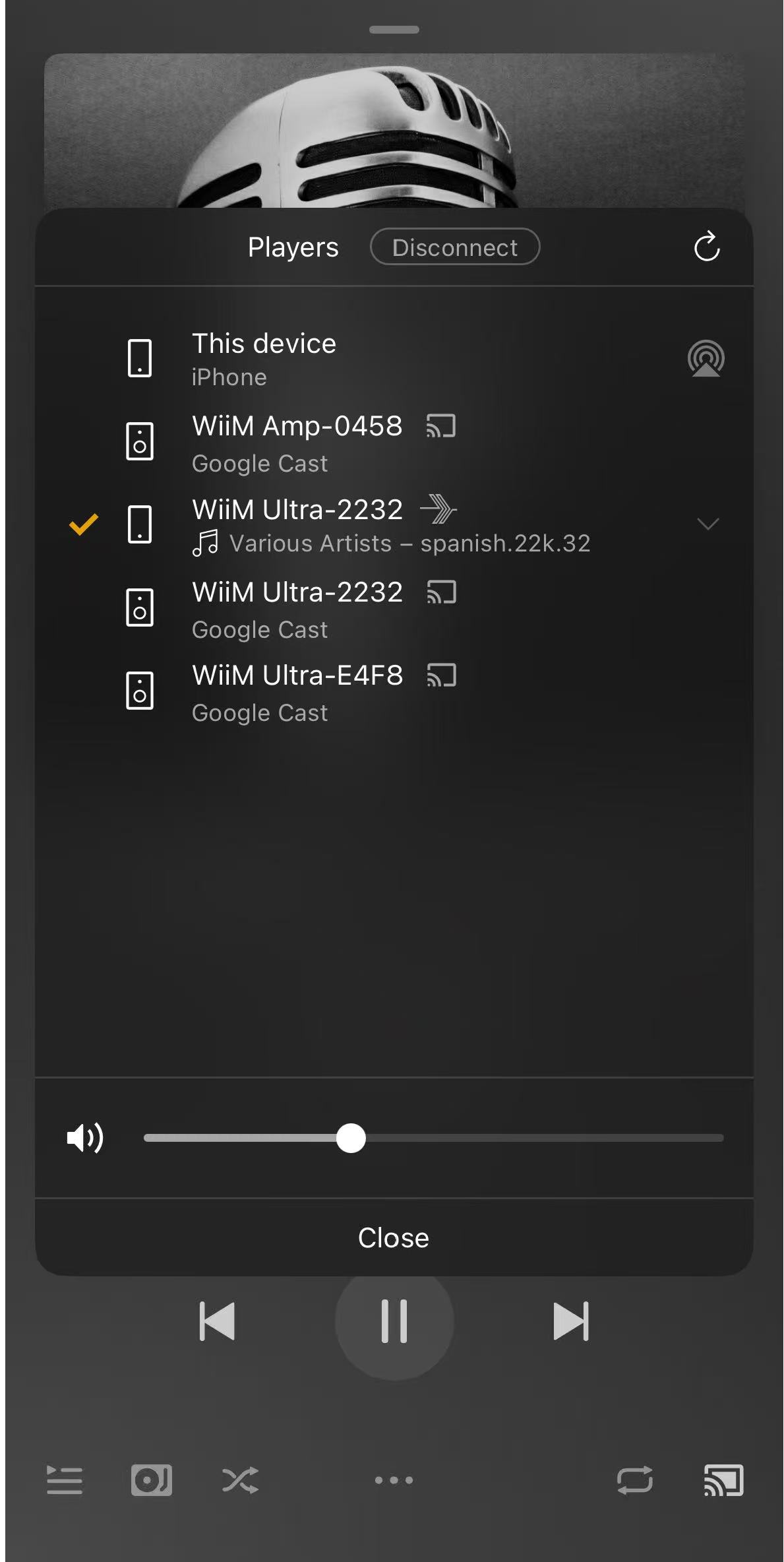
- Select your WiiM device as the Plexamp player. The music will play on your WiiM device.
Use Plexamp Music with Presets and Alarms
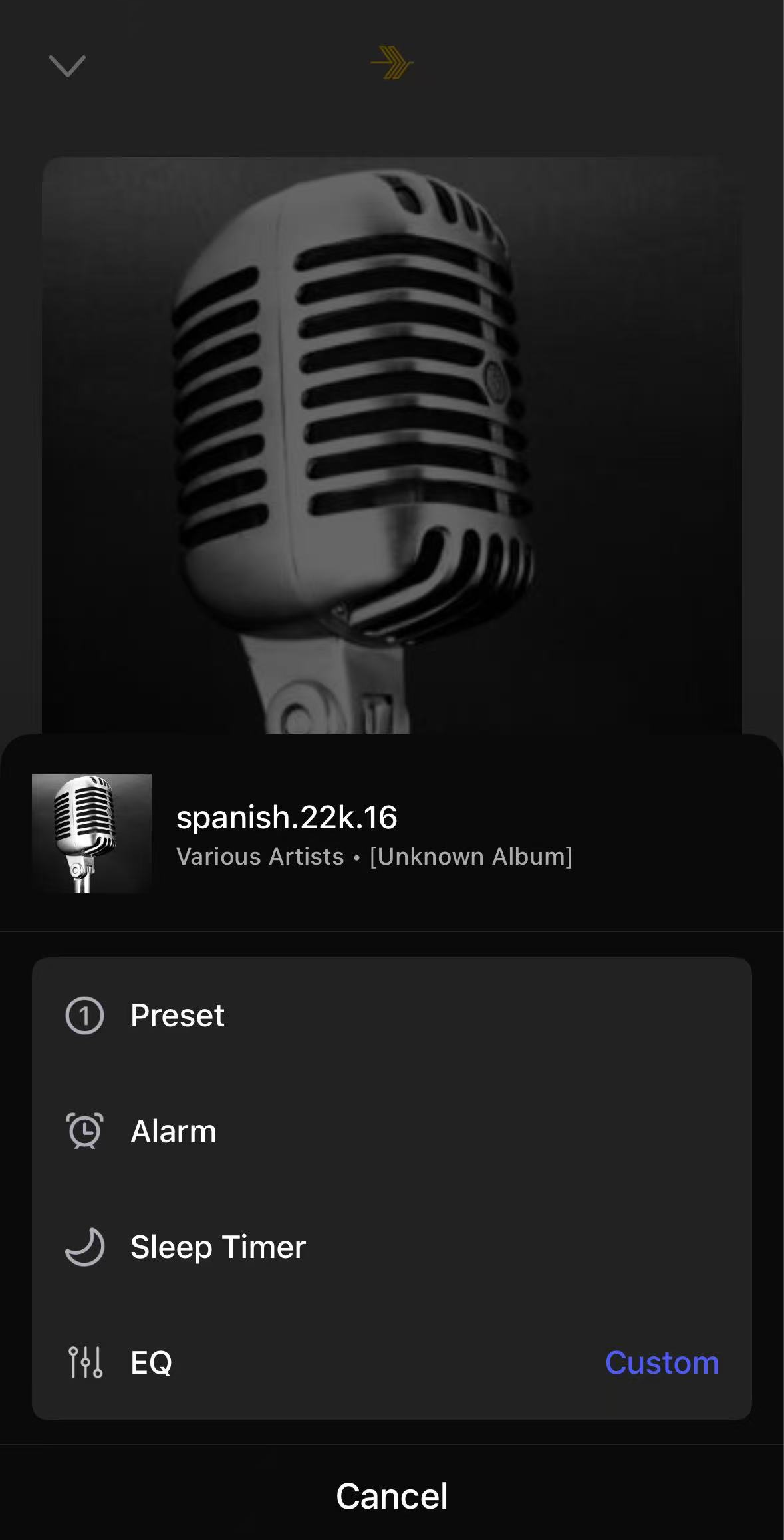
After setting up your WiiM device as a Plexamp player, you can use music played from Plexamp with WiiM Presets and Alarms.
- Go to the Headless Plexamp setting in the WiiM Home app, and sign in to your Plex Account.Note: Make sure to sign in to the same Plex account as the one used in your Plexamp app and keep your Plex Media Server open.
- Go to Now Playing, then add the currently playing Plexamp music to Presets or use it with an Alarm.