
TABLE OF CONTENTS
Overview
Pandora is a leading personalized music streaming service. It is integrated with the WiiM Home app, so you can easily enjoy highly customized, effortless radio stations streaming directly to your WiiM devices.
Below is a complete guide on how to use Pandora within the WiiM Home app.
Access Pandora in the WiiM Home App
- Open the WiiM Home app.
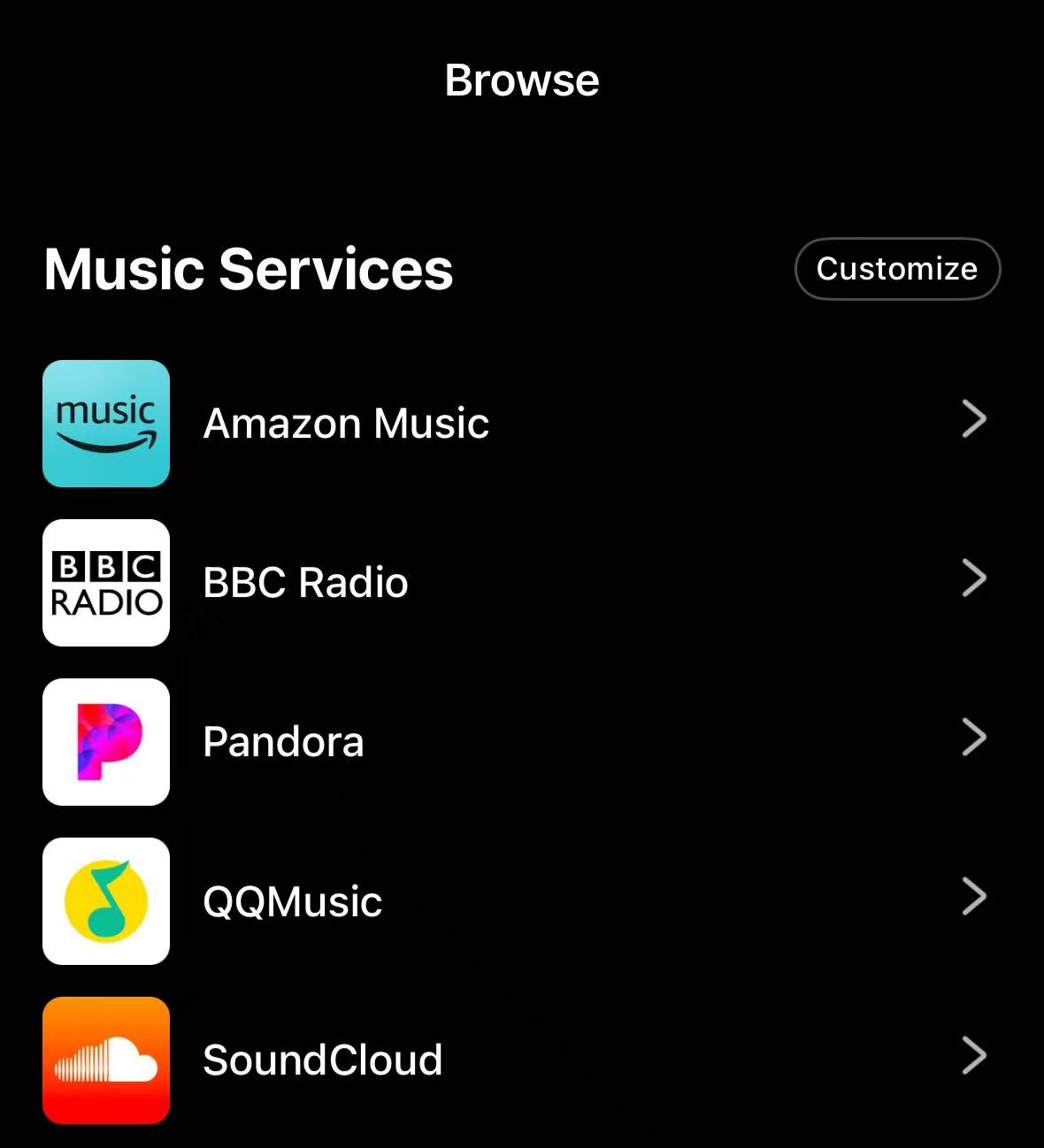
- Go to the Browse tab, then select Pandora in the Music Services section.
- Log in with your account and password.
Browsing Stations in Pandora
Pandora features a simple and intuitive interface, making it easy to discover and access stations.
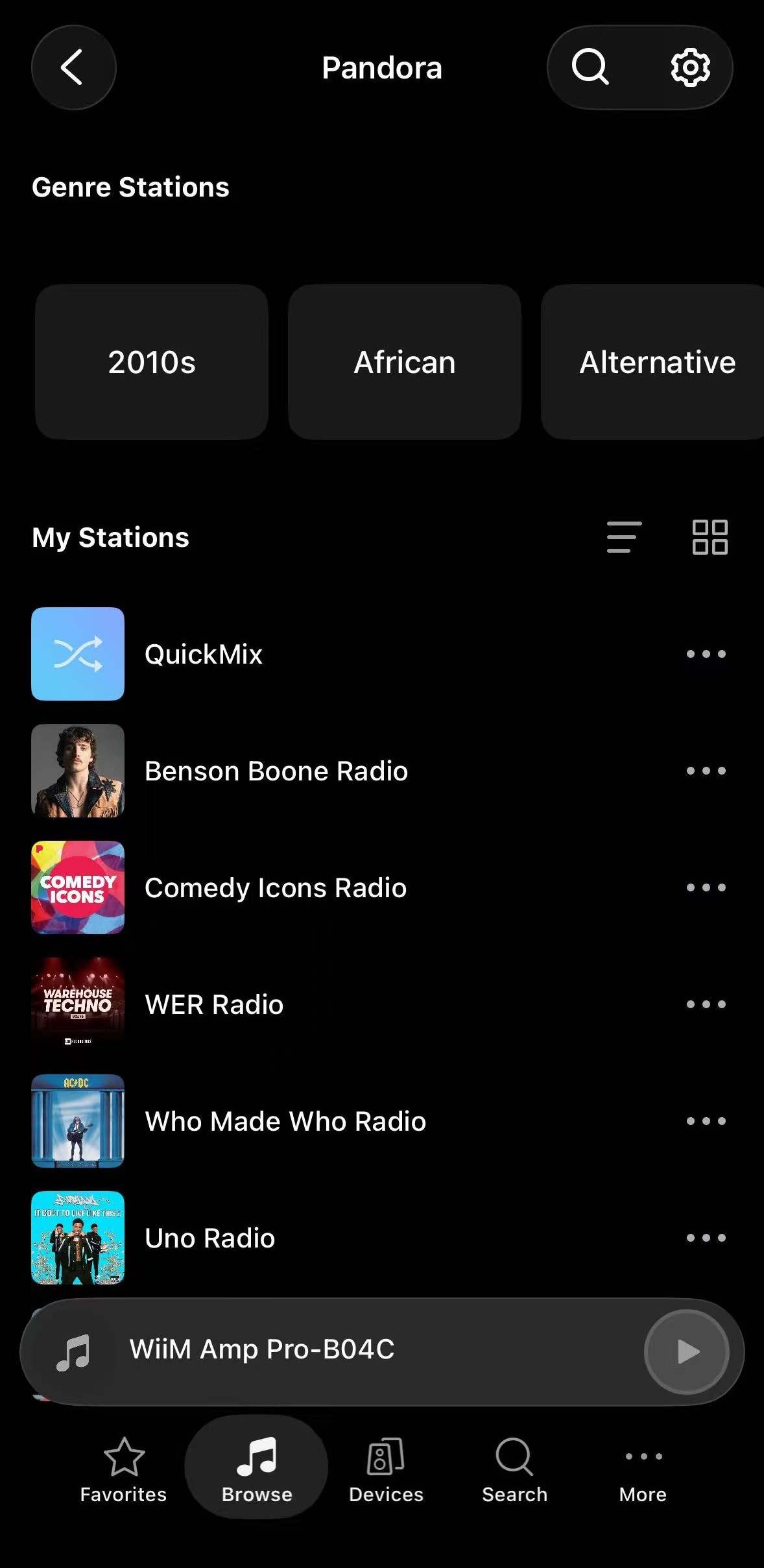
Genre Stations
This section displays recommended genres and era-specific stations (e.g., 2010s, African, Alternative). Simply swipe left or right to explore and discover different musical styles.
My Stations
This section contains play history. When you play a station, Pandora automatically saves it here so you can easily find it next time.
- QuickMix: Pandora's signature feature. Tapping this automatically blends tracks from all of your saved stations into one dynamic stream.
- Sort & View Options: Tap the Sort icon
 or the Grid icon
  to customize how your stations are arranged and displayed.
 - More Options (...): Tap the three dots next to any station to delete it or quickly save it to presets.
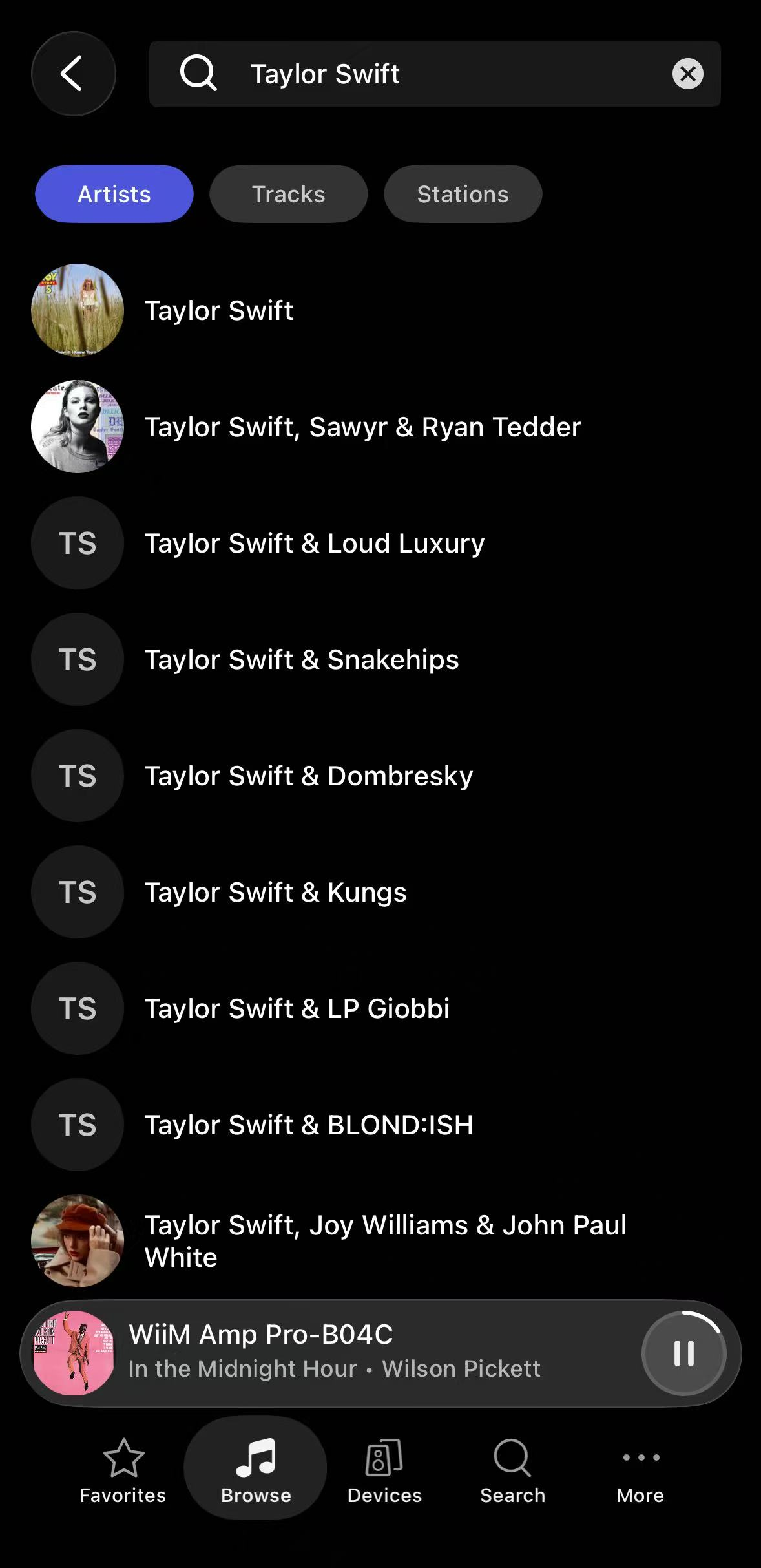
Instant Search
You can tap the Search icon  in the top-right corner at any time to quickly find your favorite artists, tracks, or stations.
Tips
You can use Pandora together with WiiM's system features to make listening faster and more convenient.
Preset
Save your favorite radio stations as Presets. Once saved, you can start playback instantly from the WiiM Home app, the WiiM Voice Remote, or the WiiM's built-in screen (if supported), without opening Pandora.
For details, see How to Use the Preset Feature on Your WiiM Device.
Sleep Timer and Music Alarm
Set a Sleep Timer or Music Alarm using a Pandora station for scheduled playback. For details, see Introducing Two Automated Features: Sleep Timer and Music Alarm.