TABLE OF CONTENTS
Overview
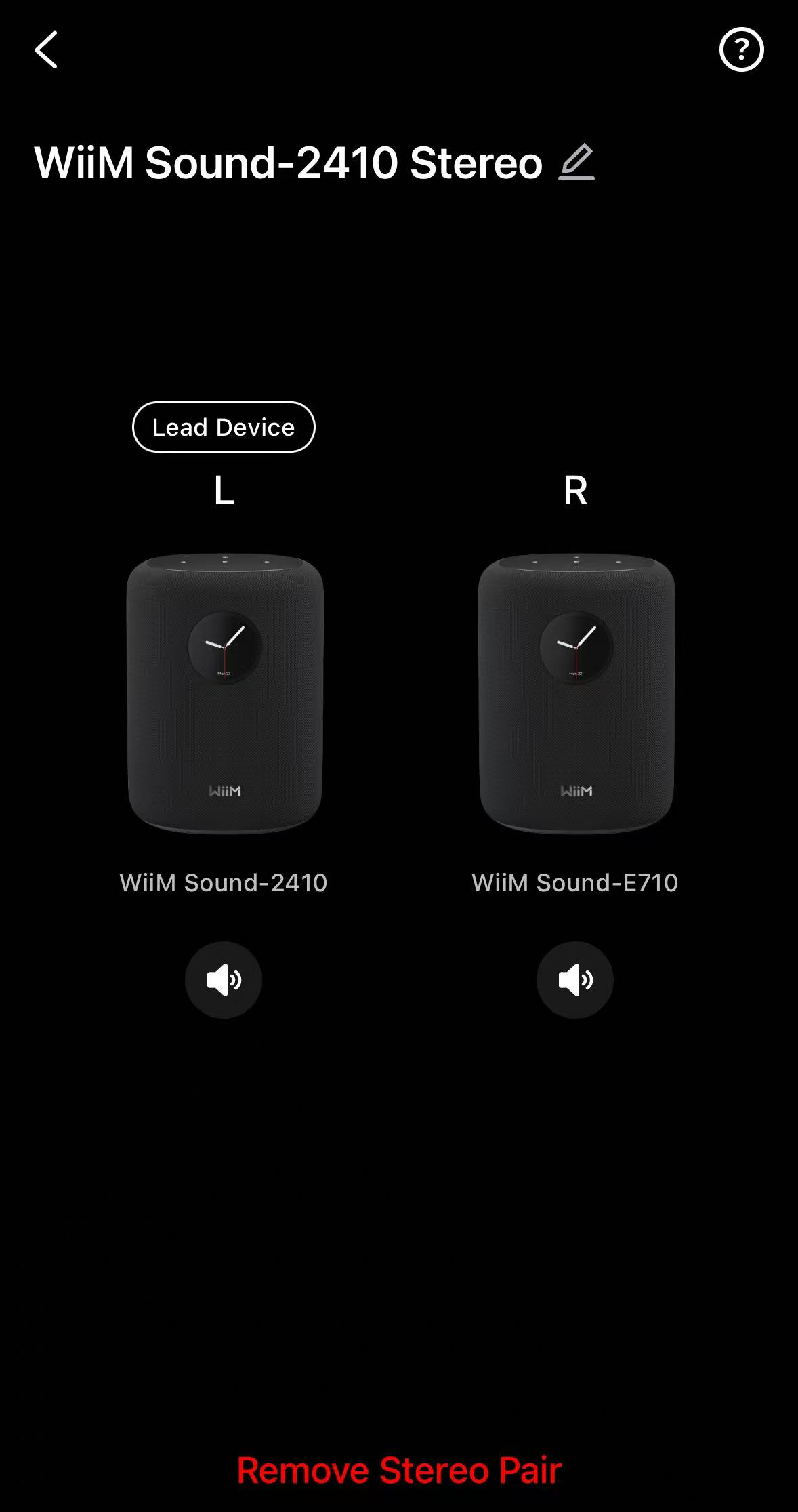
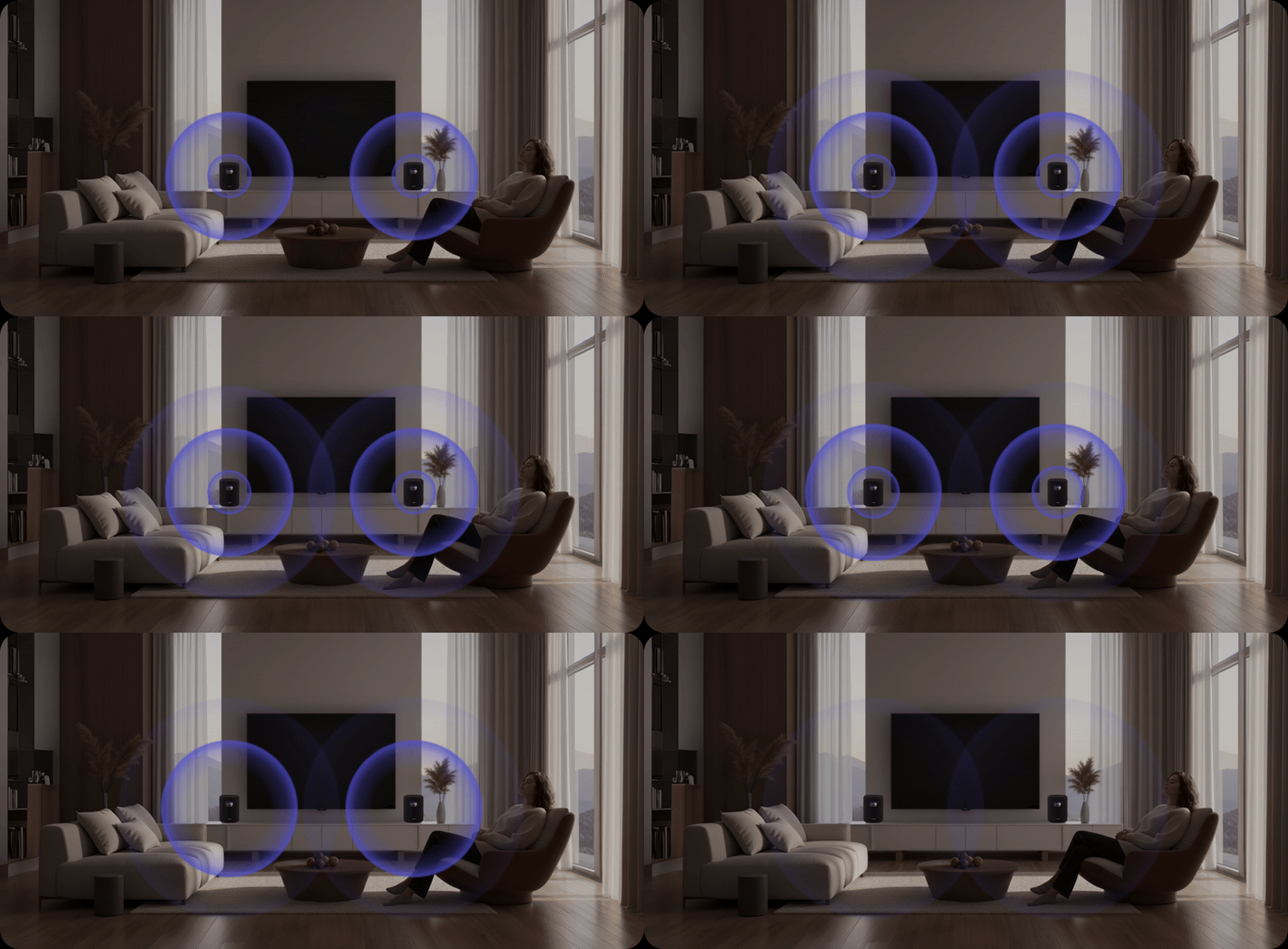
WiiM Sound features a dedicated Stereo Pair setting that simplifies the process of creating a stereo pair.
With an intuitive visual interface, you can effortlessly pair two WiiM Sound speakers and assign left/right channels in just a few taps for an immersive soundstage.
Set Up a Stereo Pair
Steps:
- Place two WiiM Sound speakers in proper positions for optimal stereo sound. For detailed instructions, see How to Position Two Speakers for a Stereo Pair.
- Launch the WiiM Home app.
- Go to the Devices tab > a WiiM Sound's Device Settings
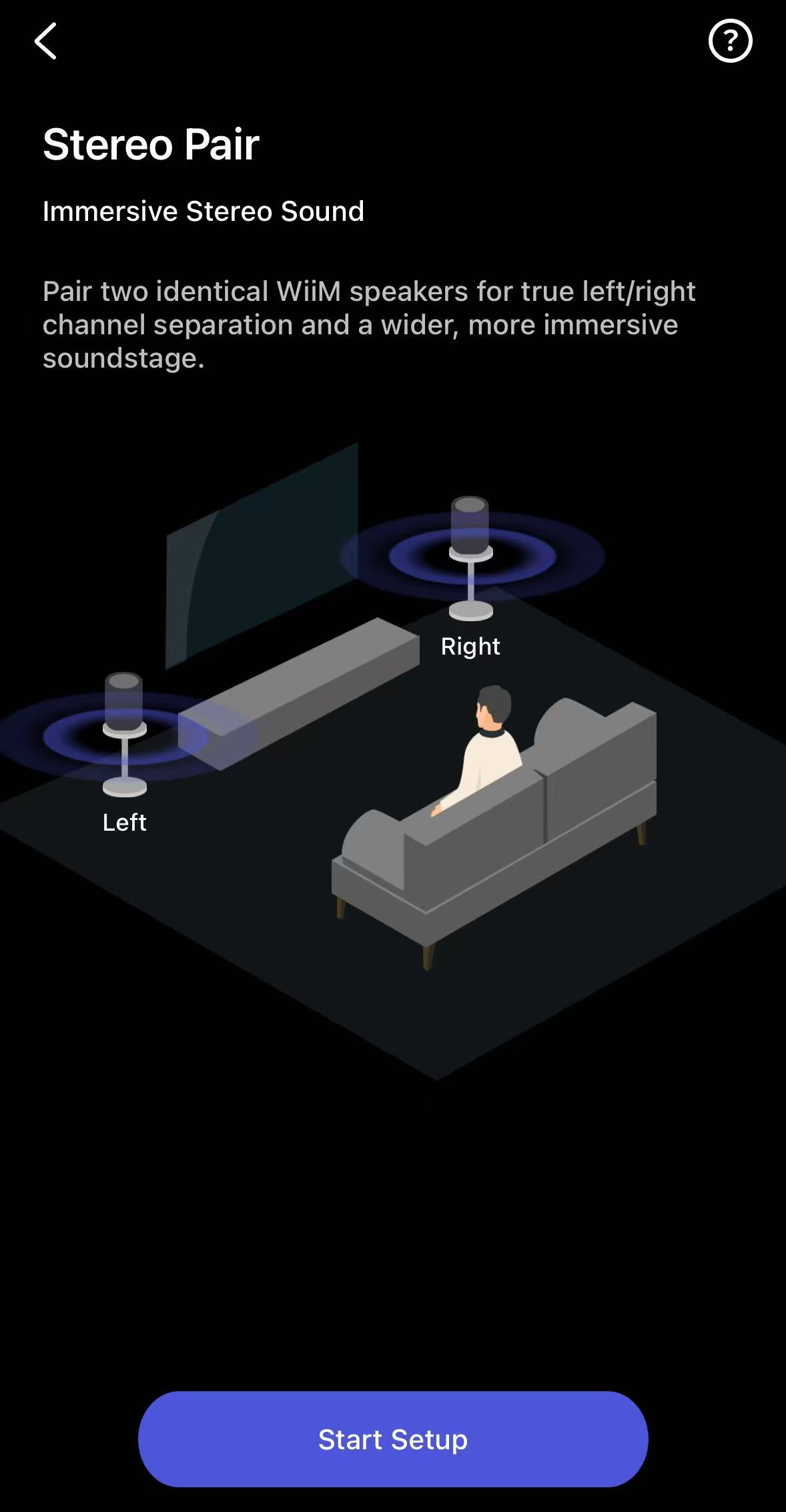
 > Stereo Pair.
 - Tap Start Setup to initiate the pairing process.
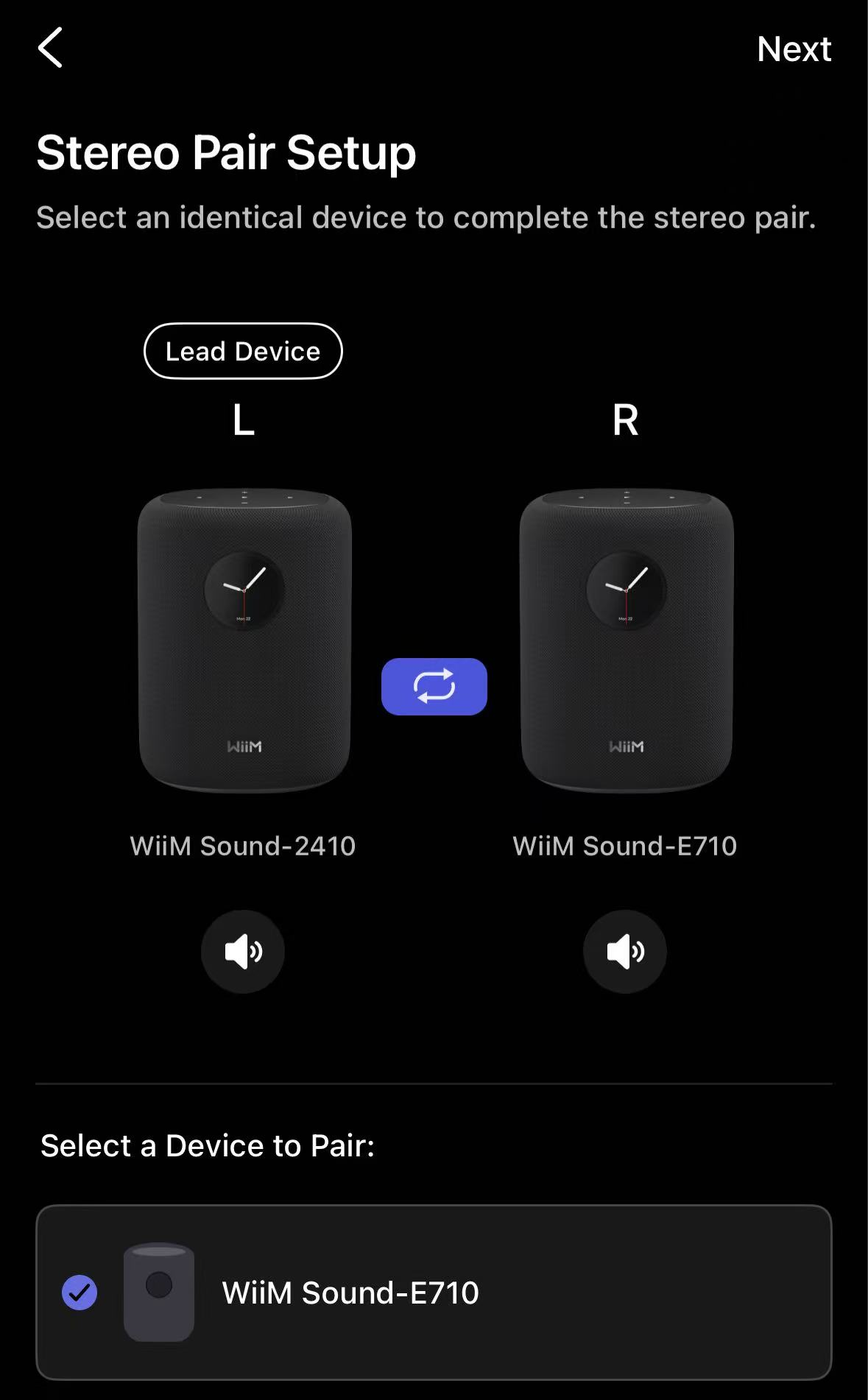
- Follow the on-screen instructions to select the second WiiM Sound speaker.
Tips:
- Tap the
 icon to quickly swap the Left and Right channel assignments.
 - Tap the Volume icon
 under each device to play a test tone and verify its location.
- Tap the
- Tap Next to complete the setup.
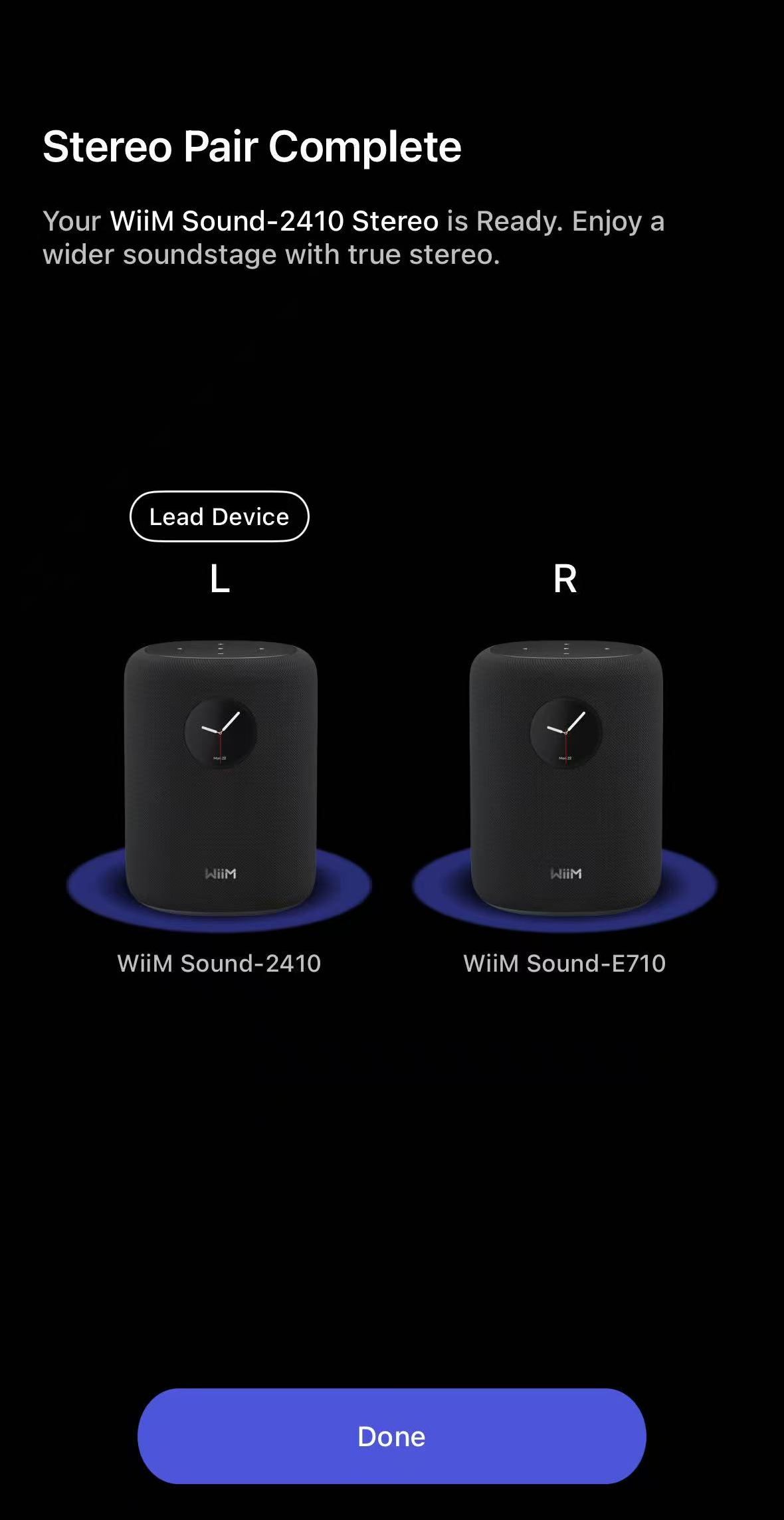
Manage the Stereo Pair
Once configured, the stereo pair will appear as a single unified group in the Devices tab.
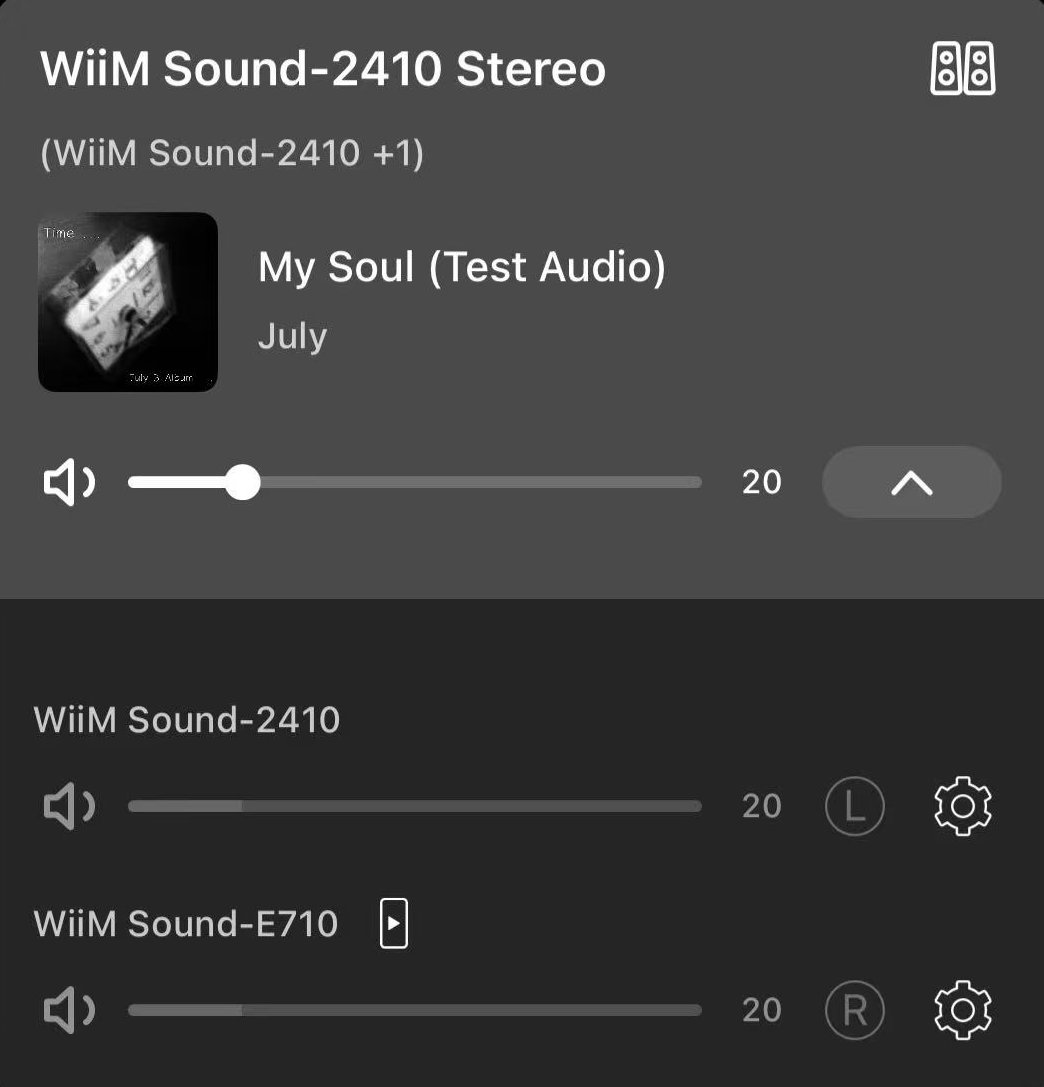
You can control the stereo pair with the following options:
- Tap the
 icon to adjust the volume of both speakers together.
Note: Individual speaker volume cannot be adjusted within a stereo pair.
- Tap the
 icon to rename or remove the stereo pair.