
TABLE OF CONTENTS
- Access iHeart
- Explore iHeart
- Play Live Radio
- Play Artist Radio
- Play Podcasts
- Play Curated Playlists
- Recently Played
- Build Your Library
- Tips
iHeart is now fully integrated into the WiiM Home app, giving users seamless access to one of the world’s largest digital radio and audio platforms directly from their WiiM devices.
This integration allows you to explore live radio, podcasts, and playlists on your WiiM devices without switching apps or devices.
Access iHeart
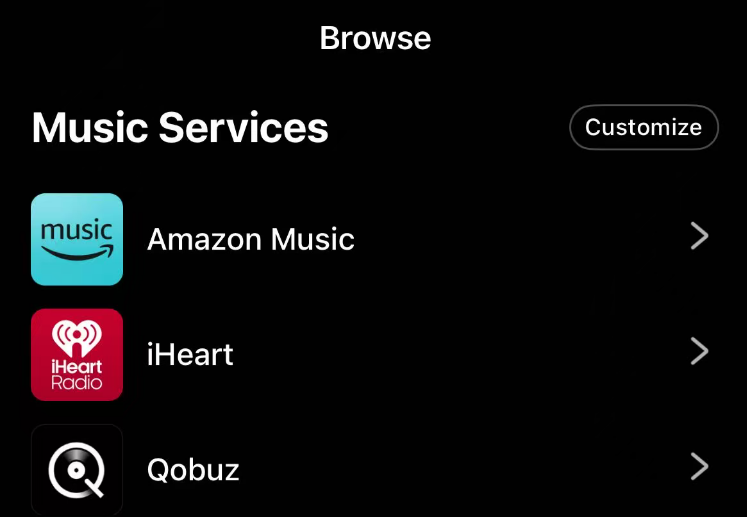
You can easily access iHeart from the Browse tab in the WiiM Home app.
Explore iHeart
You can explore iHeart through four main tabs:
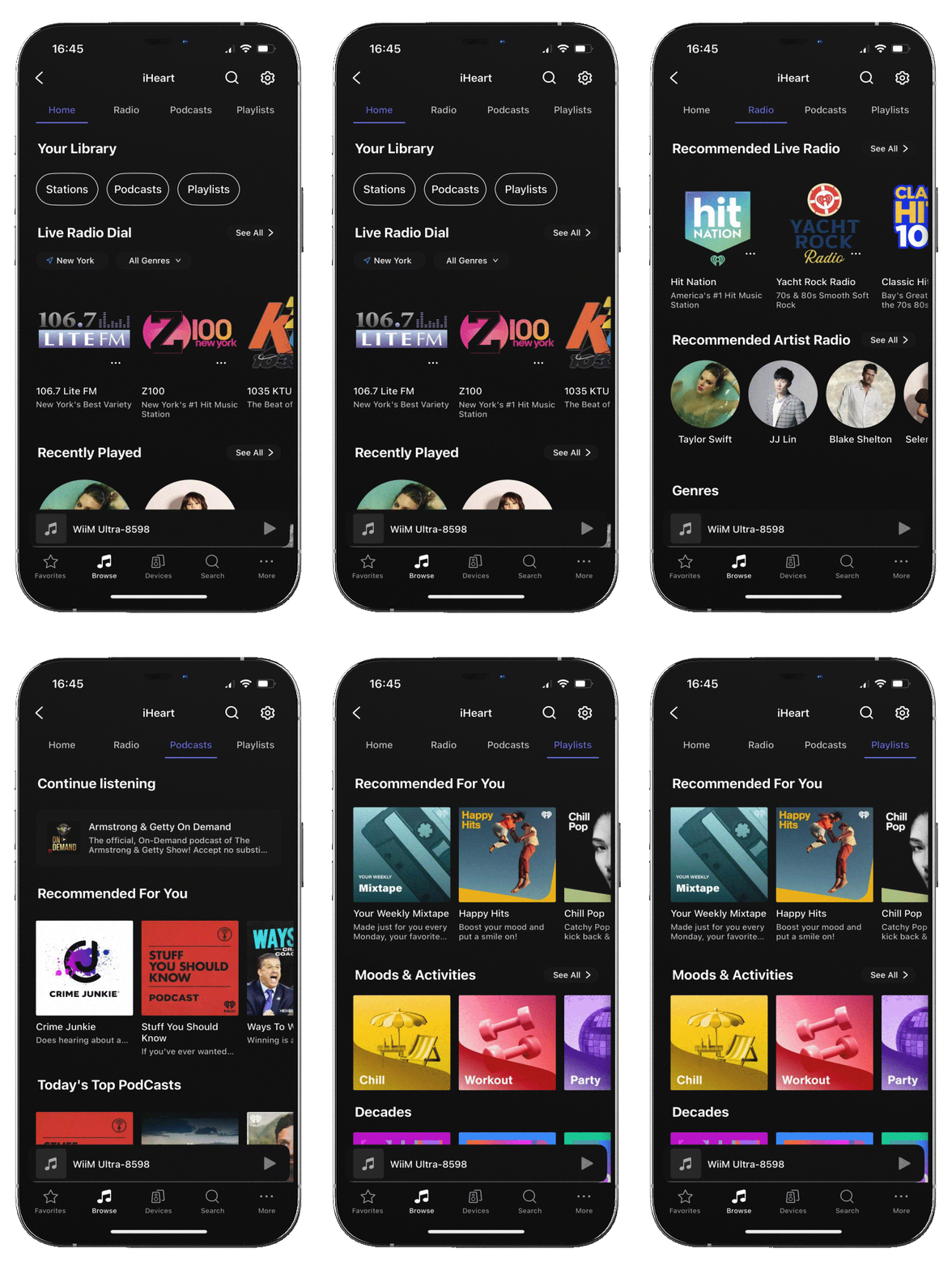 | HomeHome is the central hub of iHeart in the WiiM Home app.It brings together radio, podcasts, and playlists in one place so you can quickly access your audio without switching between sections. RadioRadio is at the heart of the iHeart experience, offering a wide range of live AM/FM radio stations and artist-based radio streams. PodcastsPodcasts lets you easily discover and explore podcasts by popularity, recommendations, networks, and topics. PlaylistsPlaylists lets you quickly find curated playlists by mood, decade, genre, and personalized recommendations for effortless listening. |
Play Live Radio
You can play a vast selection of local, national, and international AM/FM stations via the following methods: | |
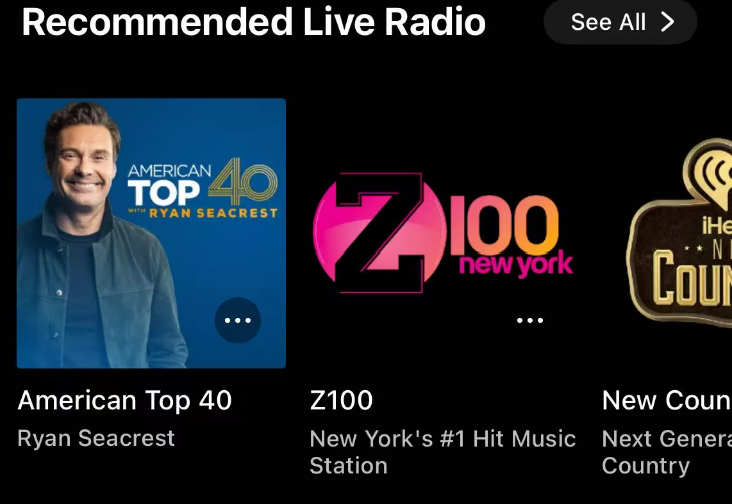 | Quick-play tailored live radio stations directly from the Home or Radio tab |
| Browse and play radio stations by genre from the Radio tab. |
| Go to Home to discover stations by location and genre. |


Play Artist Radio
You can enjoy a music-based radio experience built around a selected artist via the following method: | |
| Quick-play tailored Artist Radio from the Home or Radio tab. |
| Discover popular artists from the Home tab. |


Playback behavior for Artist Radio varies based on your account type:

  - Free/Plus Users can play music based on the artist, but not specific songs or albums.

  - Premium Users can play any specific song or album from the artist through Artist Radio.
Play Podcasts
You can play millions of episodes from a vast range of topics and producers via the following methods: | |
| Quick-play tailored podcasts from Today’s Top Podcasts, Recommended For You, or Our Podcast Picks from the Home or Podcasts tab. |
| Select Podcast Network from the Podcasts tab to find shows based on your favorite producers. |
| Select Topics from the Podcasts tab to find shows based on your interests. |
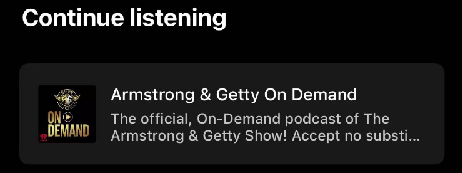
| Use Continue Listening from the Home or Podcasts tab to pick up an episode exactly where you left off. |





Play Curated Playlists
You can play curated music collections to match your mood, style, or favorite era via the following methods: | |
| Quick-play tailored music from the Home or Playlists tab. |
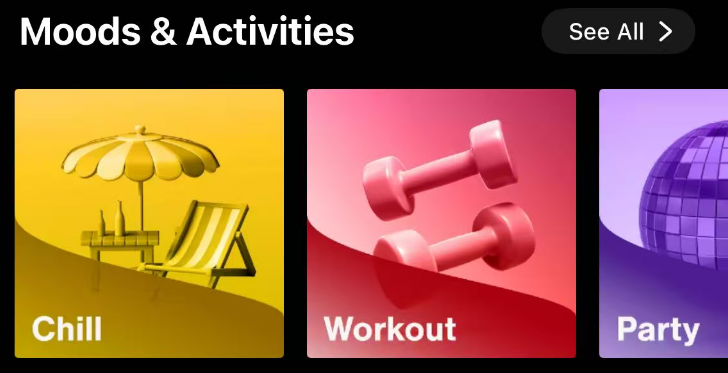
| Select Moods & Activities from the Playlists tab to find the perfect soundtrack for your current environment. |
| Explore Decades from the Playlists tab to discover music by era. |
| Explore Genres from the Playlists tab to discover music by specific style. |
| Access high-quality collections curated by editors to discover trending music and specific styles from the Playlists tab. |
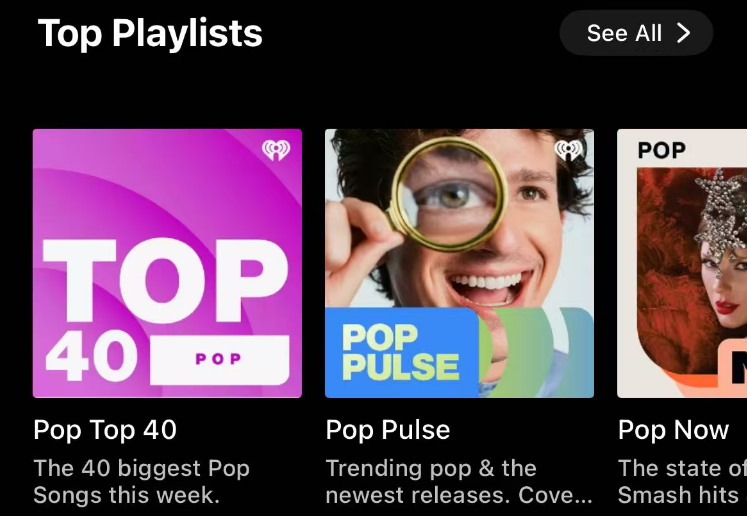
| Discover popular playlists from the Home tab. |




Recently Played
When you want to quickly resume the audio (radio, podcasts, or playlists) you recently enjoyed, use Recently Played from the Home tab.

Build Your Library
iHeart lets you build a personal library by saving your favorite radio stations and podcasts. Then, you can quickly access your personal library in the Home tab.
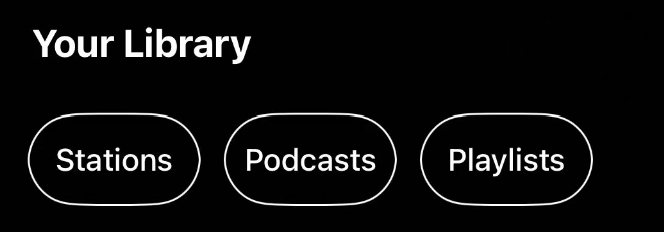
iHeart does not support playlist creation or editing in the WiiM Home app. Playlists must be added in the iHeart app first and will then sync to the WiiM Home app.Tips
You can use iHeart together with WiiM’s system features to make listening faster and more convenient.
Preset
Save your favorite radio stations or playlists as Presets. Once saved, you can start playback instantly from the WiiM Home app, a WiiM Voice Remote, or WiiM's built-in screen (if supported), without opening iHeart.
For details, refer to How to Use the Preset Feature on Your WiiM Device.
Music Alarm
Set a Music Alarm using an iHeart playlist or an Artist Radio station, so your music starts playing automatically at a scheduled time. For details, refer to How to Schedule Music Playback Using the Alarm Feature.