
Enjoy the convenience of hands-free music with Alexa. By linking your favorite music service, you can use voice commands to access massive songs, personalized playlists, and podcasts—seamlessly across your WiiM device.
Follow the steps below to get started.
Supported Music Services
You can link the following music services to Alexa, depending on your region:
Amazon Music
Spotify
iHeartRadio
TuneIn
TIDAL
Deezer
Pandora
SiriusXM
Audible
Linking music services to Alexa depends on regional availability. Some services may not be supported in all countries. For example, linking TIDAL to Alexa is currently available only in the US.
Step-by-Step Guide
- Set up Amazon Alexa on your WiiM device. For details, see How to Use Alexa with Your WiiM Device.
- Open the Alexa app.
- Tap More at the bottom of the screen.
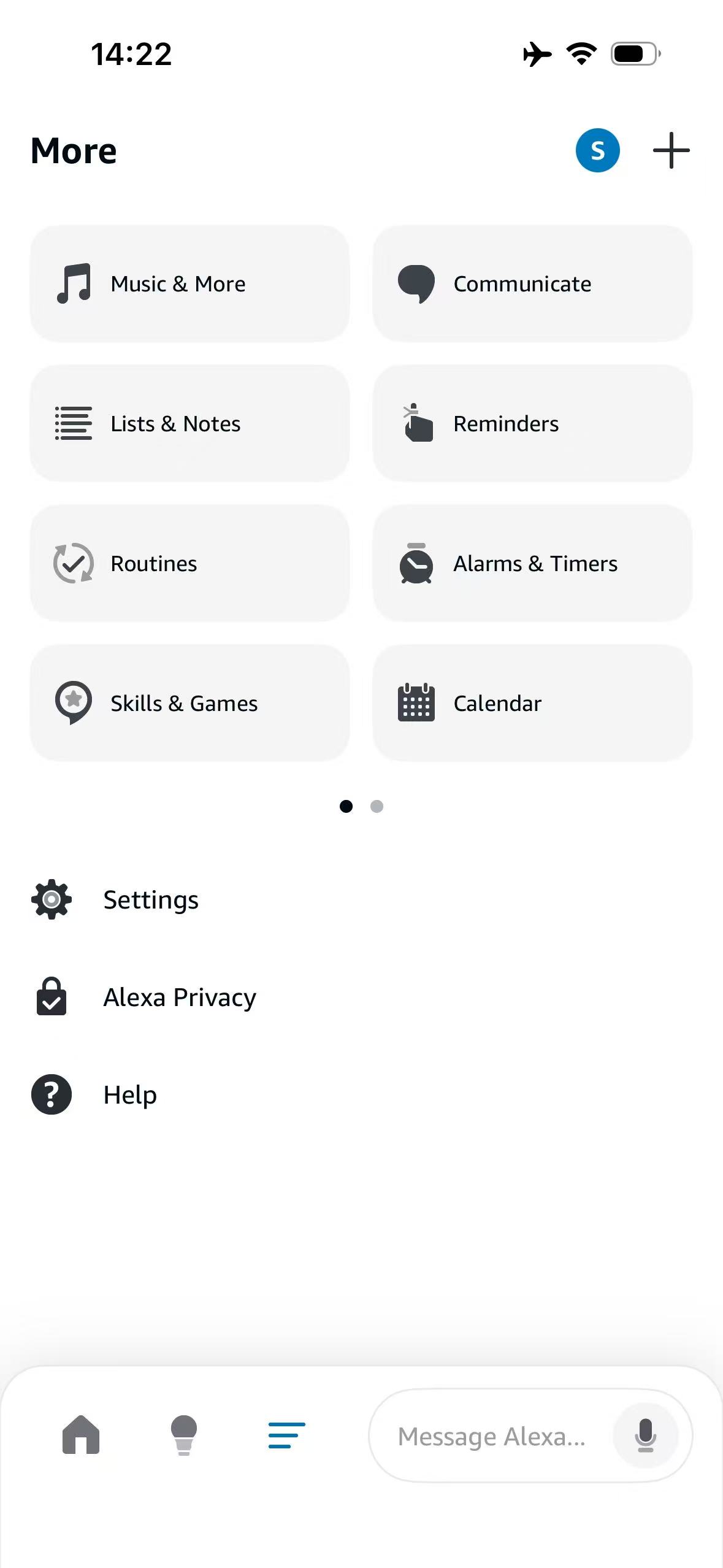
- Navigate to Settings > Alexa Preferences > Music & Podcasts.
- Tap Link New Service.
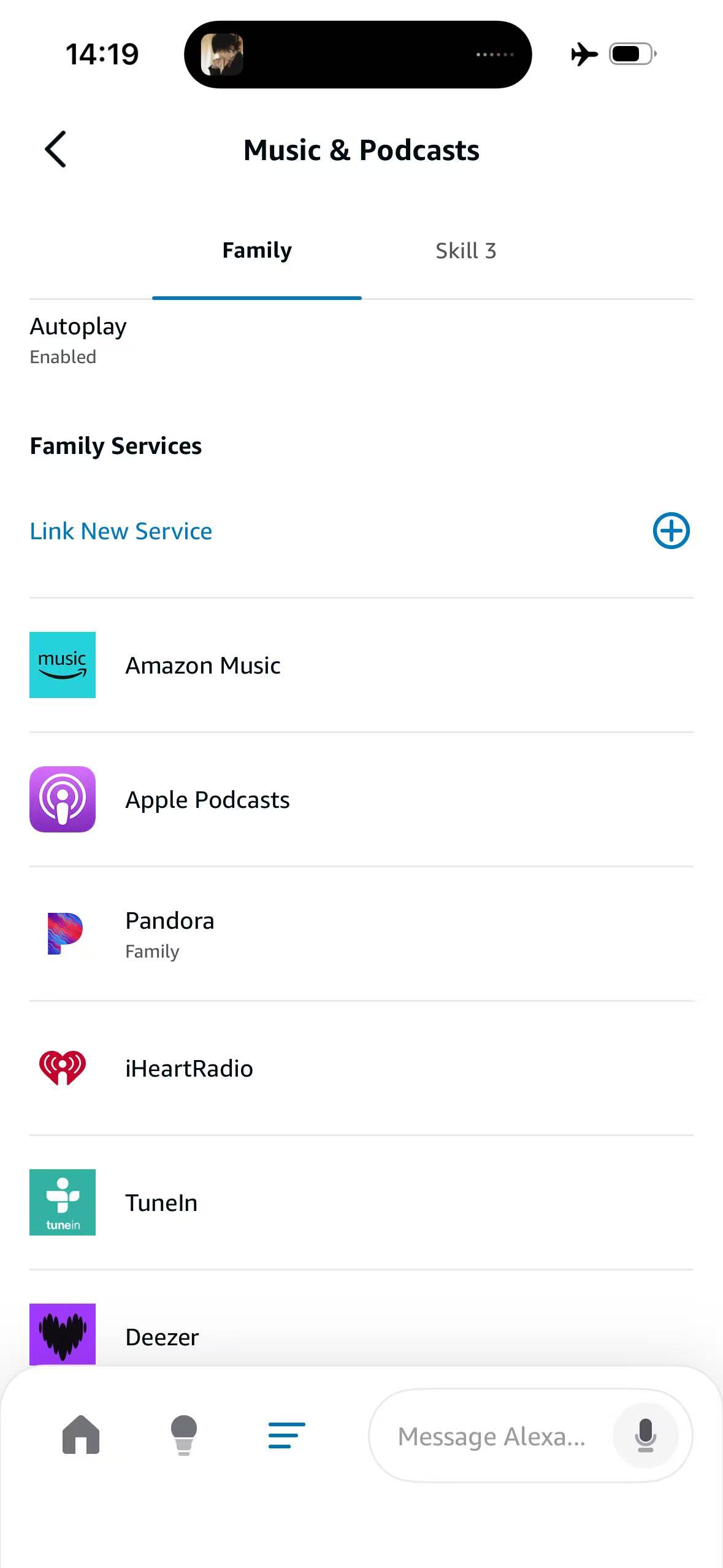
- Choose your preferred music service from the list and follow on-screen instructions to sign in.
Play Music from Linked Music Services
You're now ready to use Alexa voice commands to play music from your linked services.
The examples below use TIDAL, but you can replace it with any other service you have linked (e.g., Spotify, Amazon Music).
Example 1: Play in the specified room or group (e.g., Bedroom)
- "Alexa, play TIDAL in the Bedroom."
- "Alexa, play Jazz on TIDAL in the Bedroom."
- "Alexa, play Taylor Swift on TIDAL in the Bedroom."
Example 2: Play without specifying a room or group
Use this with the WiiM Voice Remote or if your WiiM device is set as an Alexa Preferred Speaker.
- "Alexa, play TIDAL."
- "Alexa, play Jazz on TIDAL."
- "Alexa, play Taylor Swift on TIDAL."