
TABLE OF CONTENTS
Overview
When using your WiiM device with an Echo or Alexa-enabled device, you can set it as the Alexa preferred speaker for the same Smart Home Group. This lets you ask Alexa to play music on your WiiM device without specifying its name.
For example, say “Alexa, play music.” to the Echo or Alexa-enabled device, and music will play through your WiiM device.
Before You Begin
Before setting up your preferred speaker, sign in to Amazon Alexa on your WiiM device using the WiiM Home app.
Note: Make sure to sign in to both the WiiM Home app and the Alexa app with the same Amazon account.
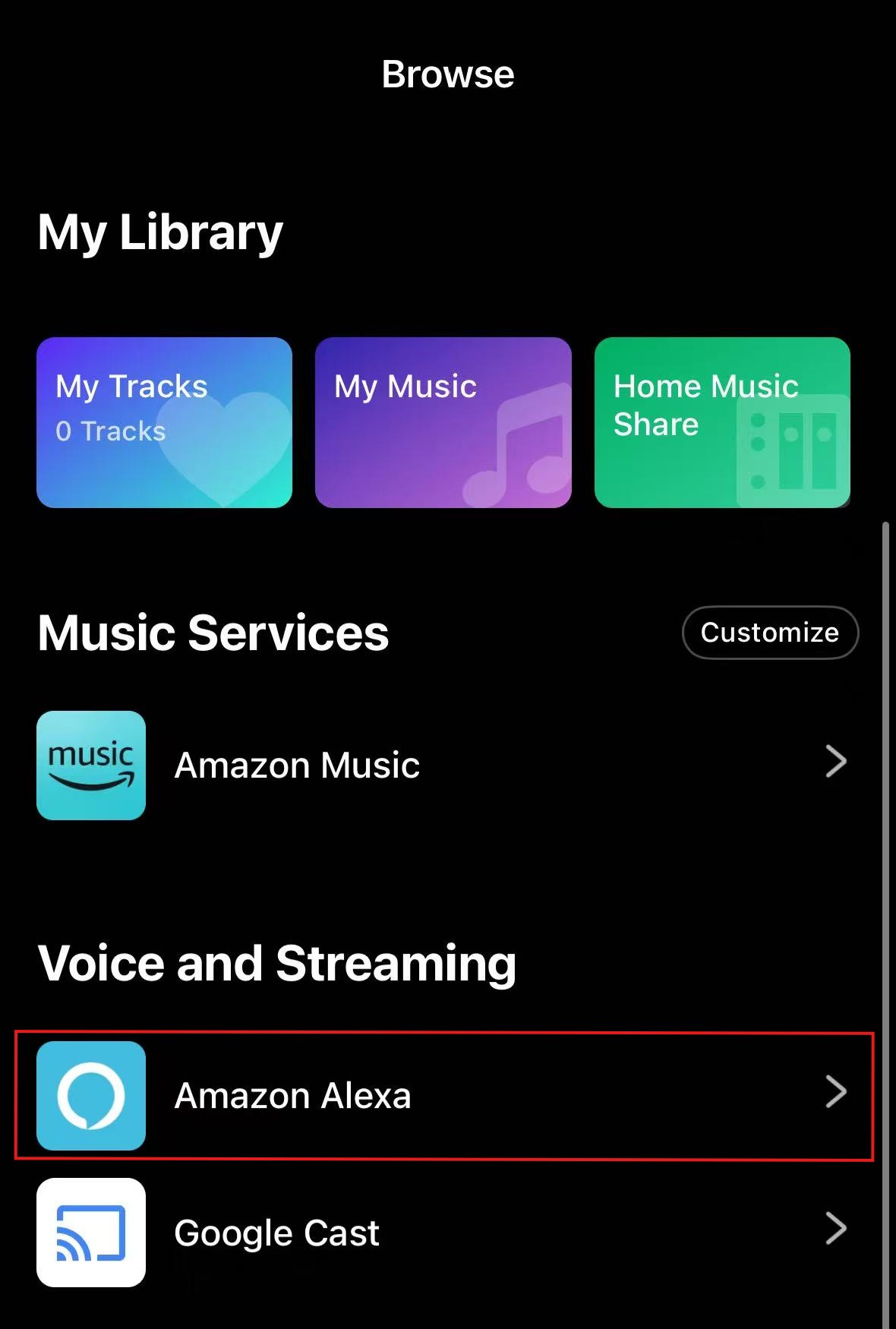
After signing in, your WiiM device will appear in the Alexa app under Devices.
Instructions
Video Tutorial
This video uses the WiiM Mini to demonstrate how to set a WiiM device as the Alexa preferred speaker.
Step-by-Step Guide
- Open the Amazon Alexa app on your smartphone.
- Go to the Devices tab.
- Tap Plus (+), then tap Add Group.
- Select Create a room or device group, then tap Next.
- Choose a group name, such as Living Room, or enter your own, then tap Next.
- Select the Echo or Alexa-enabled device you want to use for voice commands in this group, then tap Next.
- Under Speakers, select Choose speakers, then tap Choose.
- On the Choose speakers page, select your WiiM device, then tap Next.
- Select Always to use the selected WiiM device for music playback even when you do not say the group name.
- To test the setup, say “Alexa, play music.” to the Echo or Alexa-enabled device in this group. Music will play through your WiiM device without specifying the speaker or group name.