
TABLE OF CONTENTS
Overview
The WiiM Ultra now offers a new way to change standby wallpapers directly on its screen for a faster, more convenient setup.
When the WiiM Ultra is in Standby Mode, simply touch and hold the screen to choose your favorite wallpaper instantly.
Step-by-Step Guide
Before You Begin
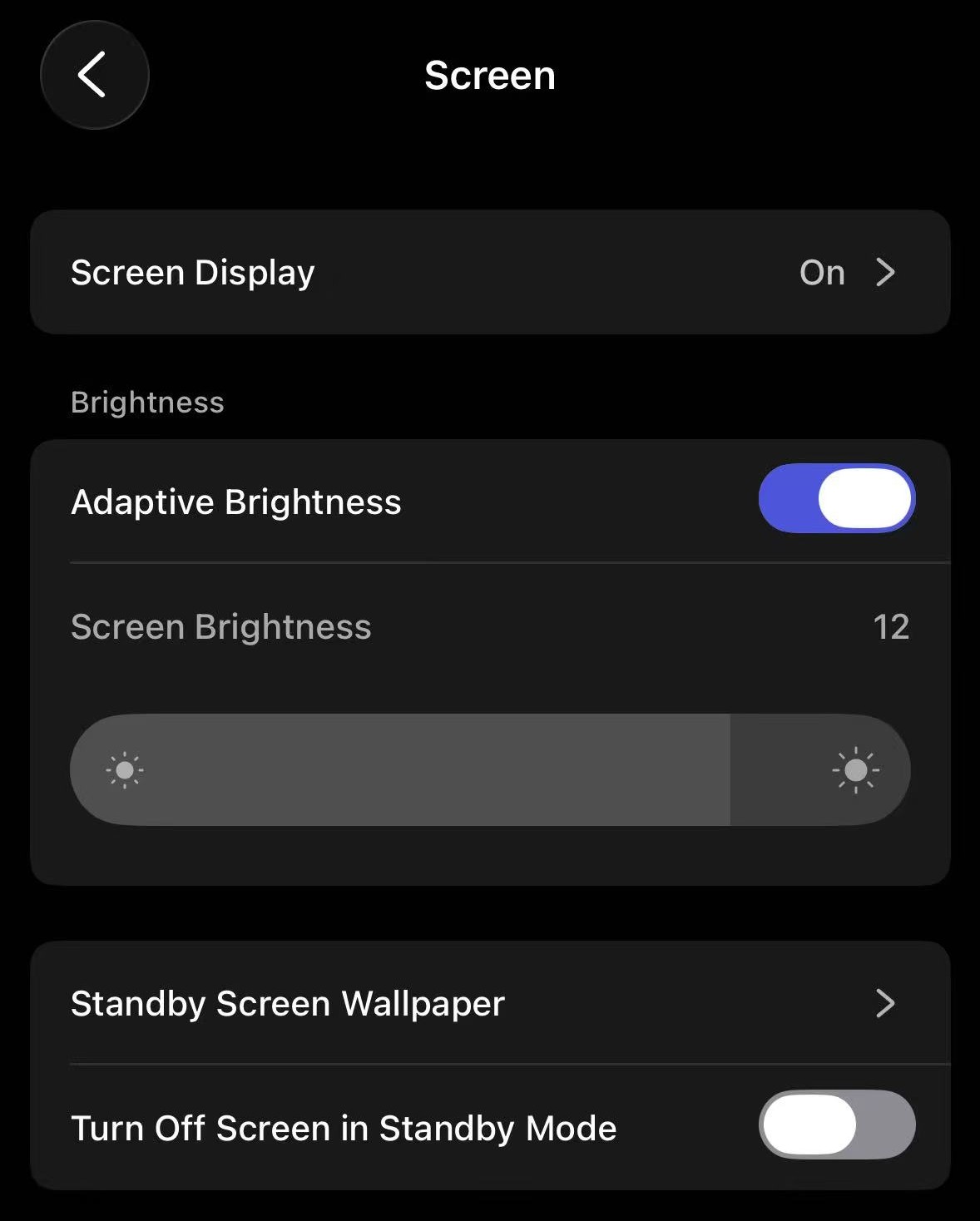
- Make sure that you have enabled Screen Display and turned on Screen in Standby Mode in the WiiM Home app.
- Make sure that the WiiM Ultra has entered Standby Mode.
Instructions
- Touch and Hold: Press and hold anywhere on the WiiM Ultra screen.
- Browse Wallpapers: When the wallpaper menu appears, swipe left or right through the menu to preview options.
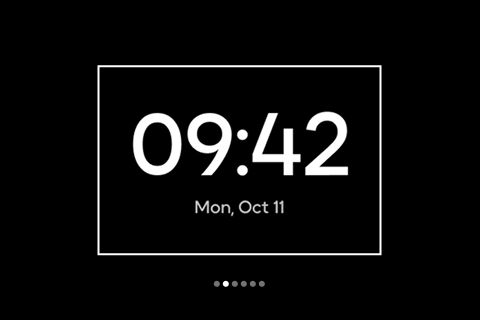
- Select and Apply: Tap your preferred wallpaper to set and apply it right away.