TABLE OF CONTENTS
Overview
After successfully pairing your WiiM Sub Pro, you can manage its pairing directly through the WiiM Sub Pro's Device Settings. From this settings page, you can easily:
- Unpair the WiiM Sub Pro from the current WiiM device.
- Move the pairing to a different WiiM device.
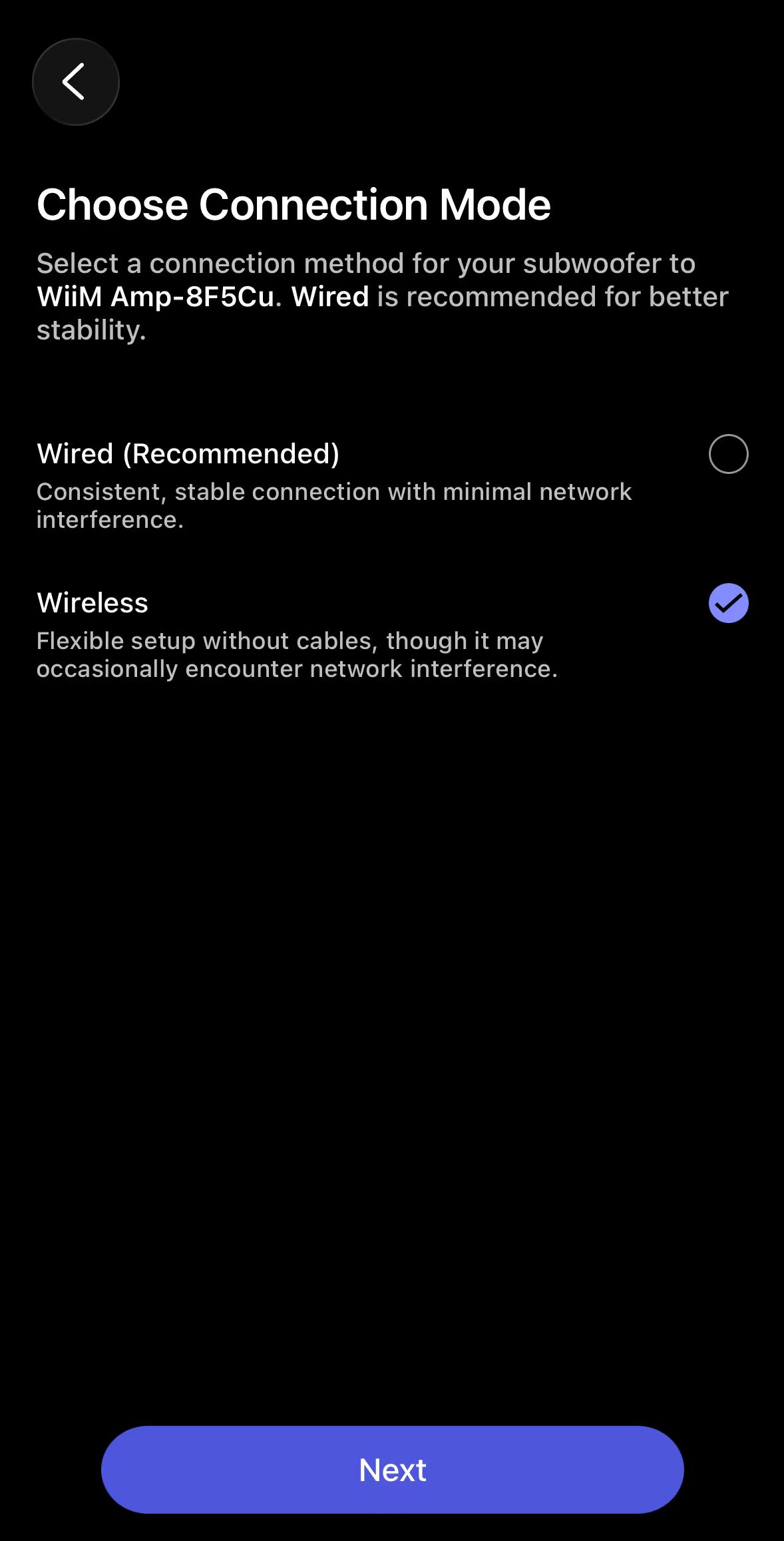
- Switch the connection mode (wired or wireless) on the same device.
Step 1: Access the WiiM Sub Pro's Device Settings
- Open the WiiM Home app.
- Go to the Devices tab and locate the WiiM device paired with your WiiM Sub Pro.
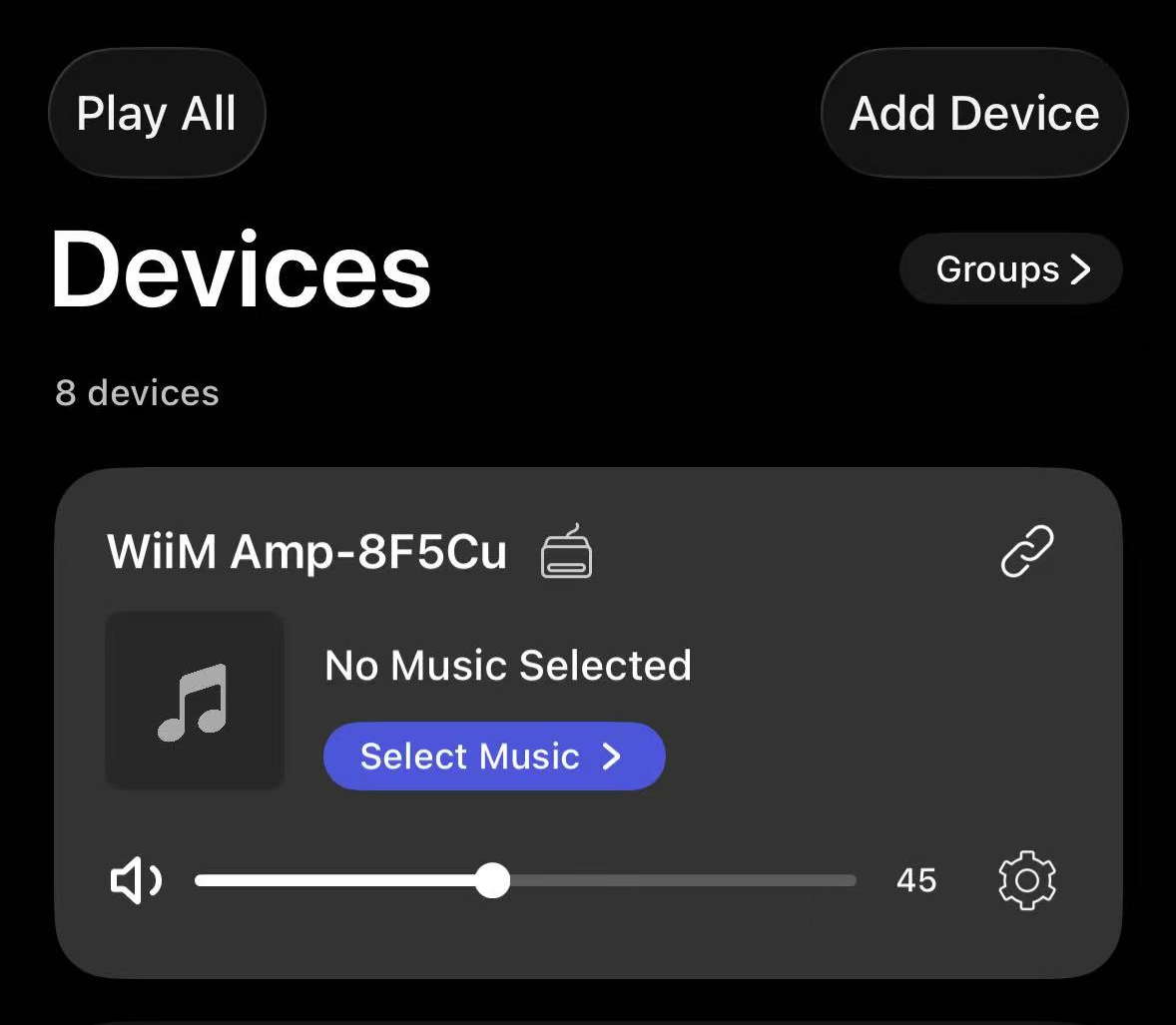
- Tap the WiiM Sub Pro icon
 to directly open its Device Settings page.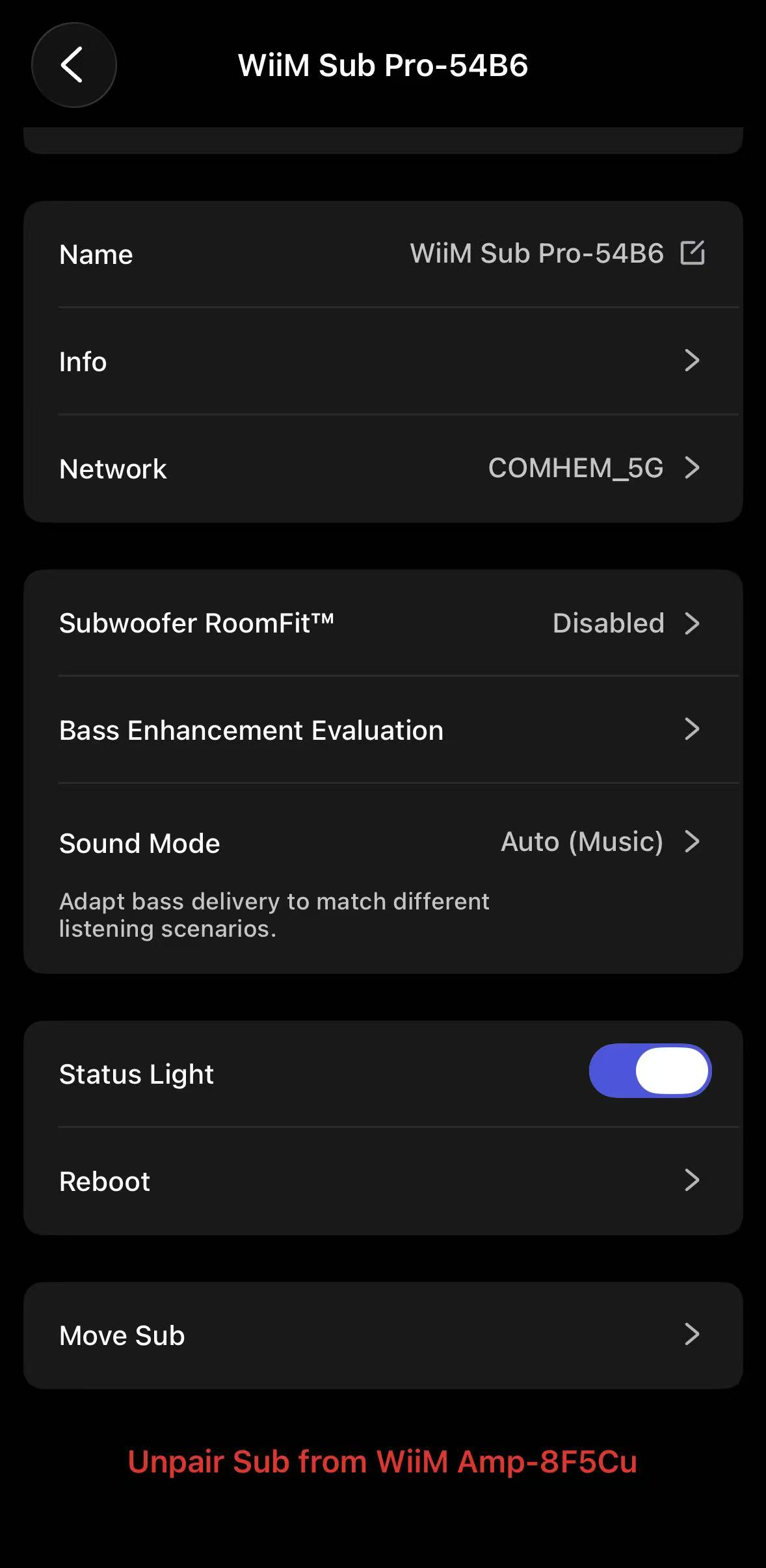
Step 2: Manage Pairing
Scenario 1: Unpairing the Sub Pro
- Tap Unpair Sub at the bottom of the Device Settings page.
- Follow the prompts to complete the disconnection.
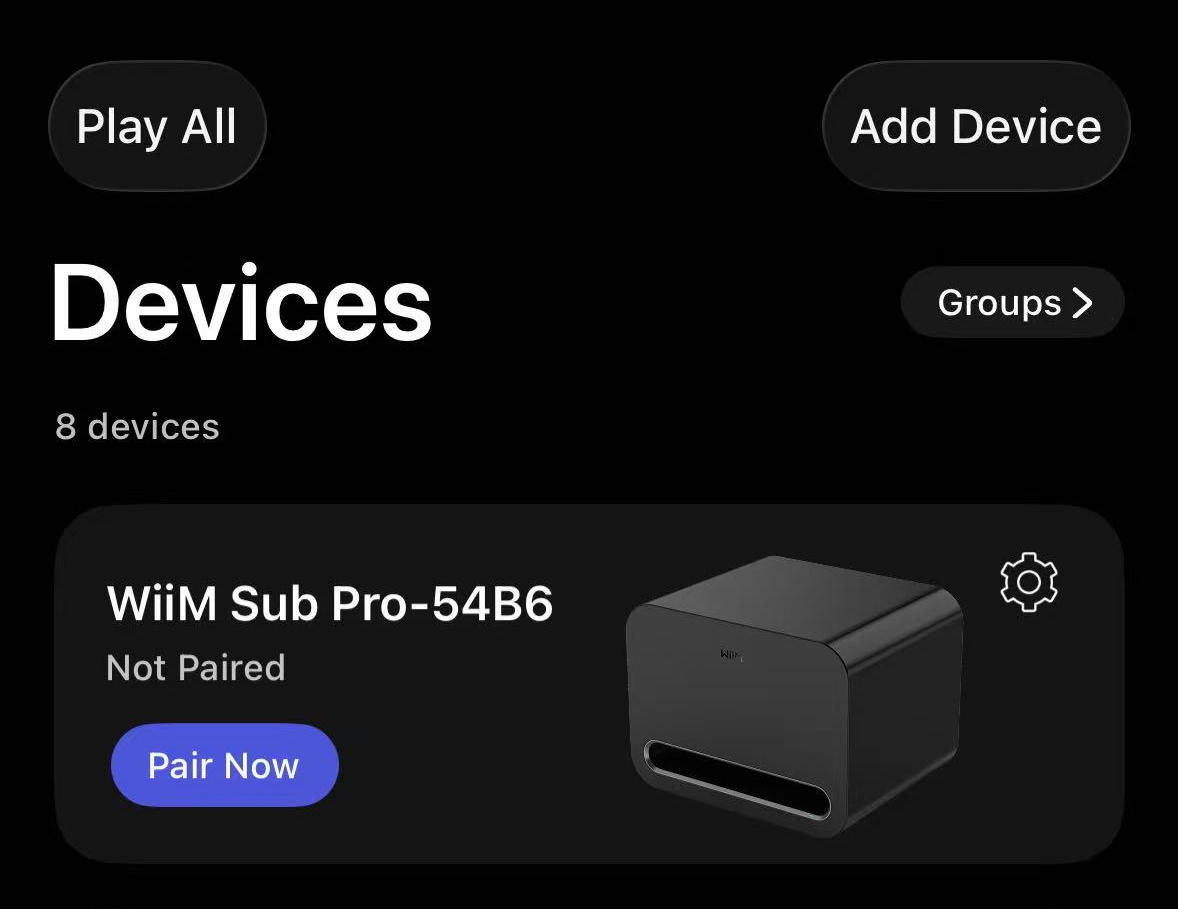
- Once disconnected, your WiiM Sub Pro will appear in your Devicestab.Tip: Tap Pair Now to start pairing with a WiiM device at any time.
Scenario 2: Moving Pairing to a Different WiiM Device
- Tap Move Sub on the Device Settings page.
- Follow the prompts to select a new WiiM device and complete the process.
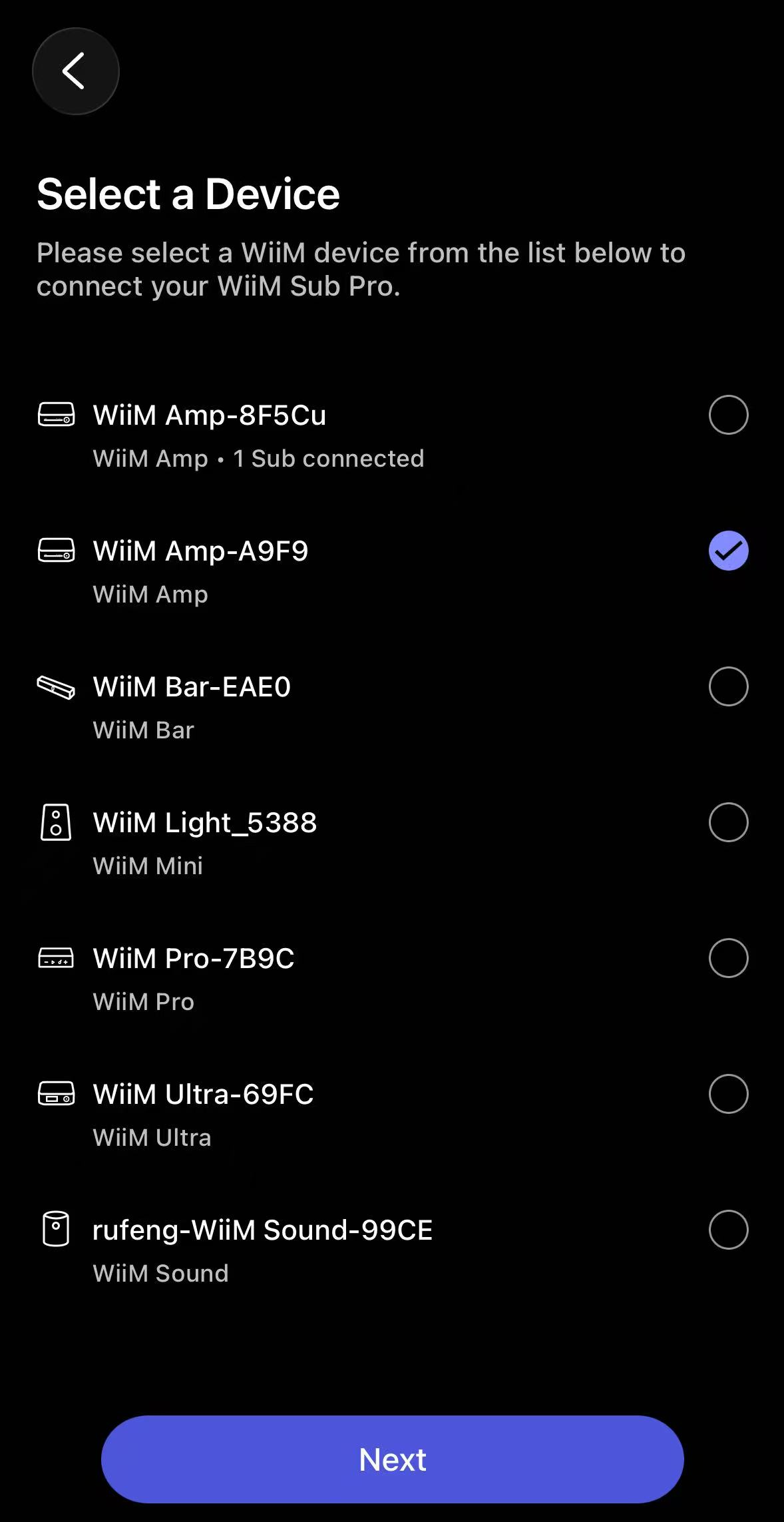
Scenario 3: Switching Connection Mode (Wired/Wireless)
- Tap Move Sub on the Device Settings page.
- Select your current WiiM device from the list.
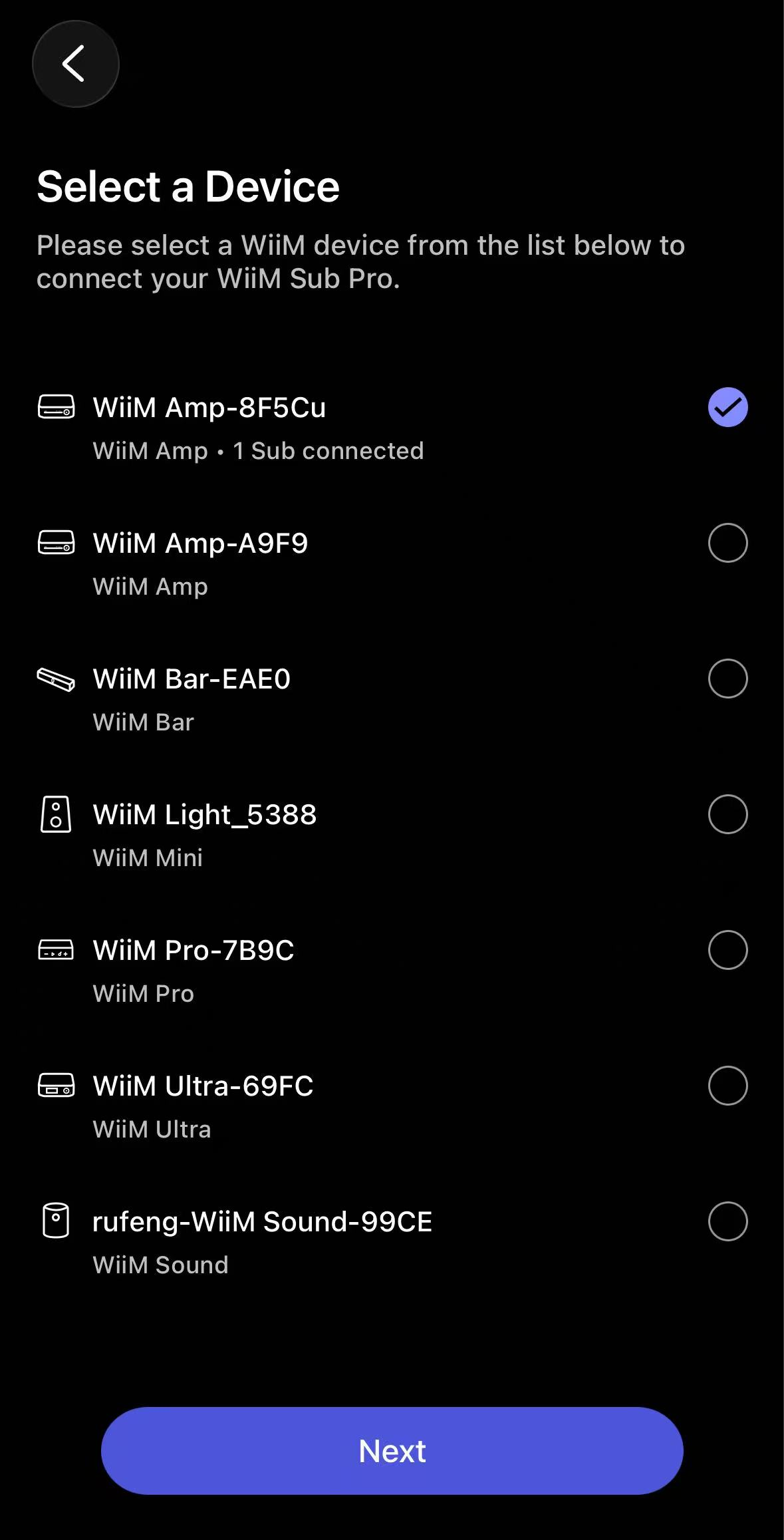
- Follow the prompts to switch connection mode and complete the process.