
TABLE OF CONTENTS
- Error 1: Connection Lost
- Error 2: Too Much Background Noise
- Error 3: Recorded Audio Level Too High
- Error 4: Recording Failed
- Error 5: Something Went Wrong
- Error 6: Subwoofer Delay Is Too Large
- Error 7: Main Speaker Level Too Low
- Error 8: Subwoofer Level Too Low
- Error 9: Subwoofer Much Louder Than Speakers
- Error 10: Speakers Much Louder Than Subwoofer
- Further Support
If you encounter an error during the subwoofer calibrating process, please refer to the specific error message below for the recommended solution.
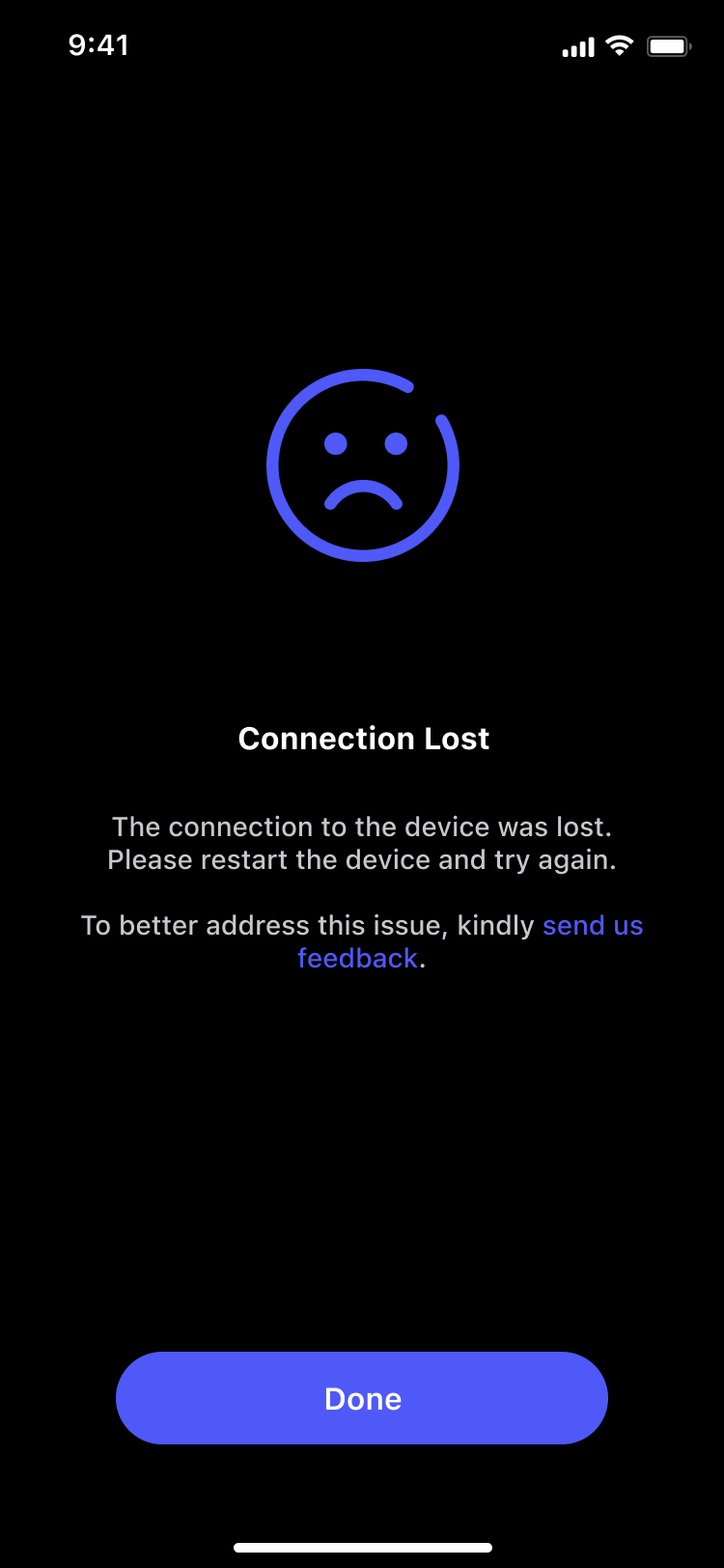
Error 1: Connection Lost
Description
The connection to the device was lost.
Solution
Please restart the device and try again.
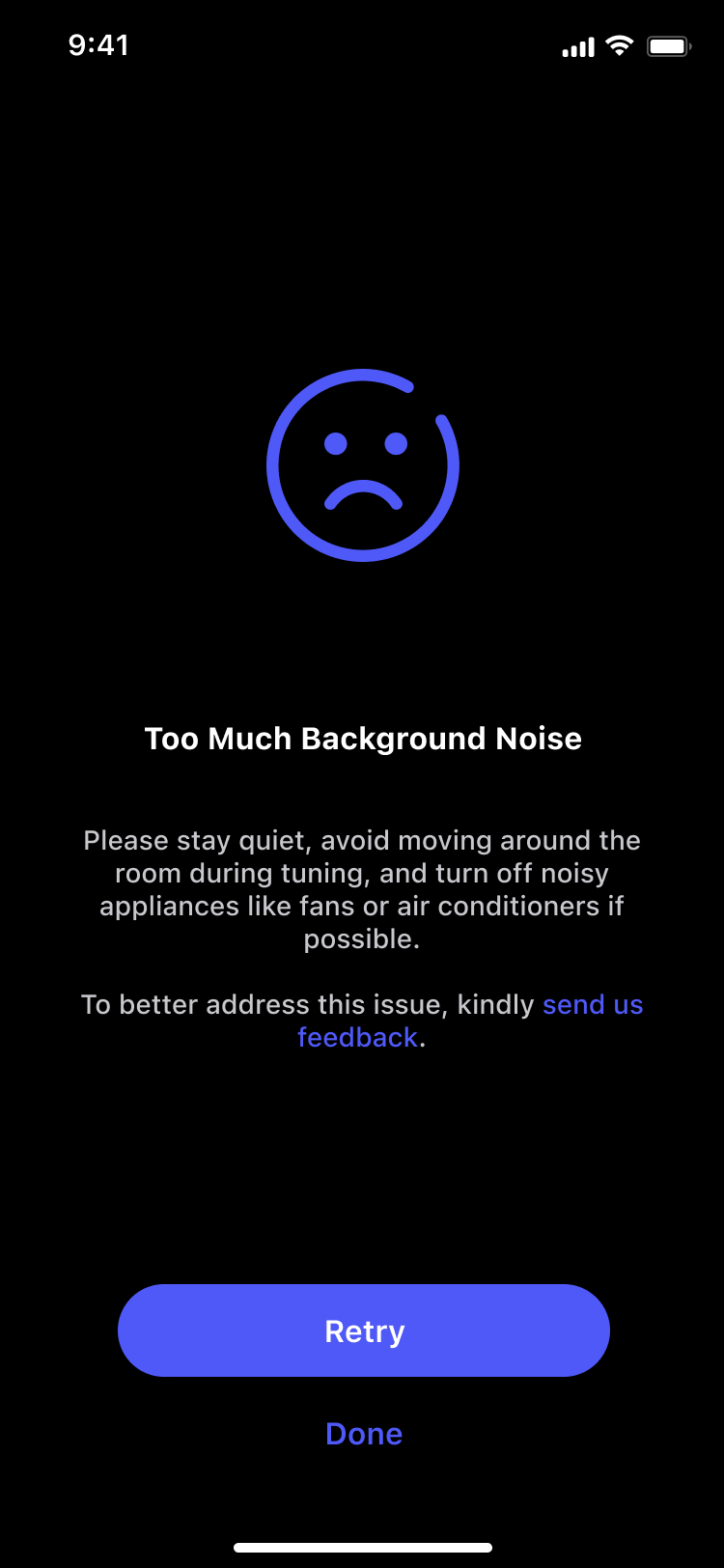
Error 2: Too Much Background Noise
Description
The environment is too noisy for an accurate measurement.
Solution
Please stay quiet, avoid moving around the room, and turn off appliances like fans or air conditioners.
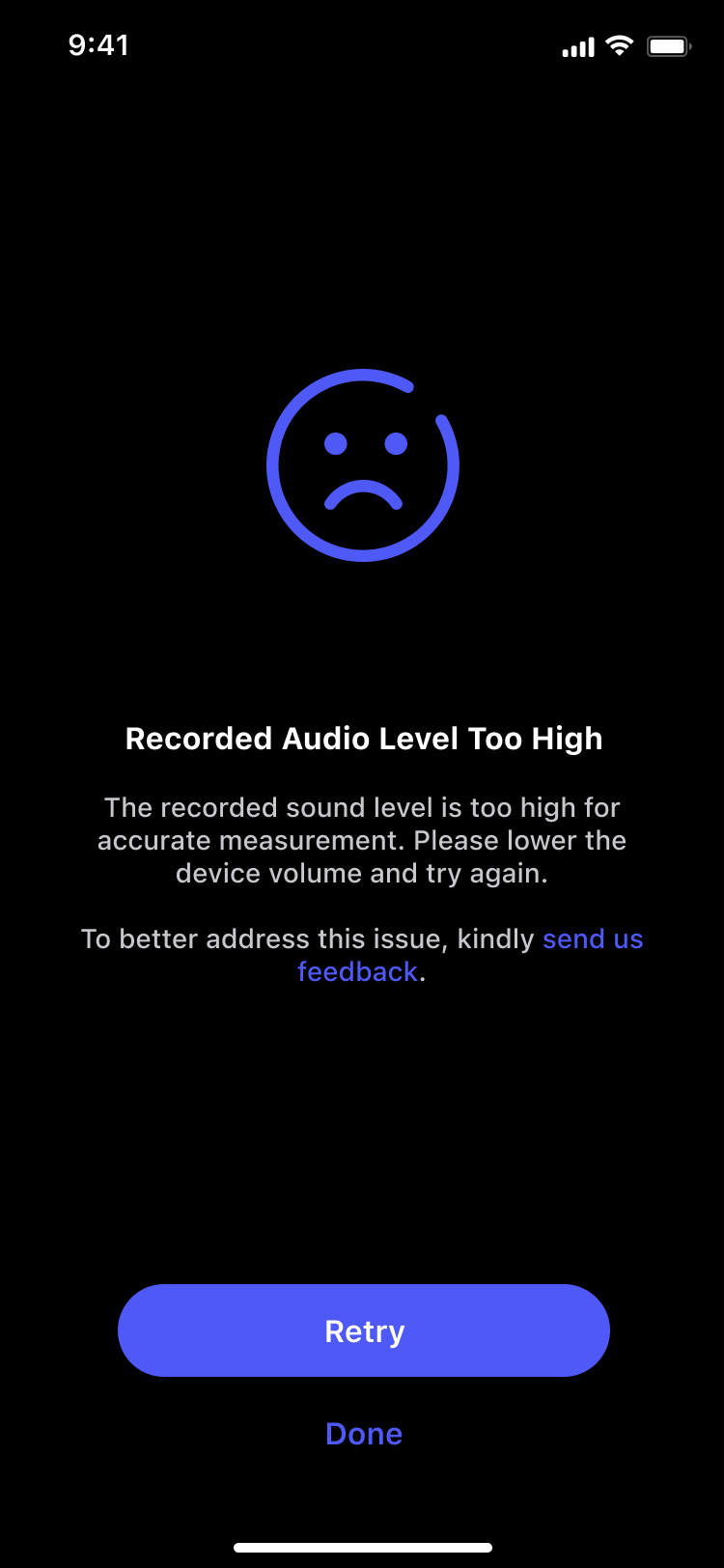
Error 3: Recorded Audio Level Too High
Description
The recorded sound level is too high for an accurate measurement.
Solution
Lower the device volume and try again.
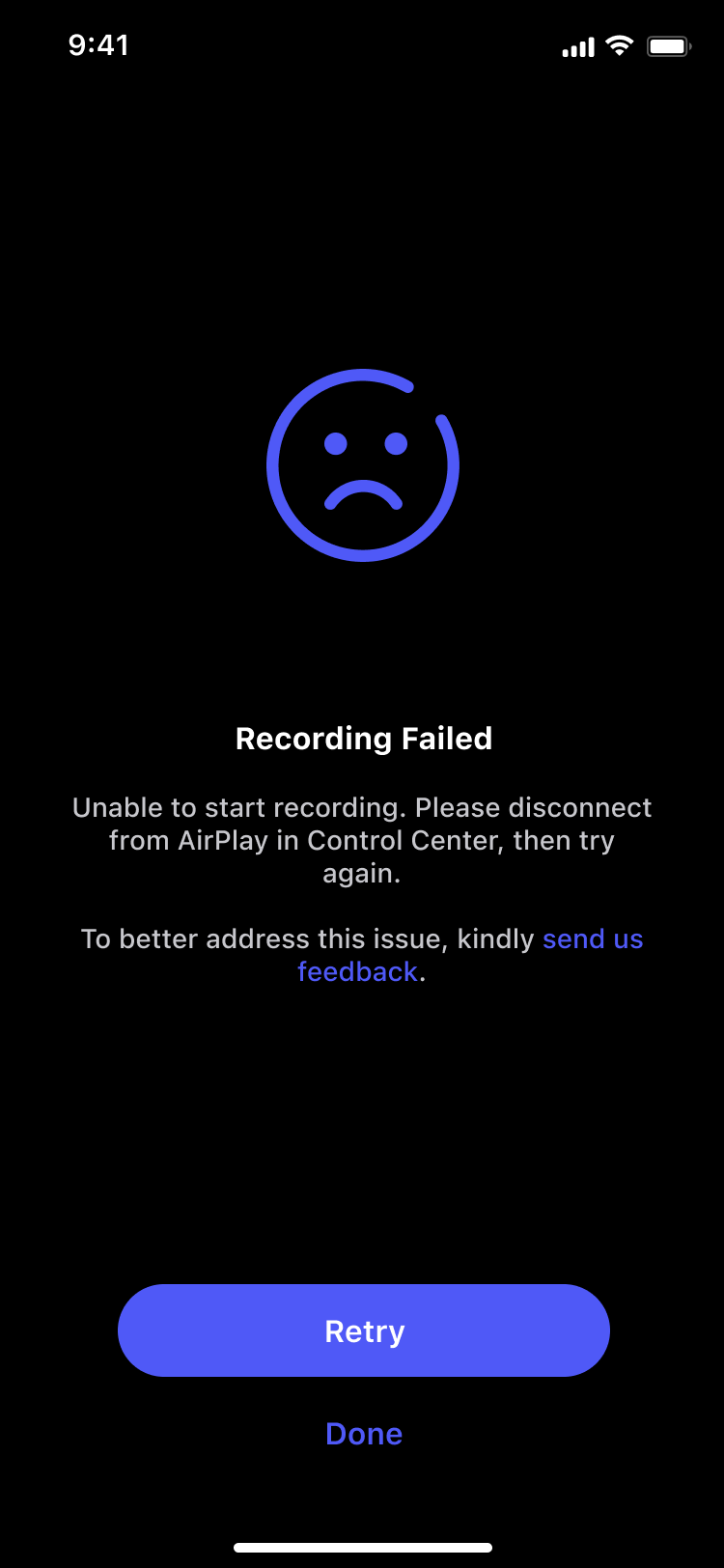
Error 4: Recording Failed
Description
The app is unable to start recording.
Solution
Disconnect from AirPlay in the Control Center, then try again.
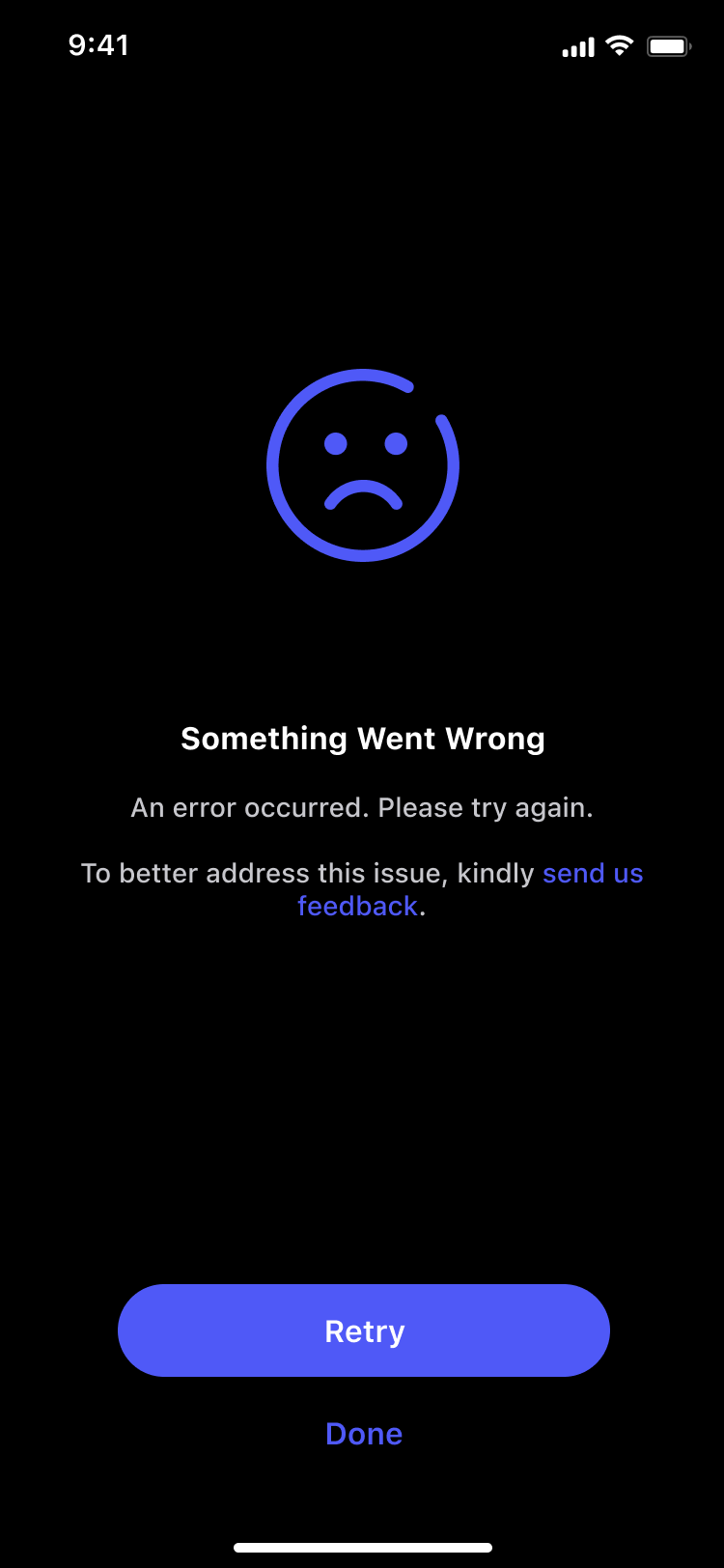
Error 5: Something Went Wrong
Description
An unexpected error occurred.
Solution
Tap Retry to attempt the process again.
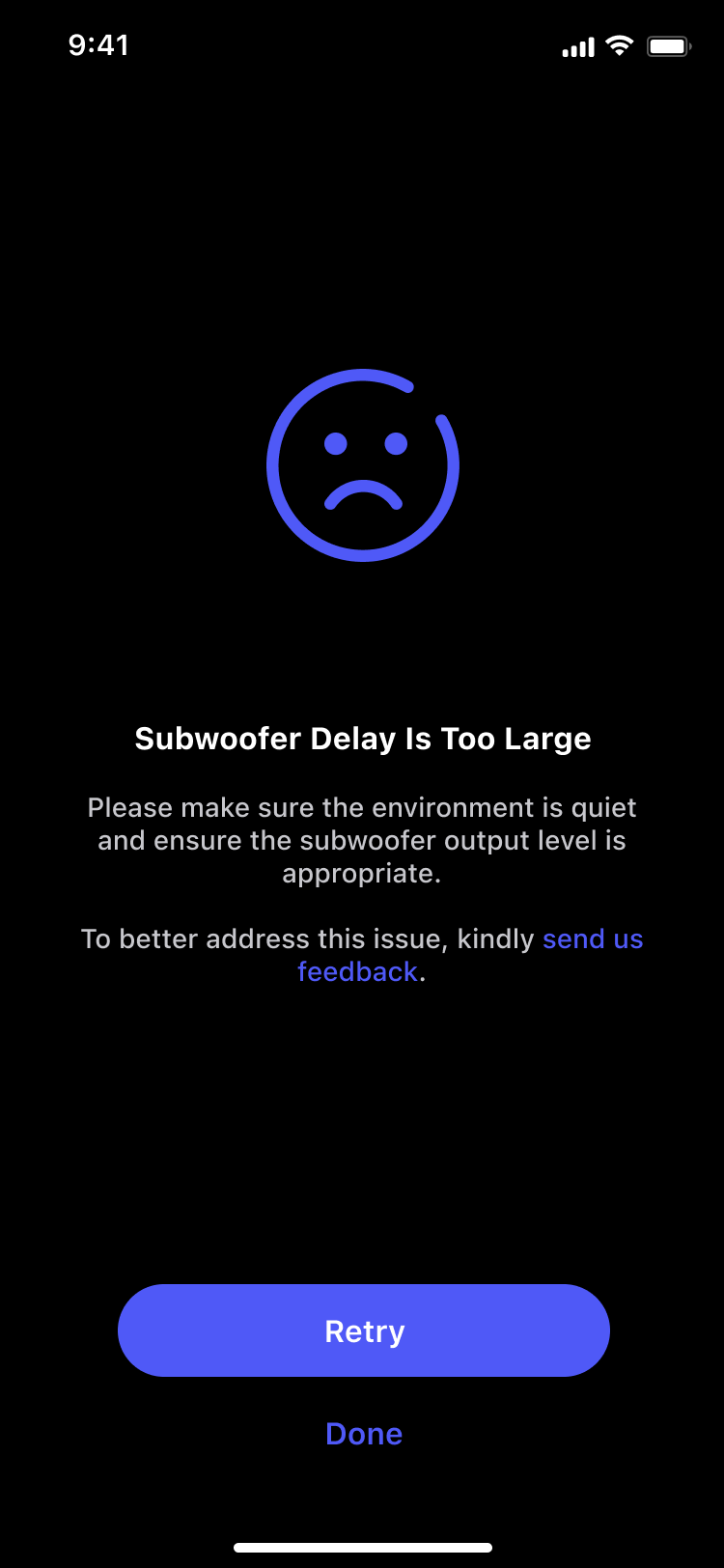
Error 6: Subwoofer Delay Is Too Large
Description
The audio delay from the subwoofer is out the acceptable range.
Solution
Ensure the environment is quiet and the subwoofer output level is appropriate.
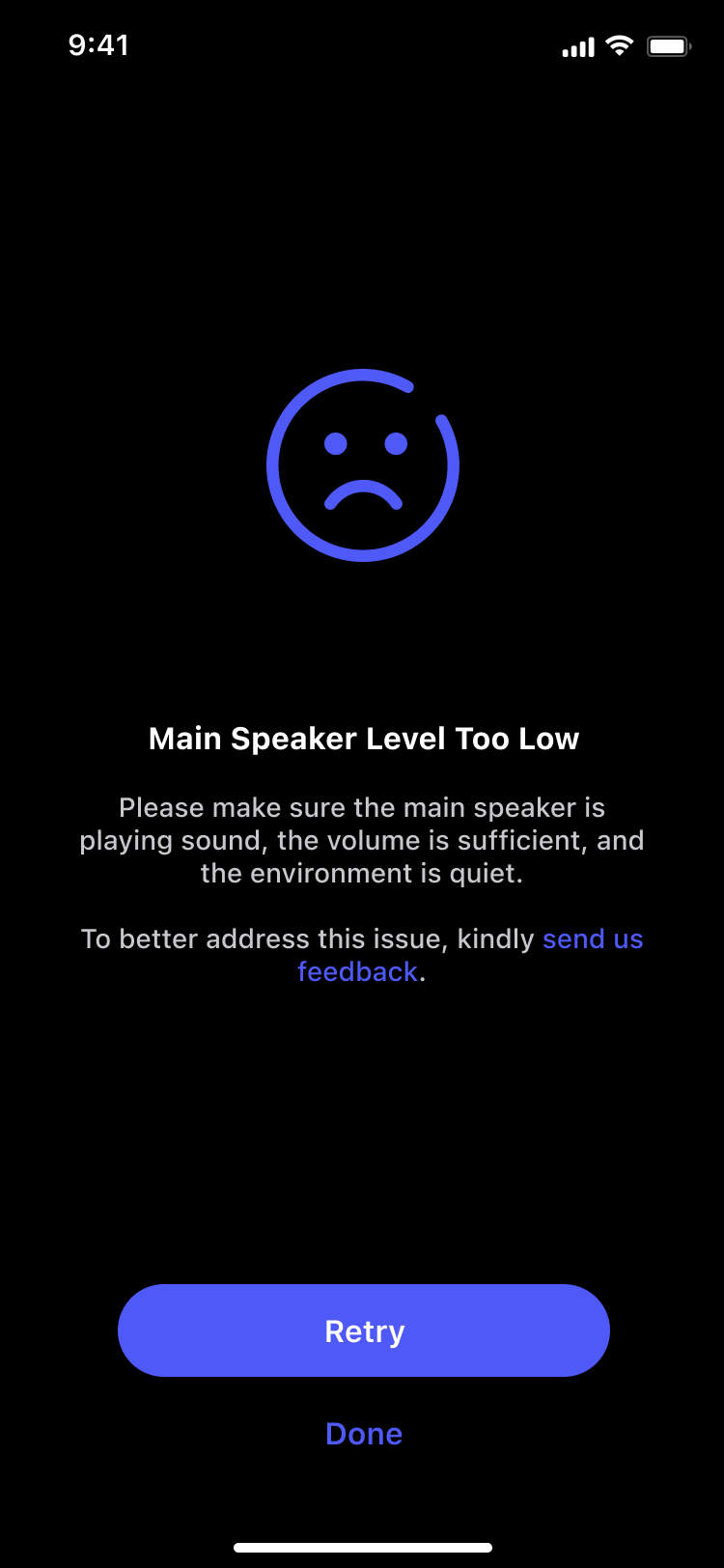
Error 7: Main Speaker Level Too Low
Description
The microphone cannot hear the main speakers clearly.
Solution
Make sure the main speaker is playing sound, the volume is sufficient, and the environment is quiet.
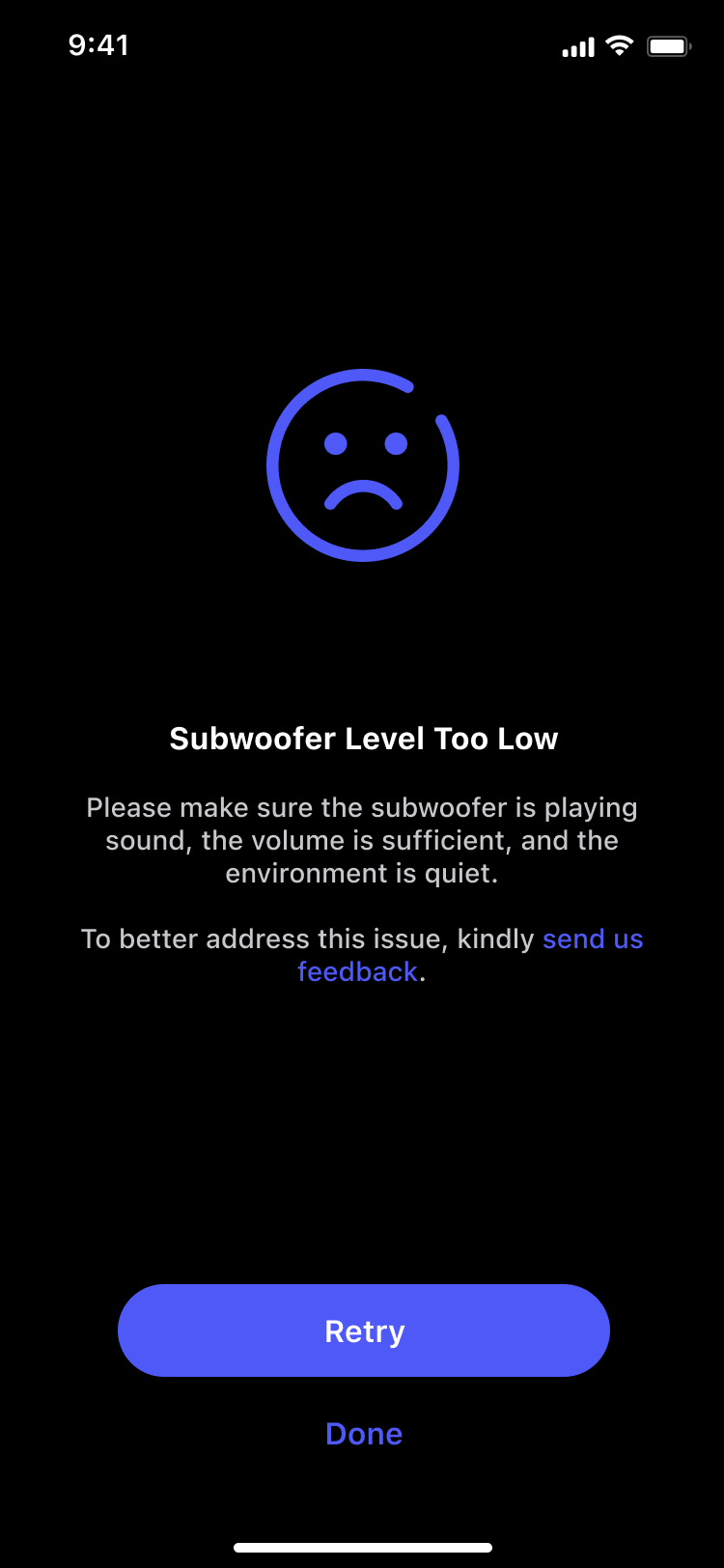
Error 8: Subwoofer Level Too Low
Description
The microphone cannot hear the subwoofer clearly.
Solution
Make sure the subwoofer is playing sound, the volume is sufficient, and the environment is quiet.
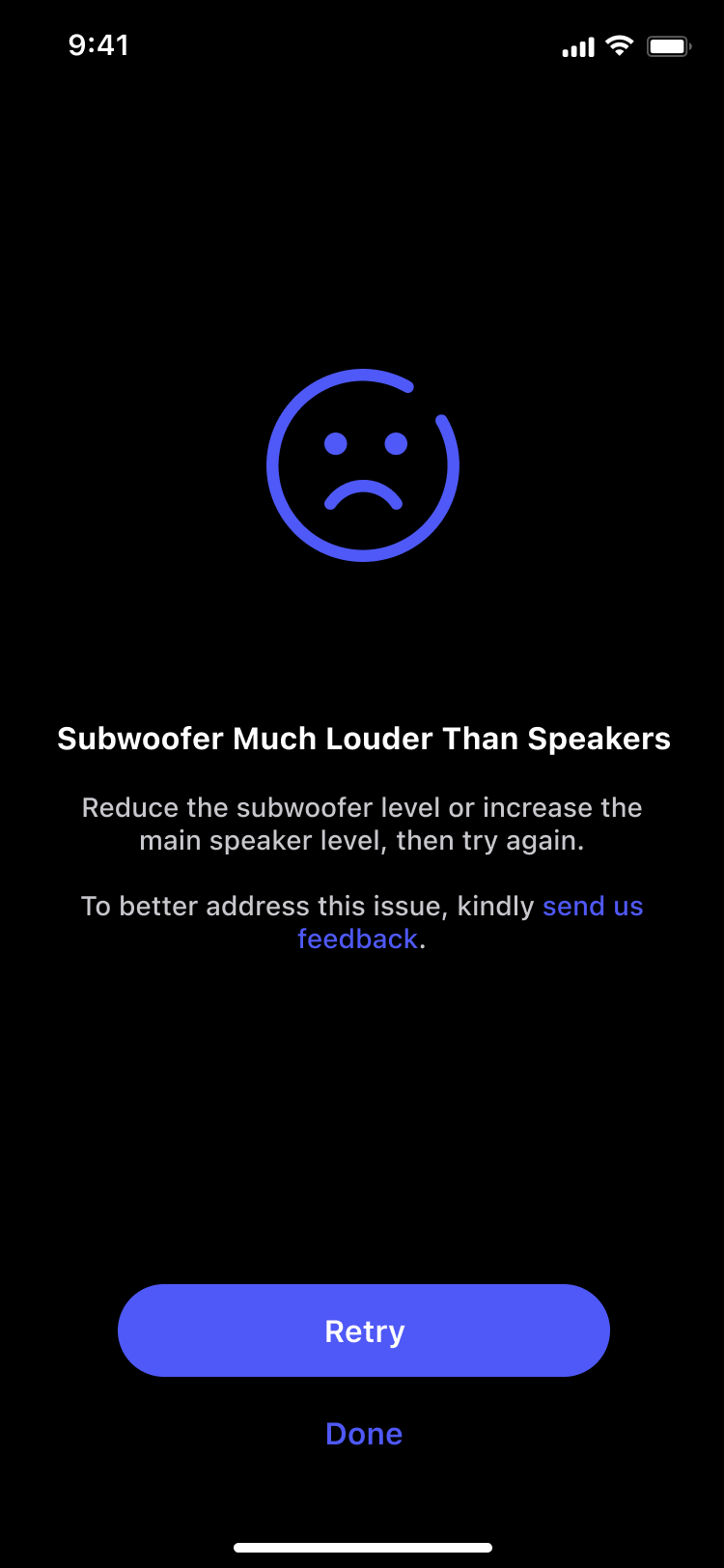
Error 9: Subwoofer Much Louder Than Speakers
Description
The subwoofer volume is significantly higher than the main speakers.
Solution
Reduce the subwoofer level or increase the main speaker level, then try again.
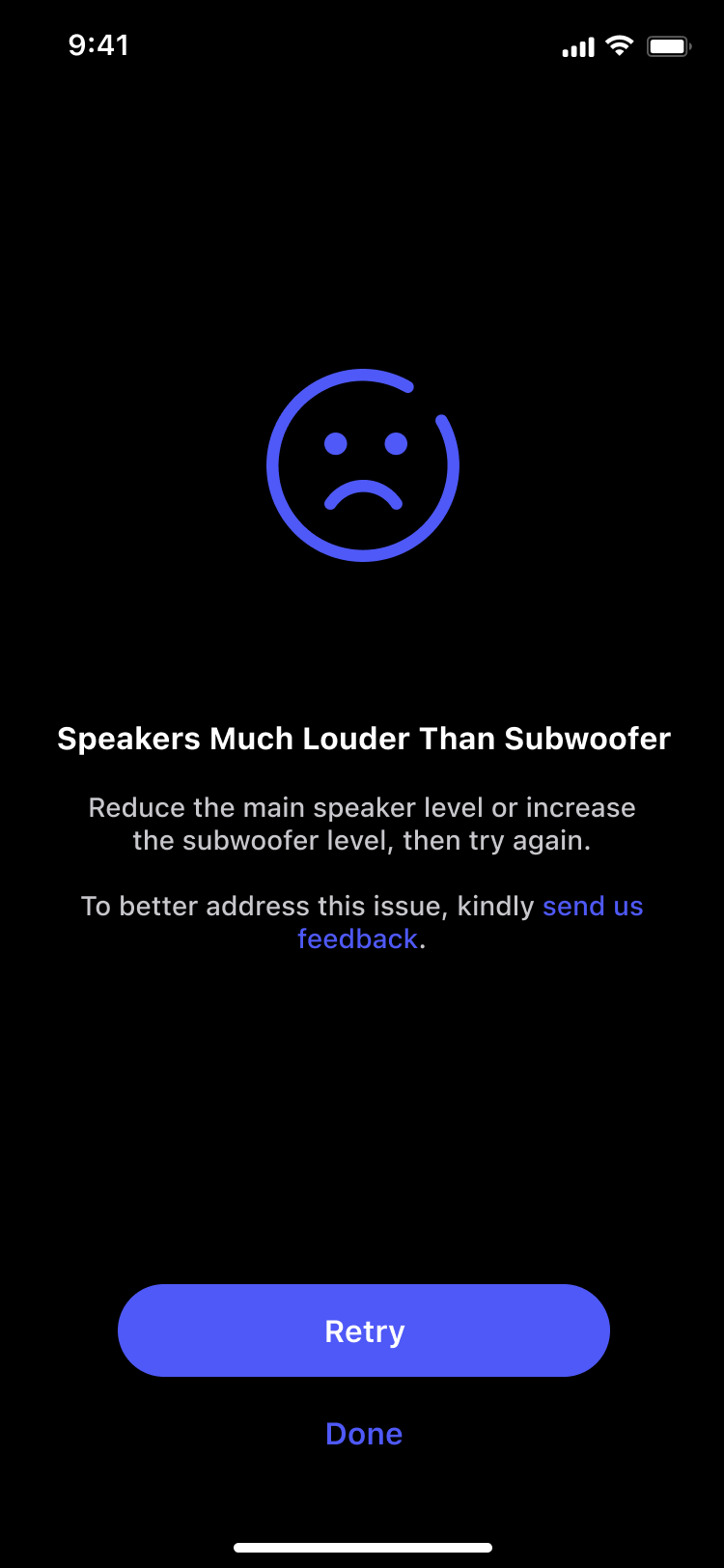
Error 10: Speakers Much Louder Than Subwoofer
Description
The main speaker volume is significantly higher than the subwoofer.
Solution
Reduce the main speaker level or increase the subwoofer level, then try again.
Further Support
If these steps do not resolve your issue, please tap the send us feedback link on the error screen to contact us for further support.