
TABLE OF CONTENTS
Overview
WiiM Radio lets users explore a wide variety of radio stations.

It brings together stations across multiple categories, including Music, News, Talk, and Sports. Whether you want to follow local news, listen to international sports coverage, or enjoy your favorite music, WiiM Radio provides stable, high-quality radio streaming.
Access WiiM Radio
Steps:
- Open the WiiM Home app for PC.
- Click WiiM Radio in the Music Services section at the bottom of the left side bar.
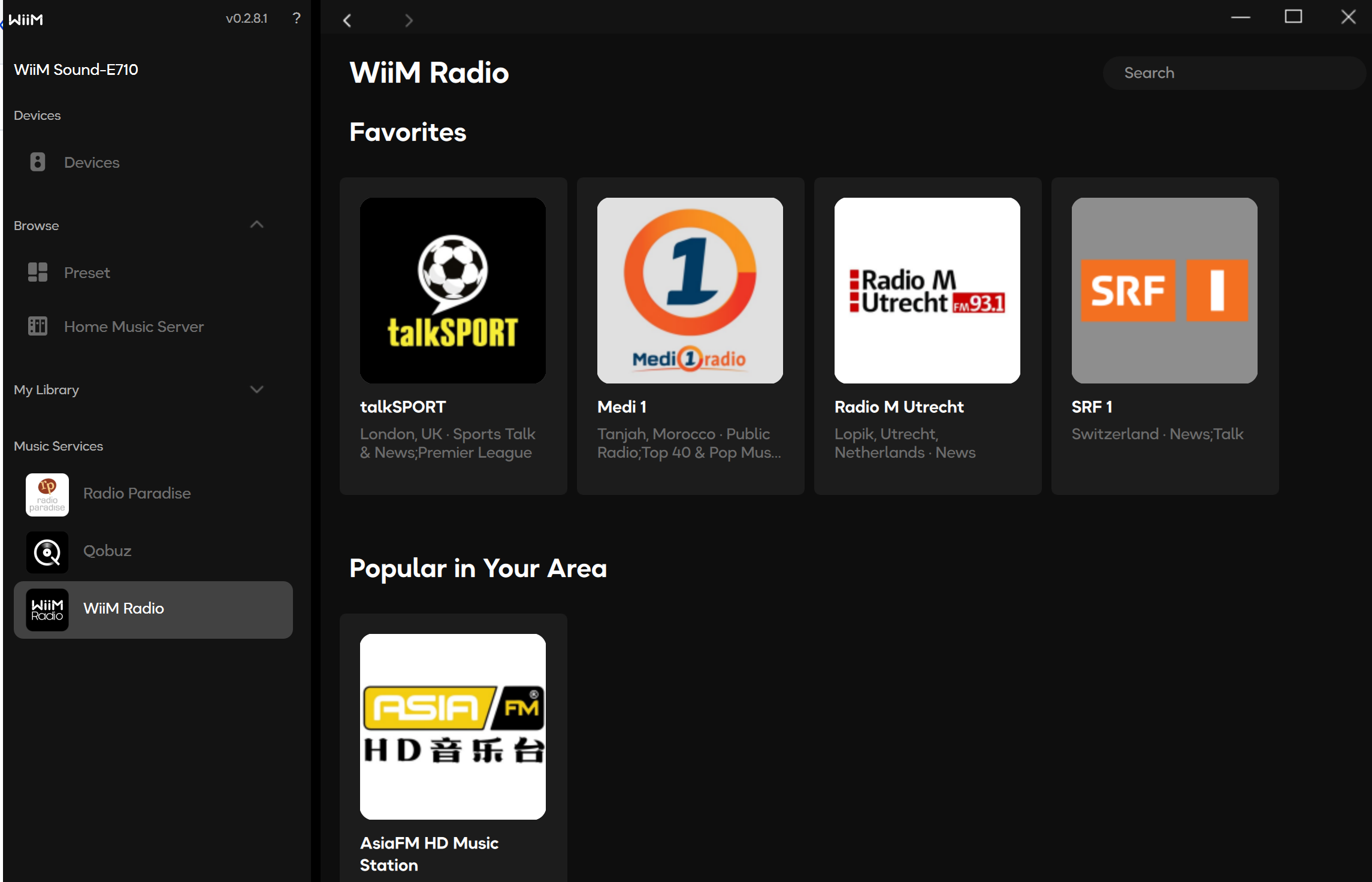
- Radio stations will be displayed in the right panel.
You can now start browsing and playing radio stations.
Browse and Discover Stations
WiiM Radio features a simple and intuitive interface, making it easy to discover and access stations.
Favorites
This section lists all your favorite radio stations.
Popular in Your Area
This section highlights frequently played or trending stations based on your region, helping you quickly discover popular local content.
Categories
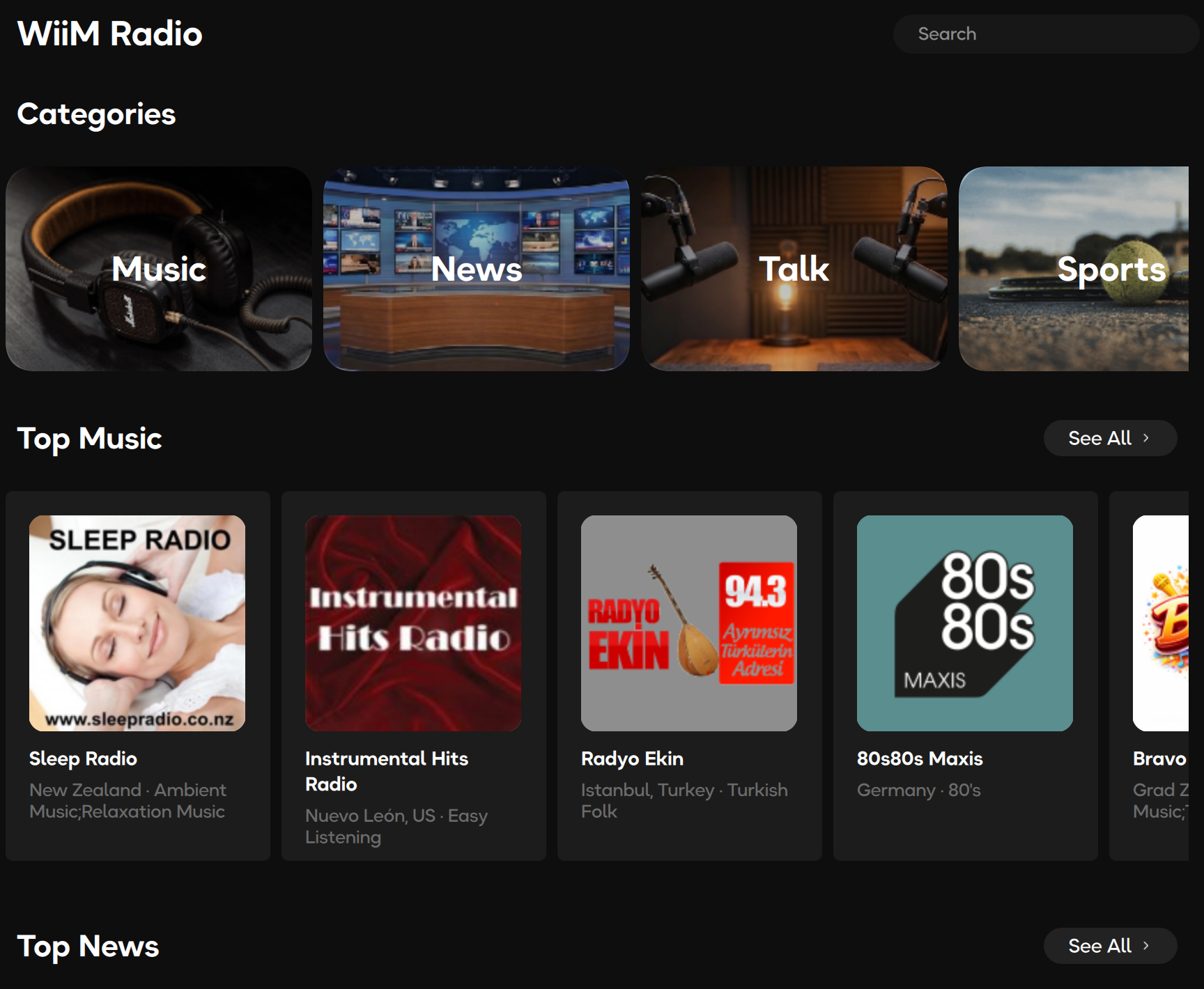
WiiM Radio organizes stations into four main categories to help you easily browse content of interest:
- Music
- News
- Talk
- Sports
Top Stations
WiiM Radio also features top stations in each category, including Top Music, Top News, Top Talk, and Top Sports.
Click See All to view the full list of top stations in each category.
Relax & Unwind Stations
This section features a curated collection of ambient and relaxation radio stations specifically designed to help users decompress.
Search
You can enter your radio station in the search box in the top-right corner at any time to quickly find a specific radio station.