
TABLE OF CONTENTS
Overview
The latest version of the WiiM Home app for PC features an intuitive layout designed for effortless device management and high-fidelity music streaming from various sources.
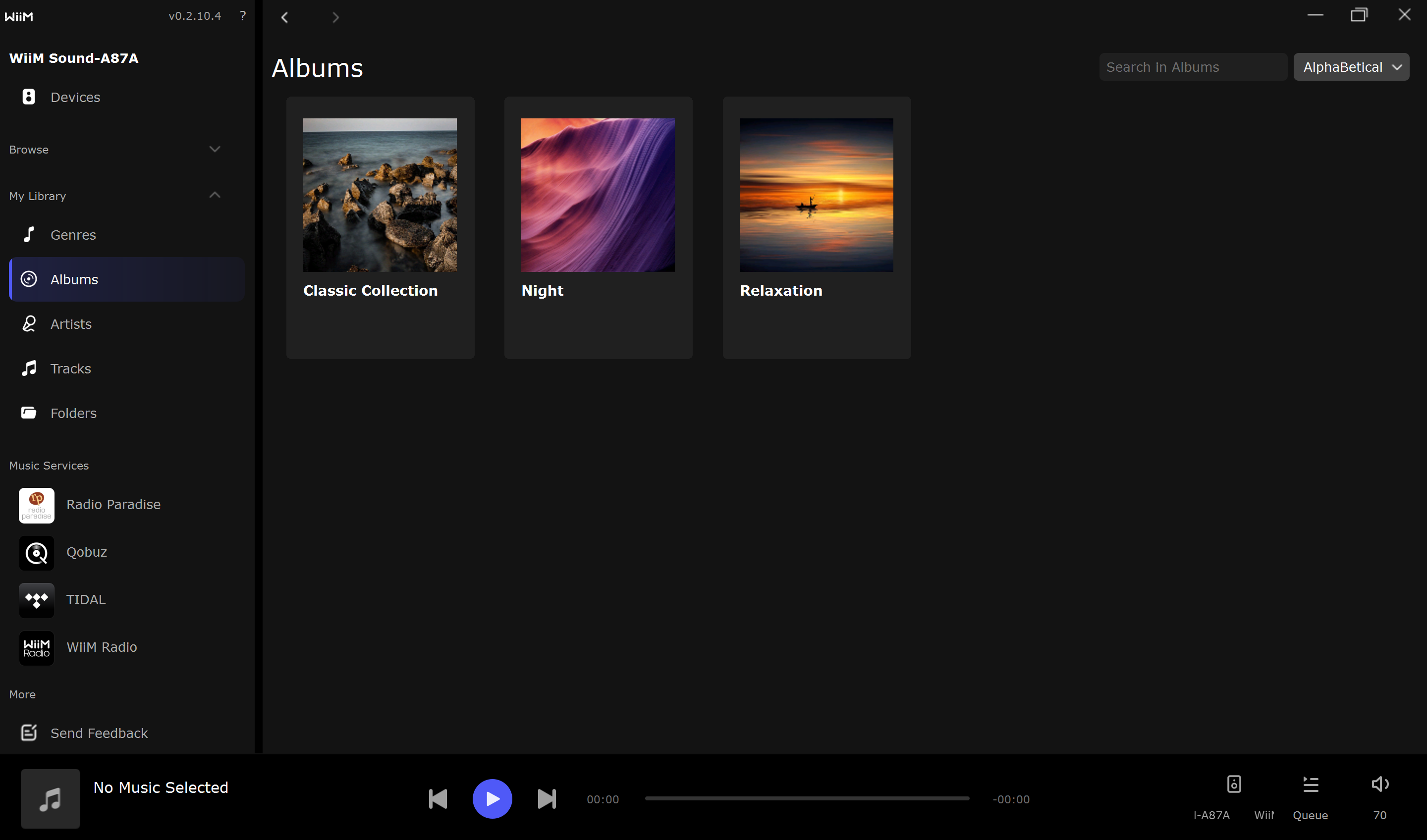
The interface is organized into the following primary sections to streamline your listening experience:
- Devices: Control and configure your WiiM devices.
- Browse: Access presets and media servers.
- My Library: Organize and play local music files.
- Music Services: Explore integrated streaming platforms.
- Send Feedback: Share your suggestions or report any issues you encounter.
- Now Playing: Displays the current track and provides playback controls.
Download the App
The WiiM Home app for PC is available for Windows and macOS. Download it here.
Devices
Click the  icon in the left sidebar to open the Devices page.
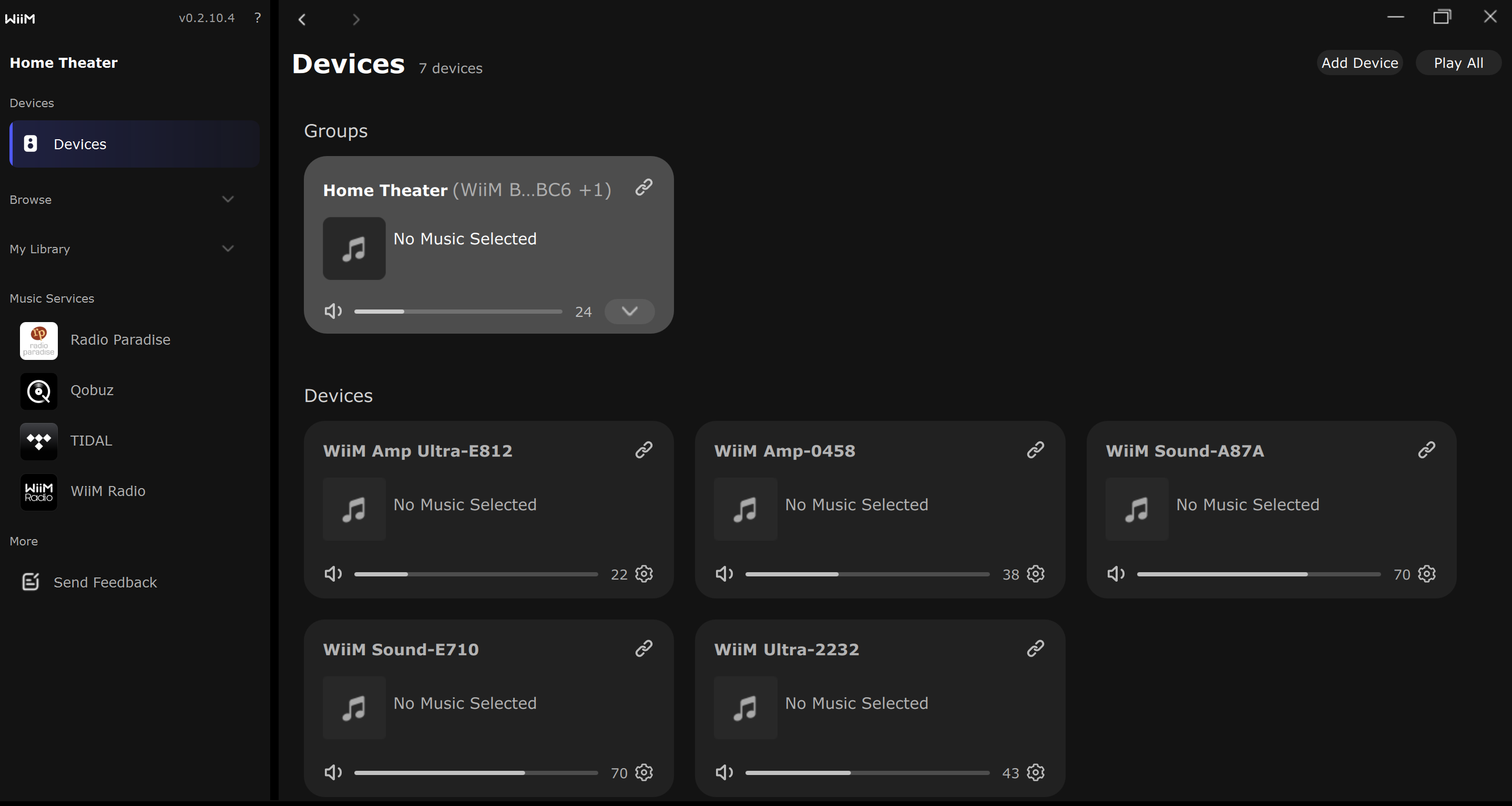
From here, you can manage all WiiM devices on your network:
- Select a Playback Device: Choose which device will output your audio. The selected device is displayed at the top of the left sidebar.
- Add Device: Click the button in the top-right corner to manually add a device via its IP address.
- Play All/Pause All: Instantly start or pause playback on all connected devices with one click.
- Device Settings: Click the
 gear icon to customize specific device configurations (e.g., network and standby settings).
 - Volume Control: Use the dedicated slider for precise audio adjustment.
- Multi-room Music: Group multiple devices for synchronized multi-room music playback. For details, see How to Set Up Multi-room Audio via the WiiM Home App for PC.
Browse
The Browse section provides quick access to your curated content and network-stored media:
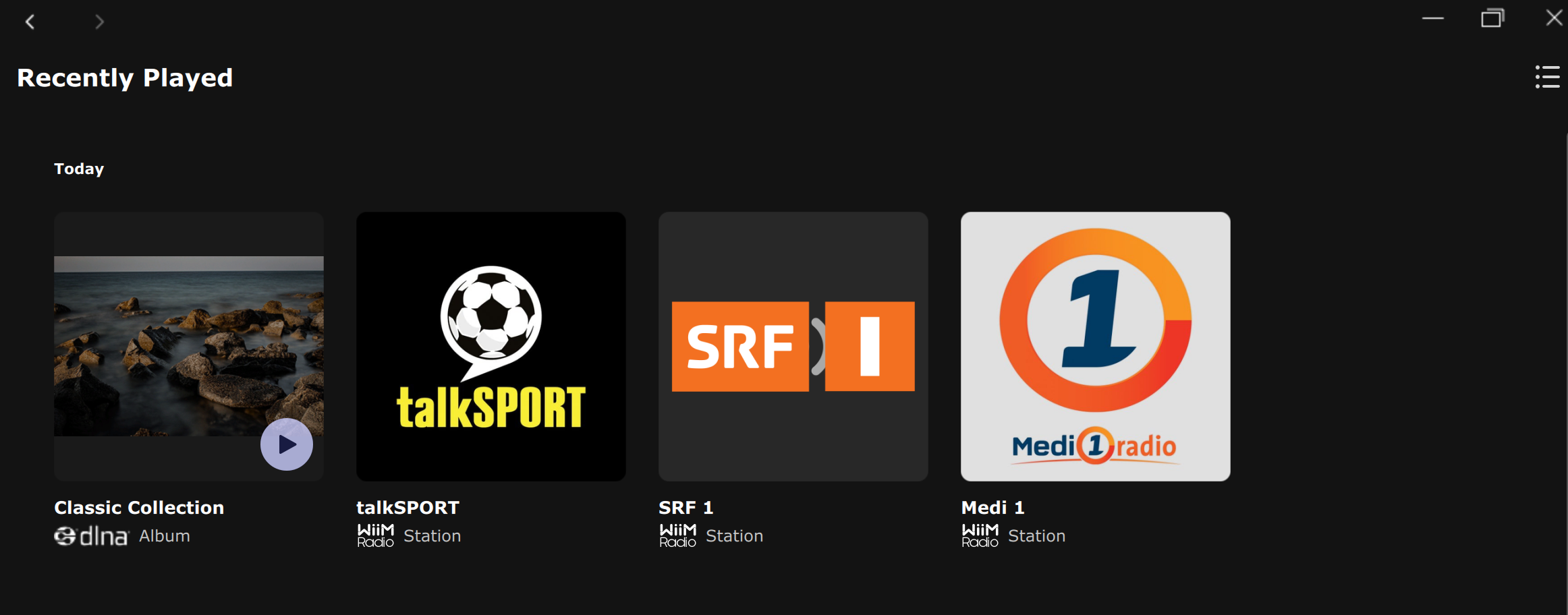
- Recently Played: Give you quick access to your playback history.
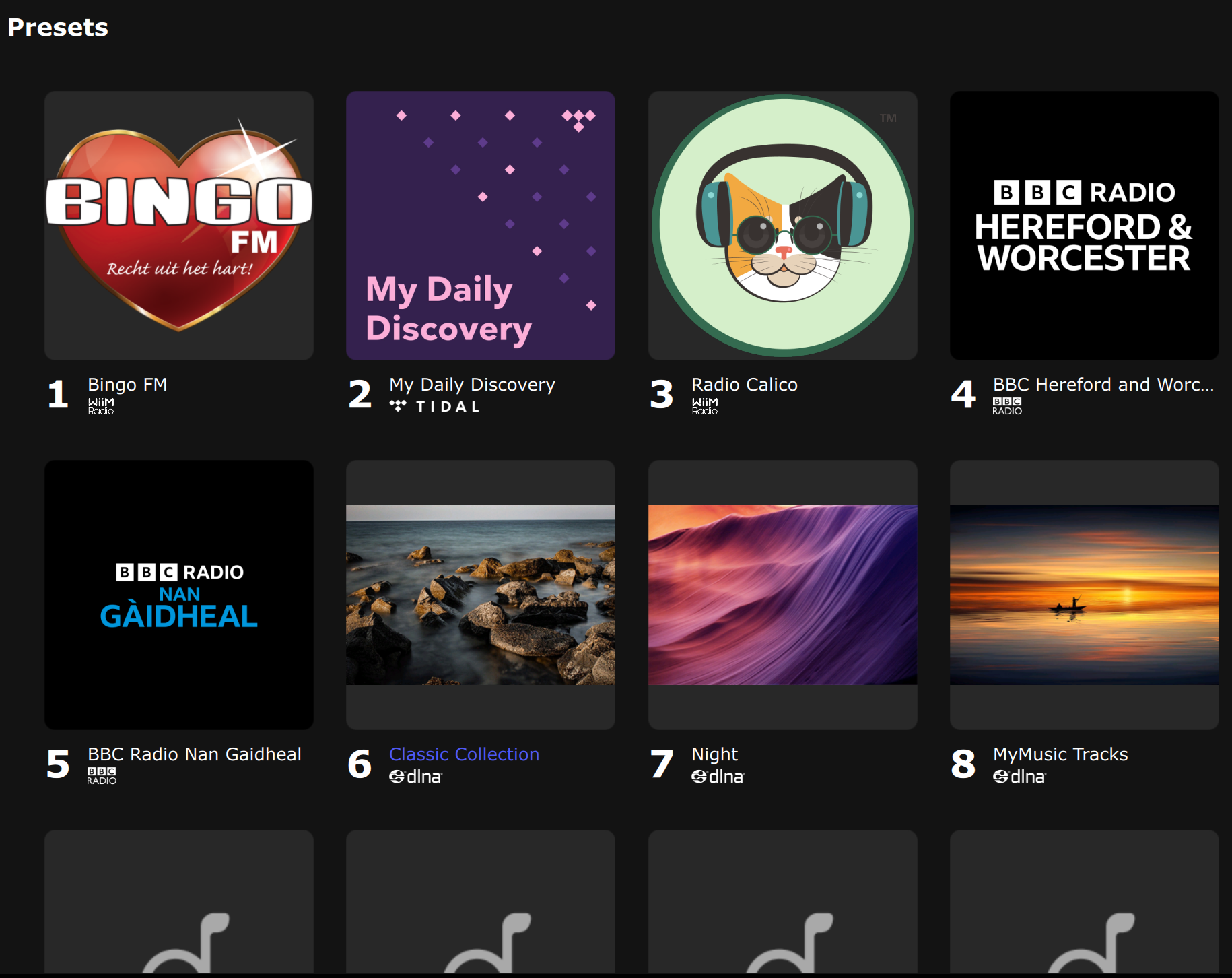
- Presets: Instantly play your saved playlists, stations, or favorite content. You can also right-click a preset to delete it.
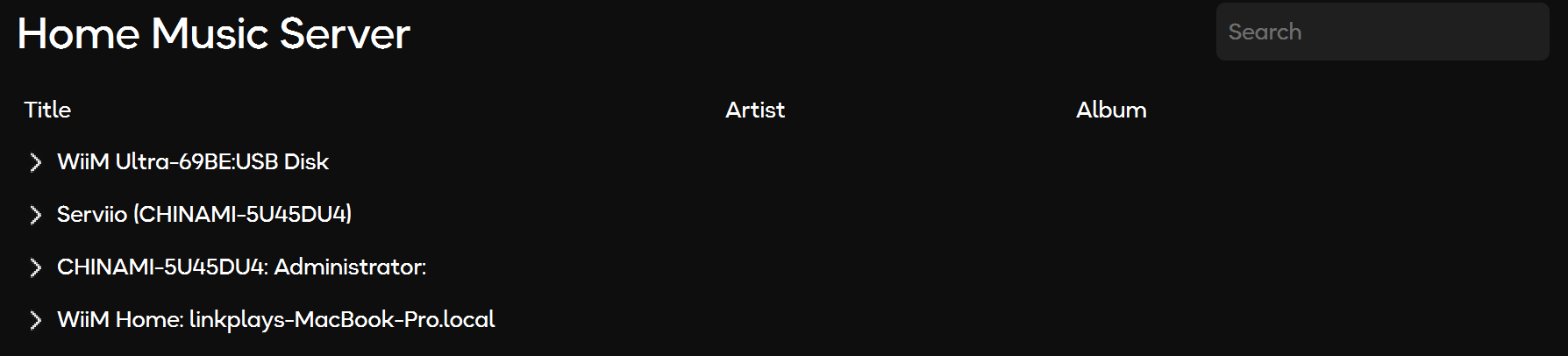
- Home Music Server: Access and stream music from DLNA servers on your local network.
My Library
The My Library section helps you organize your local music for easy navigation and playback. For detailed instructions, see: How to Manage Local Music Using WiiM Home on PC.
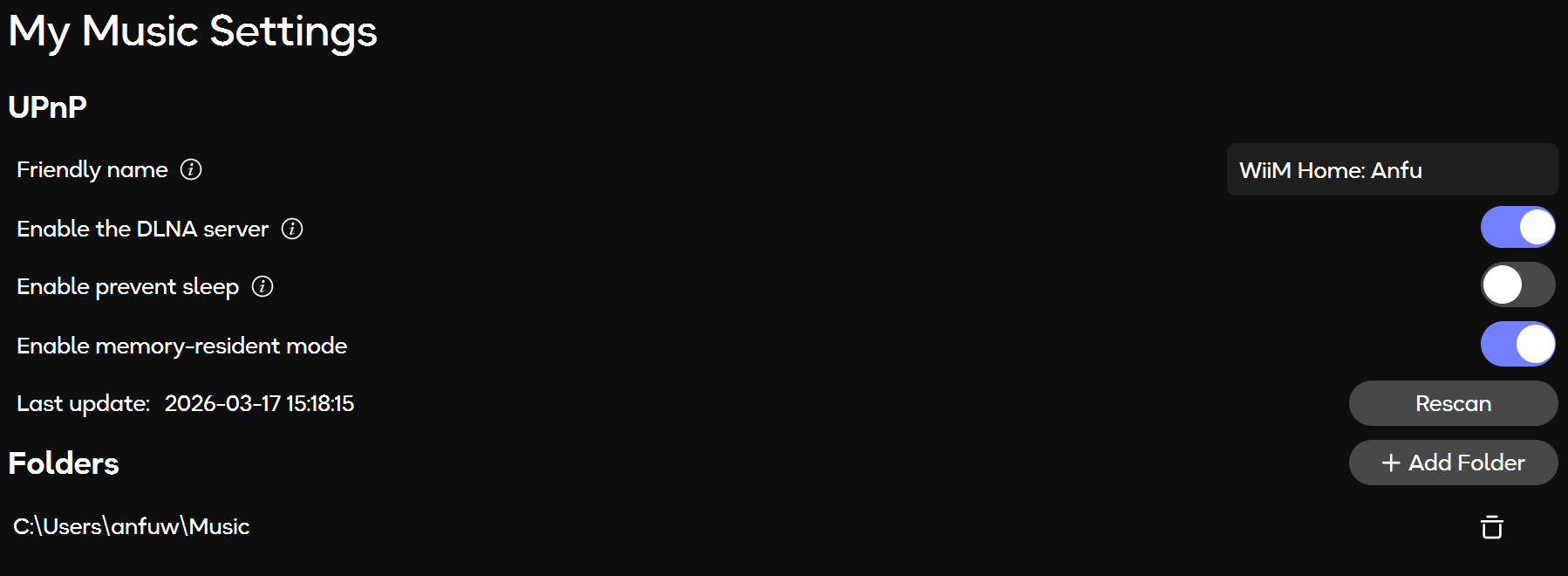
In My Music Settings, you can manage music directories, configure DLNA server settings, and more.
Music Services
The Music Services section integrates popular music and radio services directly into the app, including:
- Radio Paradise
- Qobuz
- TIDAL
- WiiM Radio
For details, see Introducing WiiM Radio in the WiiM Home App for PC.
Send Feedback
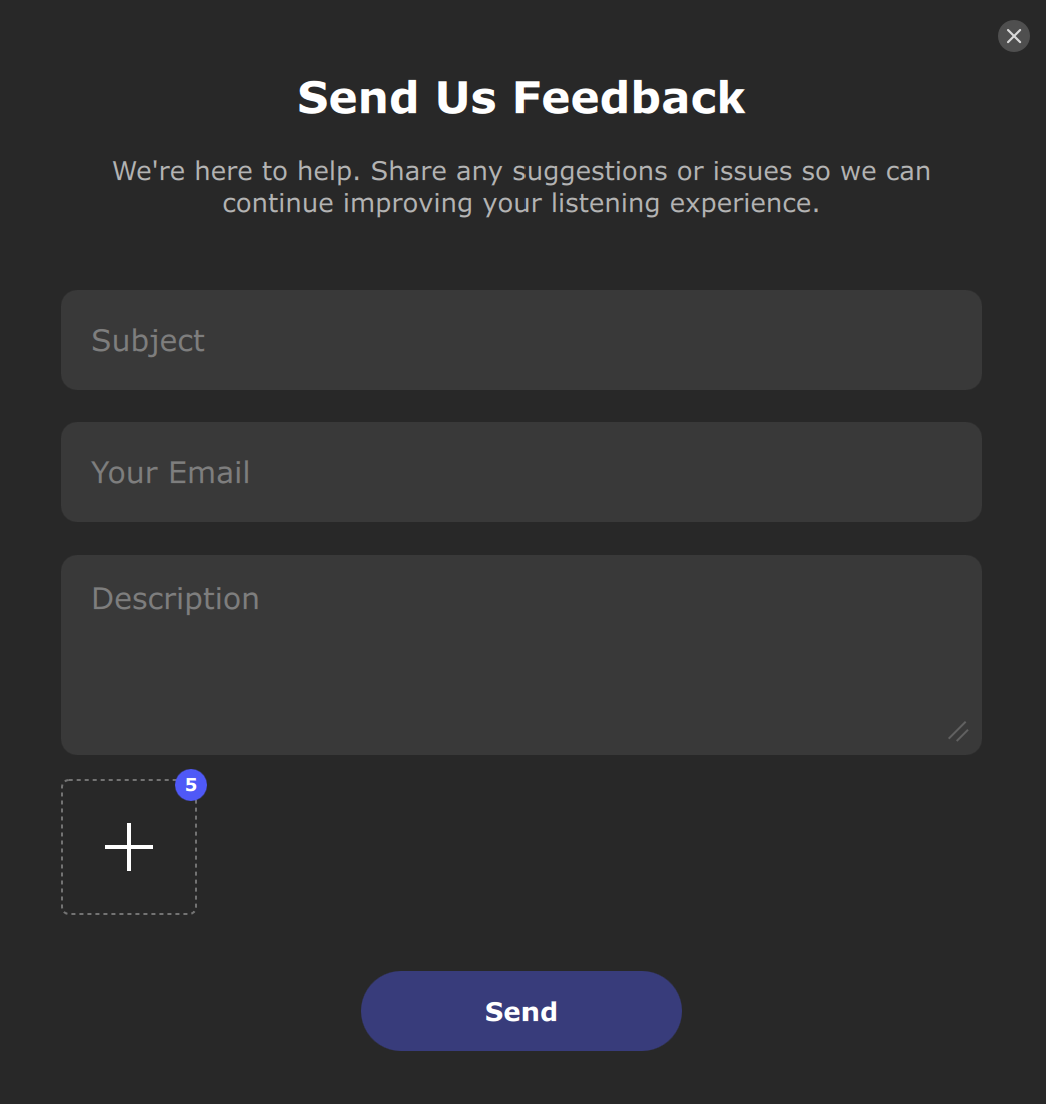
To request technical assistance or share suggestions, complete the feedback form and send it to us.
Now Playing
The Now Playing bar, located at the bottom of the app, shows the current track and provides controls for playback, progress, queue, and volume.
You can click the three dots (...) next to the track name to save a preset.