Overview
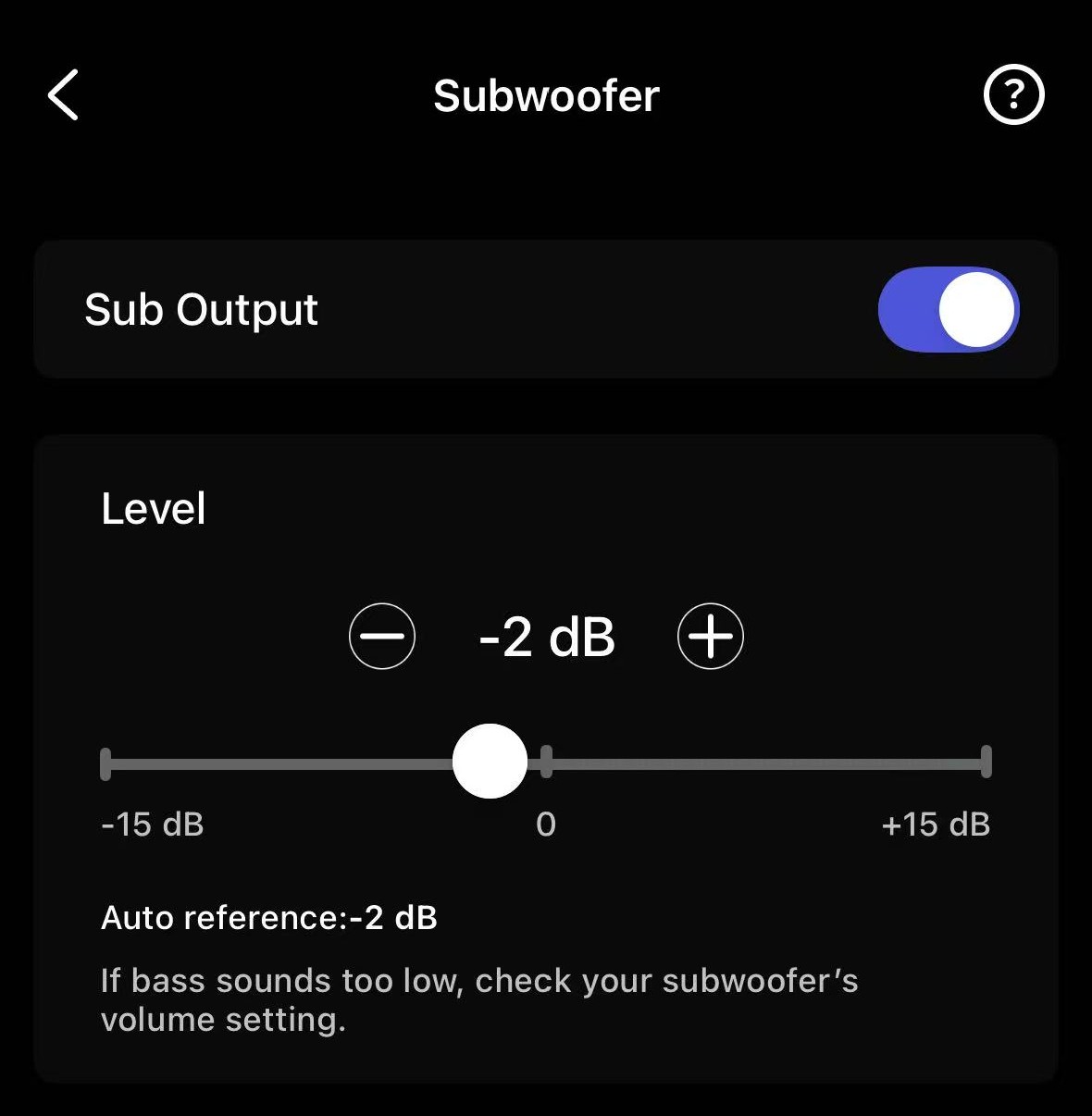
The WiiM Amp, WiiM Amp Pro, WiiM Amp Ultra, and WiiM Ultra feature Sub Out, allowing you to connect an active subwoofer for a 2.1 system. However, it can sometimes be difficult to properly synchronize the subwoofer with the main speakers.
WiiM's Subwoofer Calibration feature is designed to simplify this process. With a simple tap, it automatically aligns the time delay and volume level between the main speakers and subwoofer based on measurements at the listening position, helping them work together seamlessly for better sound.
Understanding Subwoofer Delay
If your subwoofer uses digital signal processing (DSP), it most likely introduces processing delay. Unfortunately, this delay cannot be eliminated. To compensate, you can add delay to the main speakers using the WiiM Home app.
If your subwoofer does not introduce noticeable delay but is placed farther from your main listening position than your main speakers, you should apply delay to your main speakers.
Subwoofer Calibration Guide
The calibration process uses your phone's microphone to automatically measure and align the time delay and volume level.
Instructions:
- Open the WiiM Home app.
- Go to the Devices tab > Device Settings > Sub Out > Subwoofer Calibration.
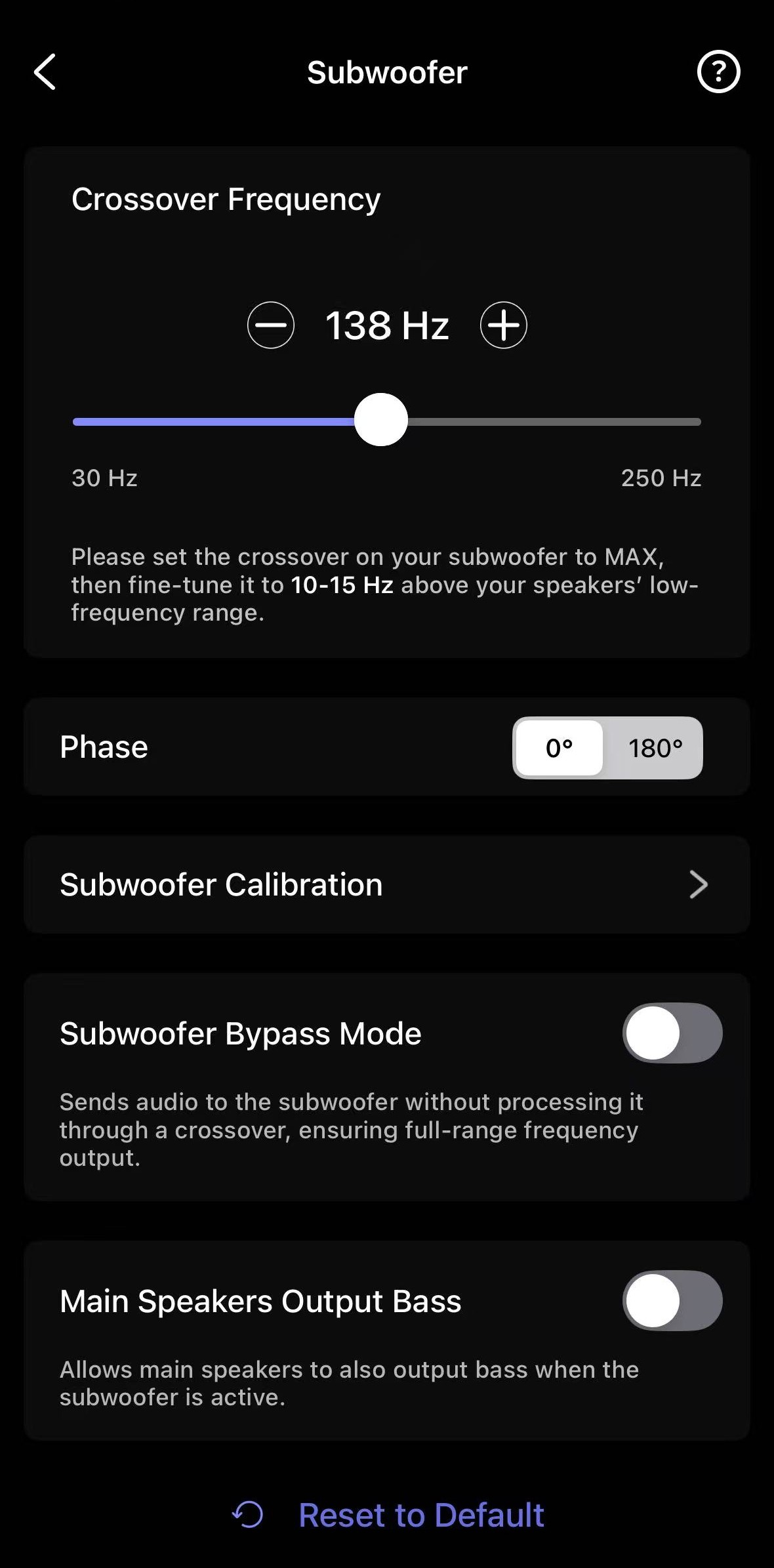
- Tap Next to start the calibration process.During the process, make sure to follow these instructions:
- Ensure the room is quiet.
- Rotate the phone 180° (microphone pointing toward speakers).
- Hold it at ear height.
- Sit in the sweet spot.
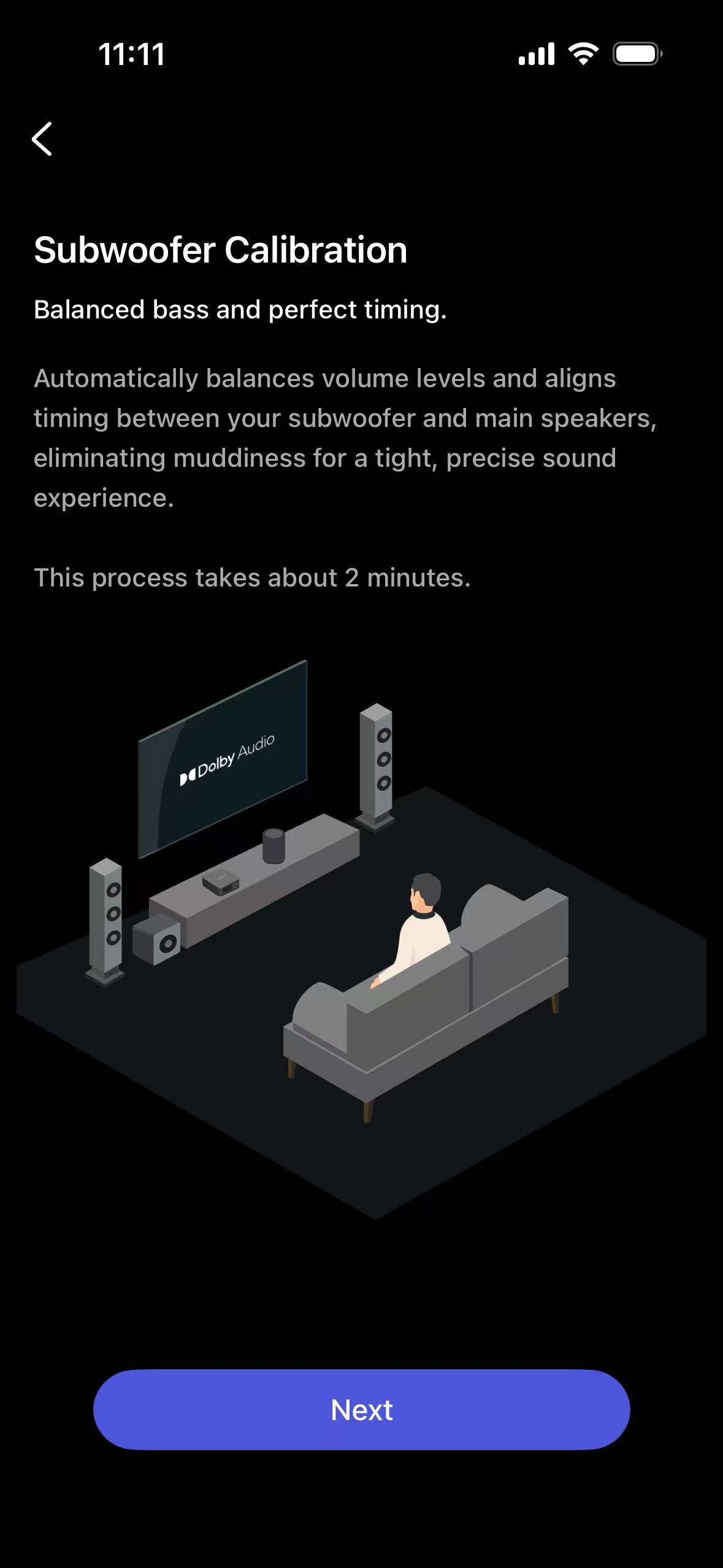
- Once the calibration results appear, tap Done to complete.
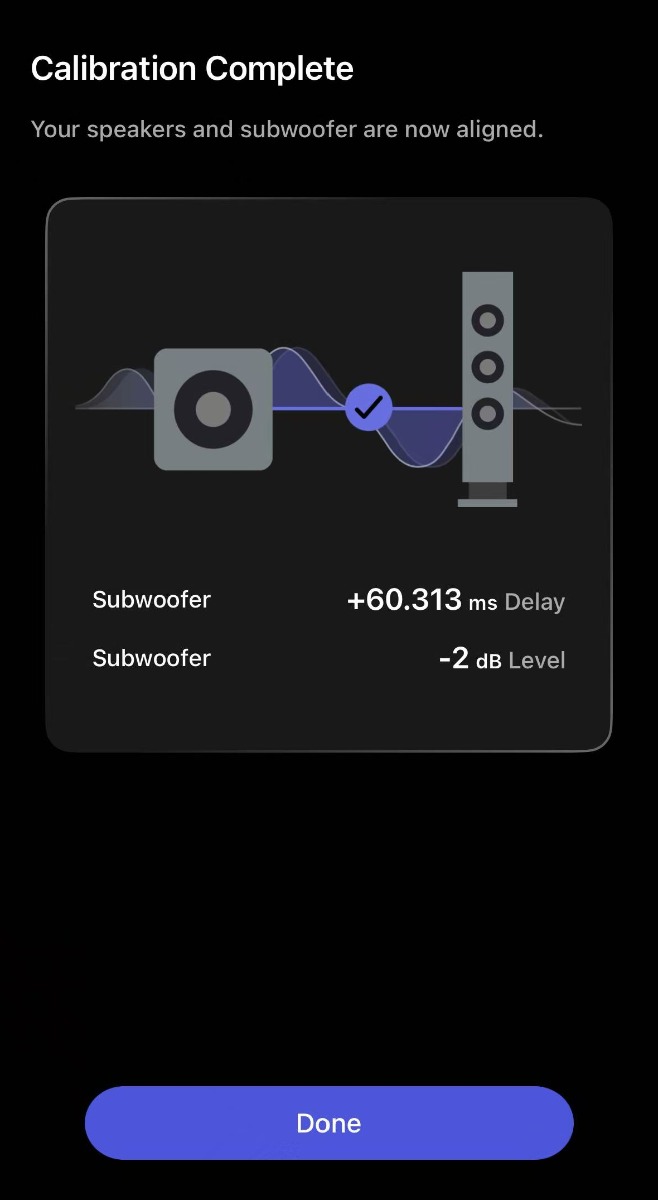
The calibrated delay and level values will be automatically applied.
Further Adjustment
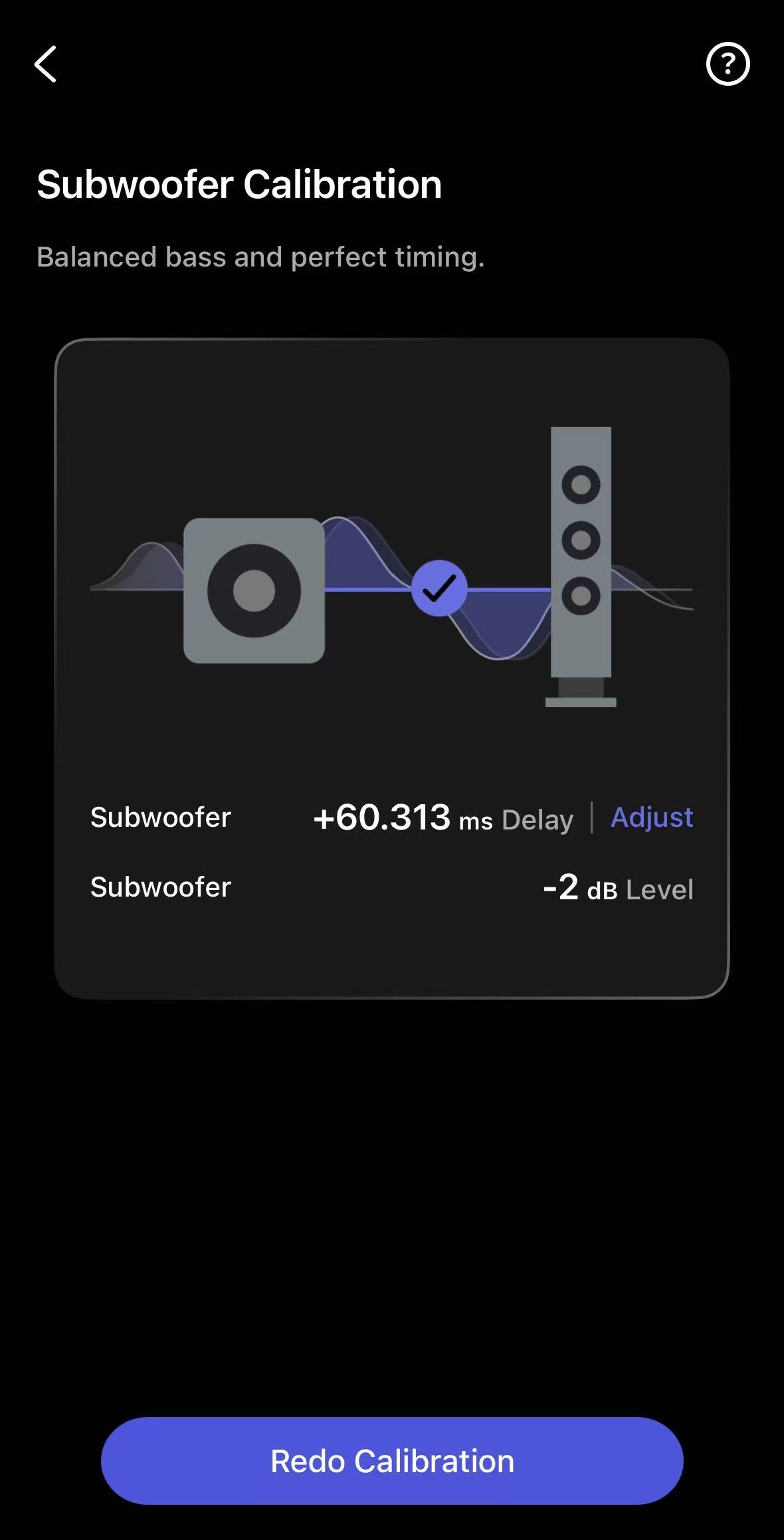
If you are not satisfied with the results, you can further adjust time delay, level, or both using any of these options:
Option 1: Simply tap Redo Calibration to calibrate both time delay and level again.
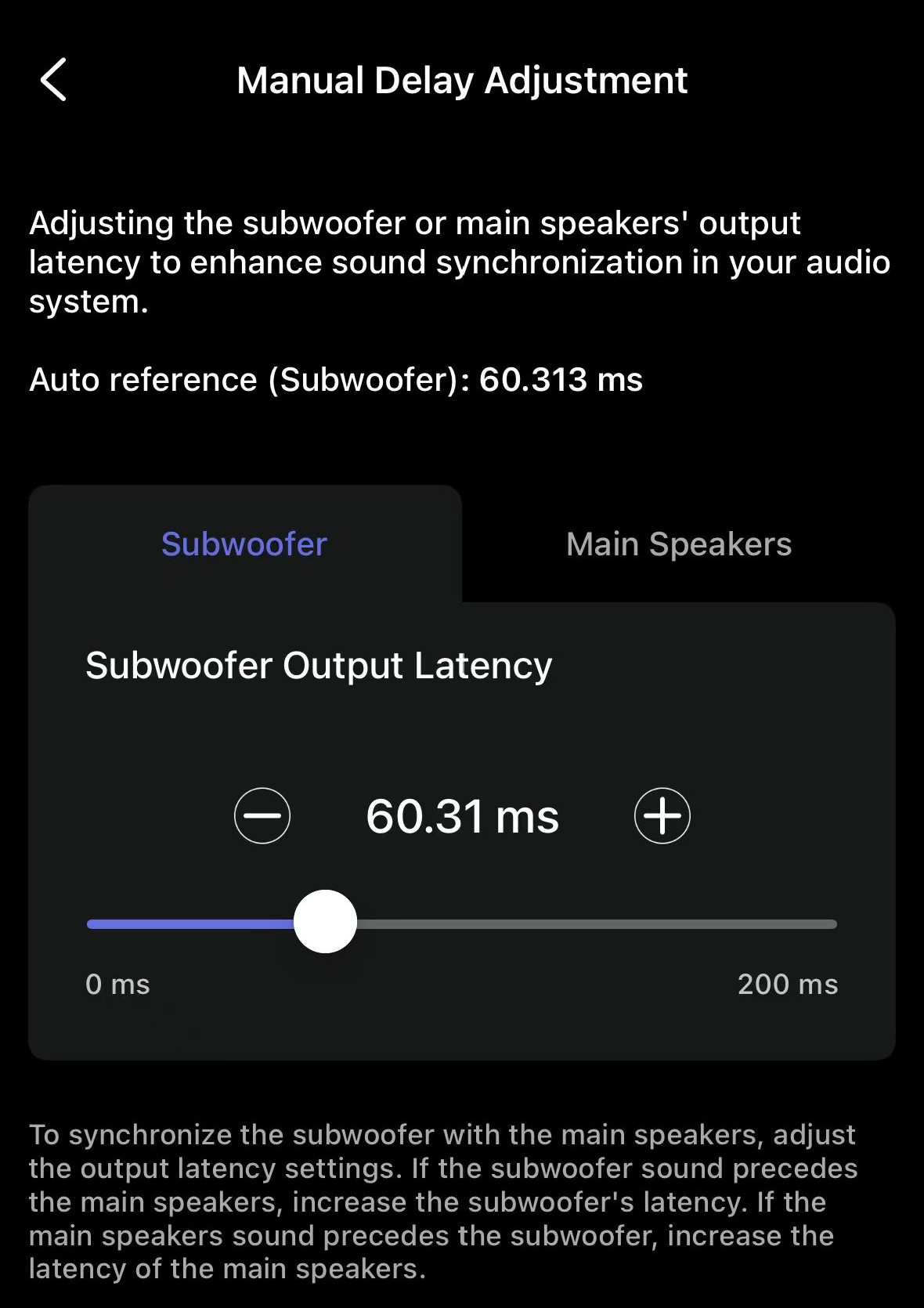
Option 2: Tap Adjust next to the delay value to manually set a delay value.
- If the subwoofer is too fast, increase its latency.
- If the main speakers are too fast, increase their latency.
Option 3: Go to the Sub Out settings and adjust the subwoofer level.