Most WiiM devices include an Ethernet port, which provides a more stable and reliable network connection than Wi-Fi.
To use an Ethernet connection, simply plug an Ethernet cable into the Ethernet port on your WiiM device. Once connected, the device will automatically switch to the wired Ethernet connection and disable Wi-Fi (if configured).
If you unplug the Ethernet cable, the WiiM device will automatically switch back to the Wi-Fi connection (if configured).
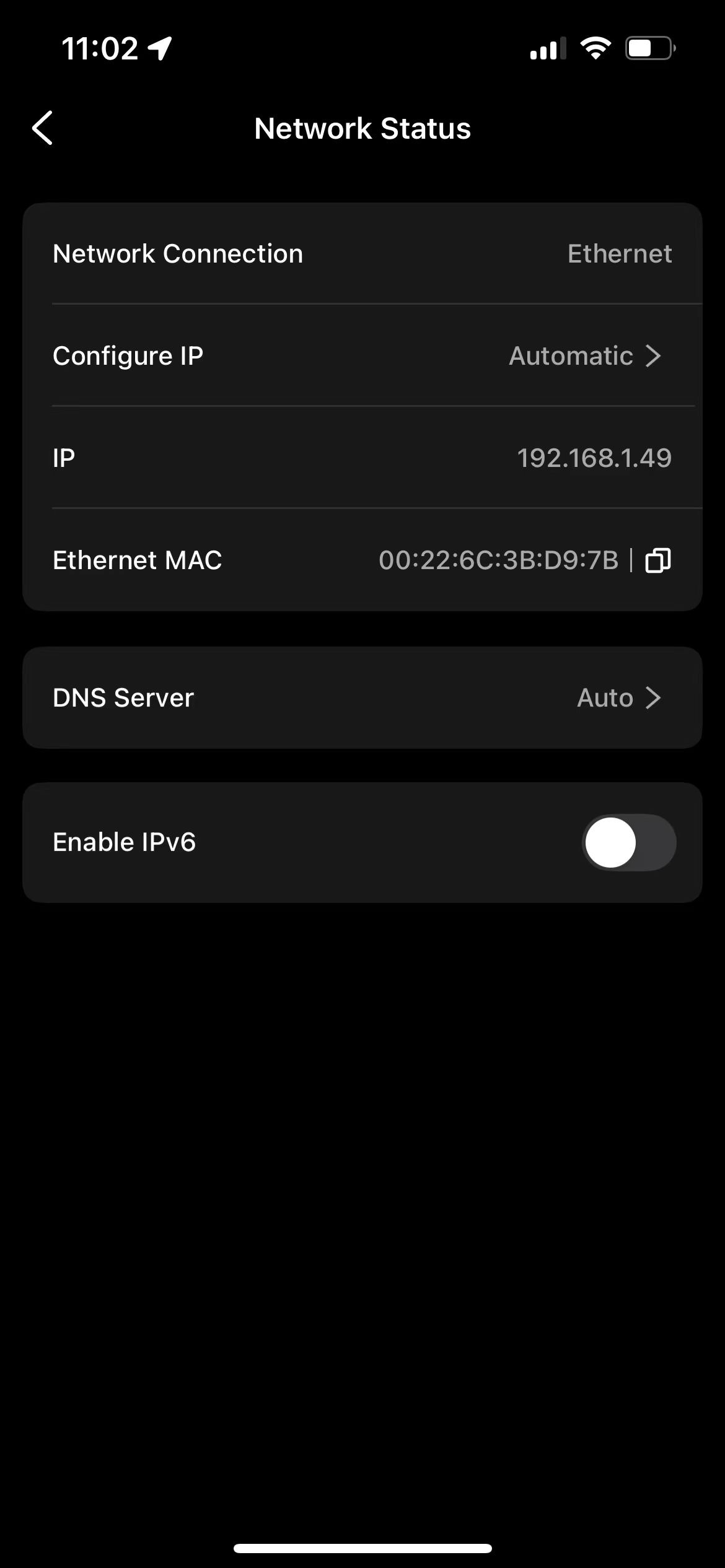
You can check the current network connection status in the WiiM Home app by going to Device Settings > Network Status.