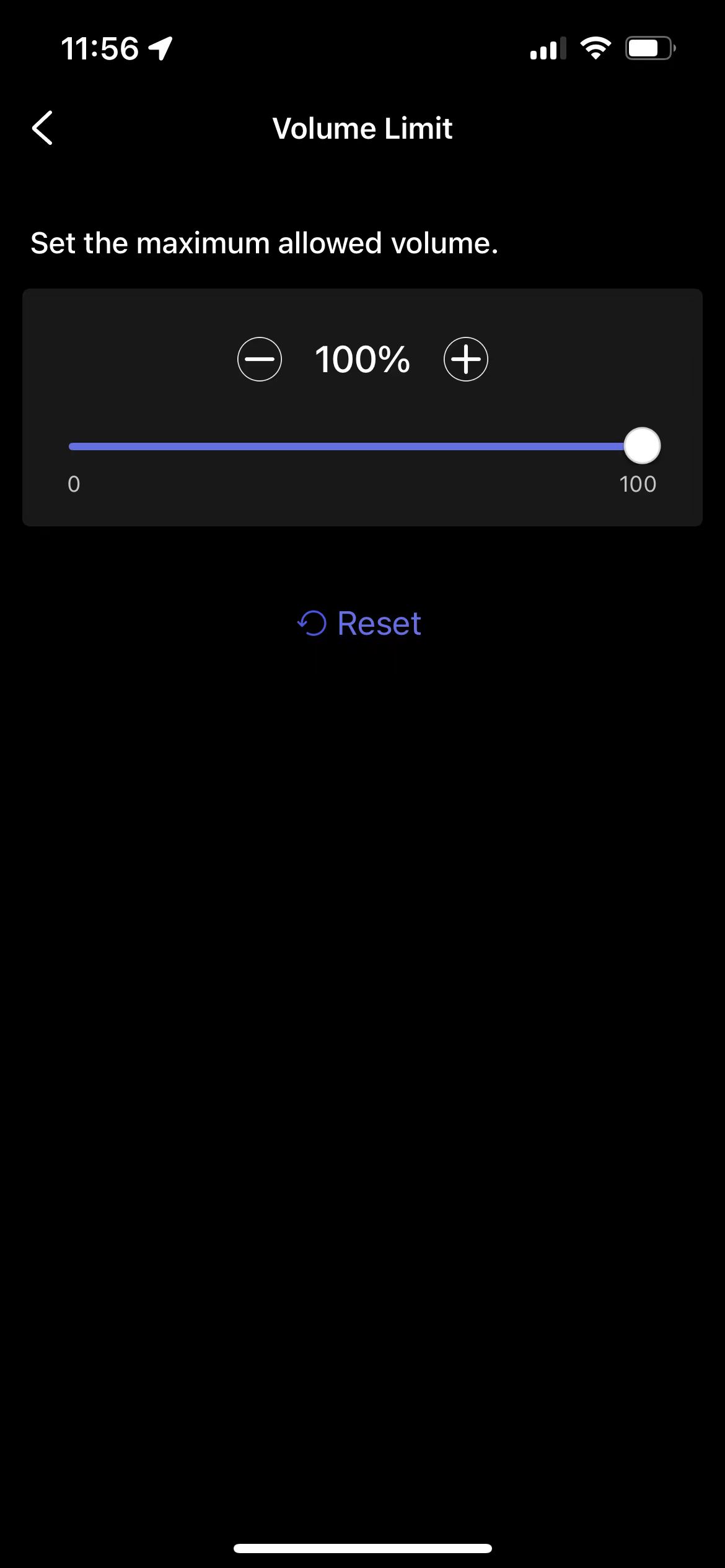
Yes. You can reduce distortion by lowering the output level (for example, the AUX Out or Line Out level) or by setting a maximum volume limit.
Option 1: Lower the Output Level
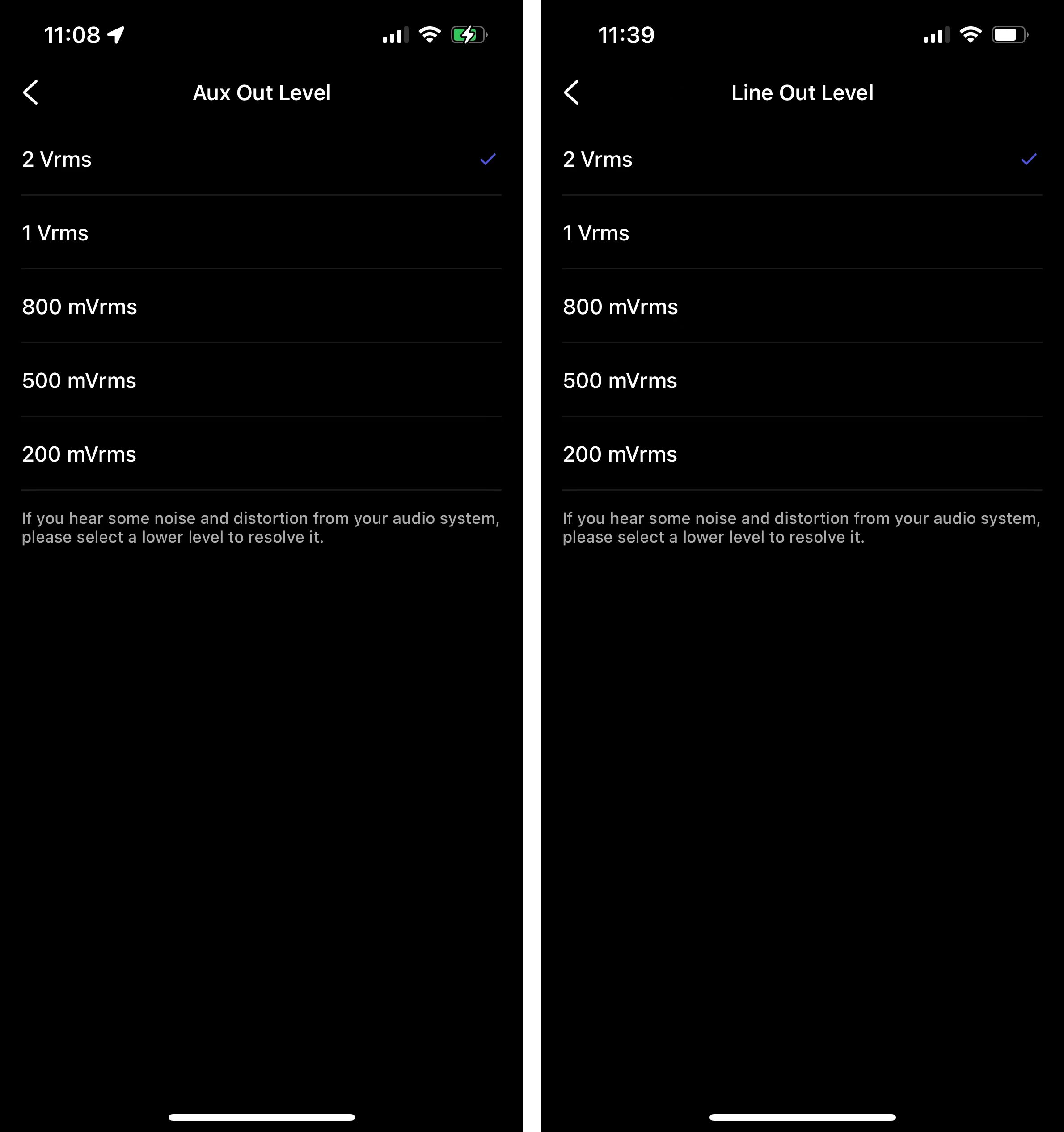
If you are using AUX Out or Line Out, follow these steps to select a lower level:
- Open the WiiM Home app.
- Go to Device Settings > Audio Settings.
- Select AUX Out Level or Line Out Level, depending on the output you are using.
- Choose a lower level. The default level is 2 Vrms.
Option 2: Set a Volume Limit
Follow these steps to set a volume level:
- Open the WiiM Home app.
- Go to Device Settings > Audio Settings > Volume Limit.
- Set a lower volume limit. The default limit is 100%.