TABLE OF CONTENTS
Overview
The Fade-In & Fade-Out feature smoothly adjusts the volume during playback transitions, helping prevent abrupt audio changes and reduce clicks and pops.
- Fade-In: Gradually increases the volume when playback starts or resumes.
- Fade-Out: Gradually decreases the volume when playback pauses or stops.
Note:
When you change the playback position, the audio first fades out at the current position, then fades in at the new position.
How to Configure the Fade-In & Fade-Out Feature
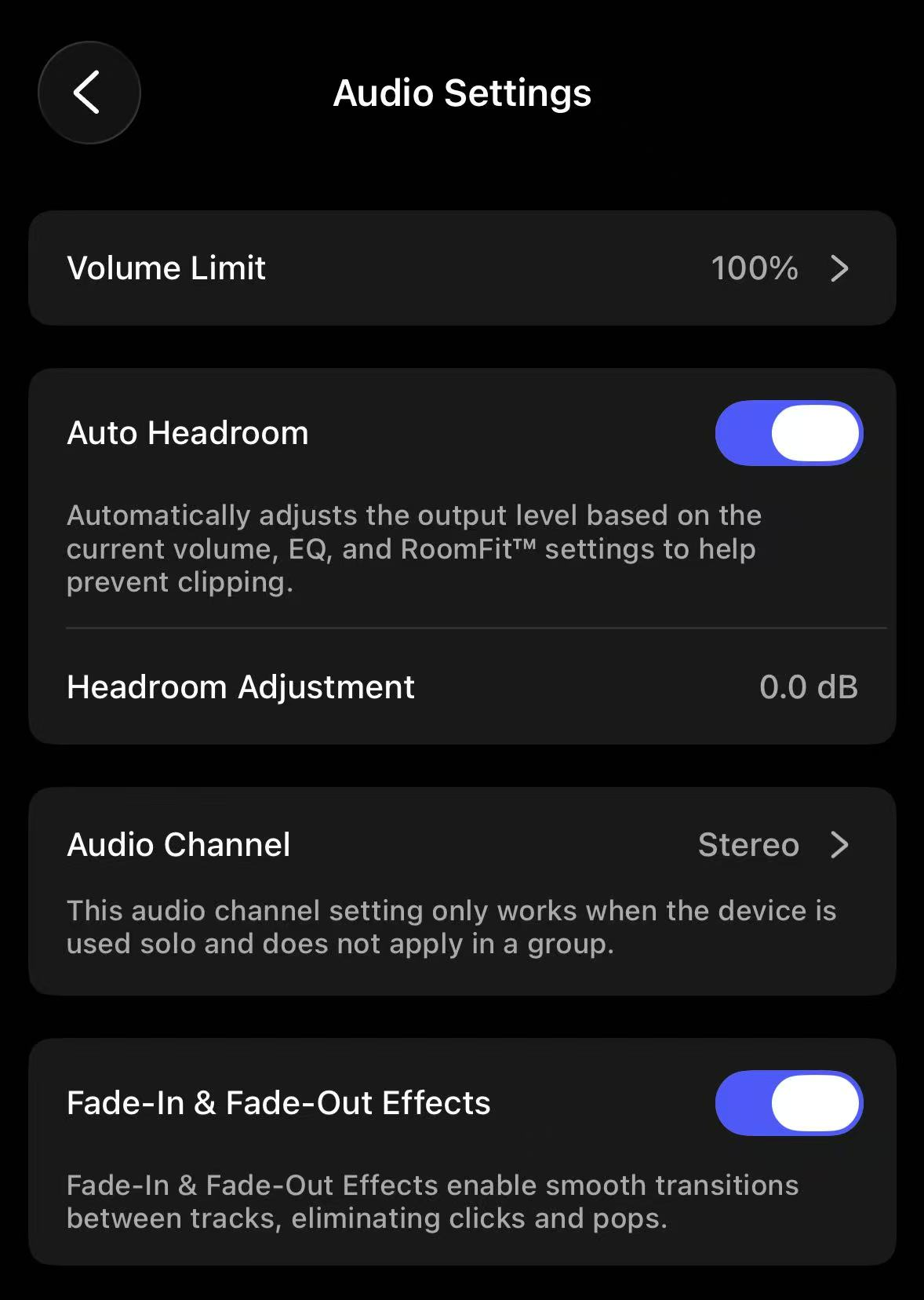
By default, the Fade-In & Fade-Out feature is automatically enabled on your WiiM device without any additional configuration.
If you want to disable this feature, follow these steps:
Steps:
- Open the WiiM Home app.
- Go to the Devices tab and tap the Device Settings icon
 of your WiiM device.
 - Select Audio Settings.
- Toggle off the Fade-In & Fade-Out Effects option.