
Overview
By default, when your WiiM device is in Standby Mode (with Auto-Sensing enabled), it may take a moment to detect a wired input signal before you hear sound. This can cause a brief start-up delay or cut off the first second of audio.
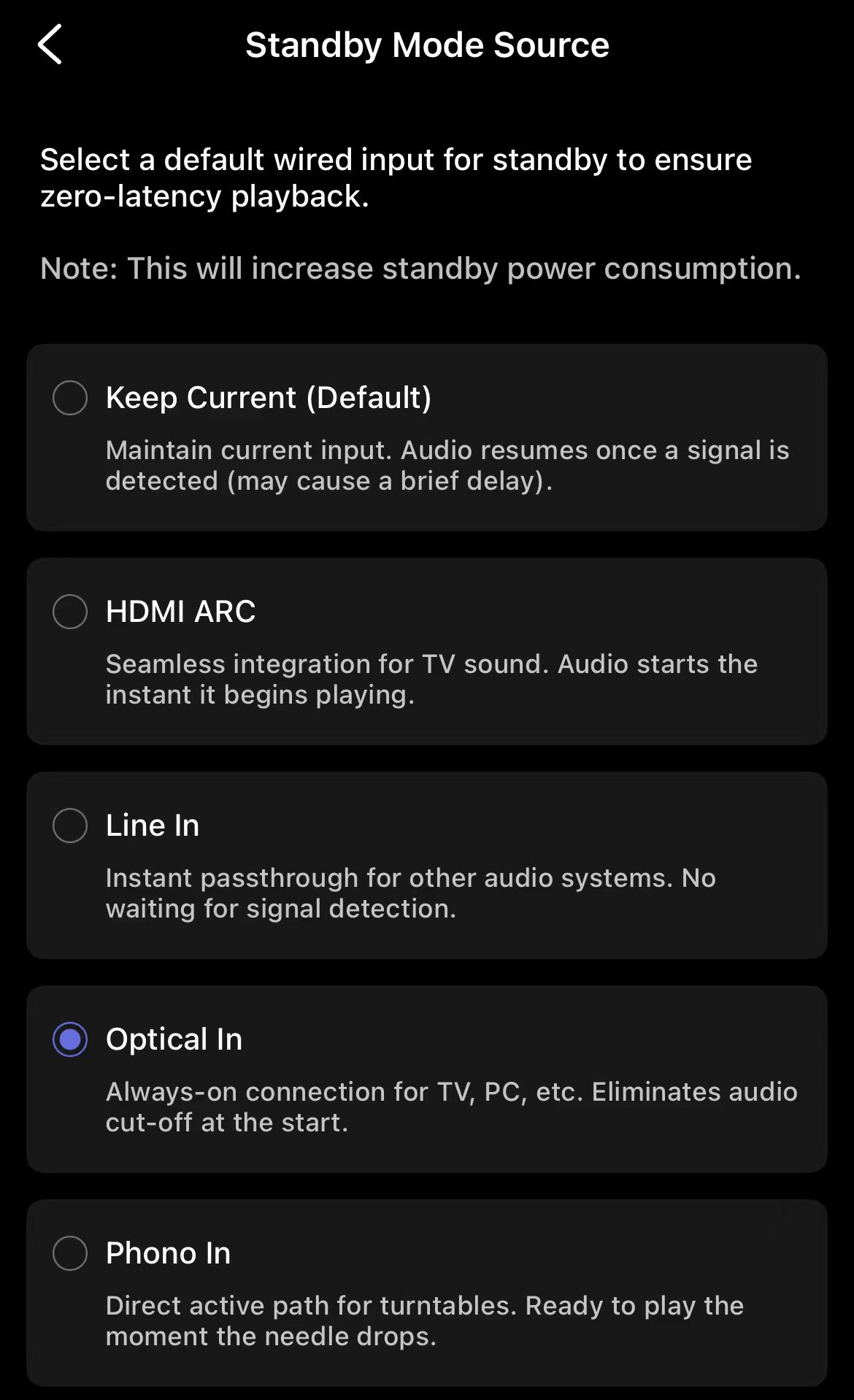
Now, the Standby Mode Source feature lets you choose a wired input source to keep active/ready during standby, so you hear sound immediately as soon as that source starts playing.
ℹ️ Note:
● Enabling Standby Mode Source may increase standby power consumption.
● Currently, Standby Mode Source is available only on WiiM Ultra.
How to Configure Standby Mode Source
Steps:
- Open the WiiM Home app.
- Go to Devices > Device Settings > Audio Input > Standby Mode Source.
- Select the wired input you want to keep active during standby.
★ Tip:
● Choose the wired input you use most often.
● If you prefer lower power consumption and don't mind a slight delay, keep the default setting.